Modern & Sleek Achievement Badge Template — Free, 8 Colours
A bold, flat star achievement badge you can customise in seconds and issue as a verifiable Open Badge. Editable trophy emblem, text layers, eight colours — free designer, no design skills needed.
 By Nacho Coll
 Nacho founded Badges Ninja to make issuing verifiable digital credentials as simple as a single API call — Open Badge v2.0 badges and certificates, minted, hosted, and verifiable without standing up your own issuer infrastructure.
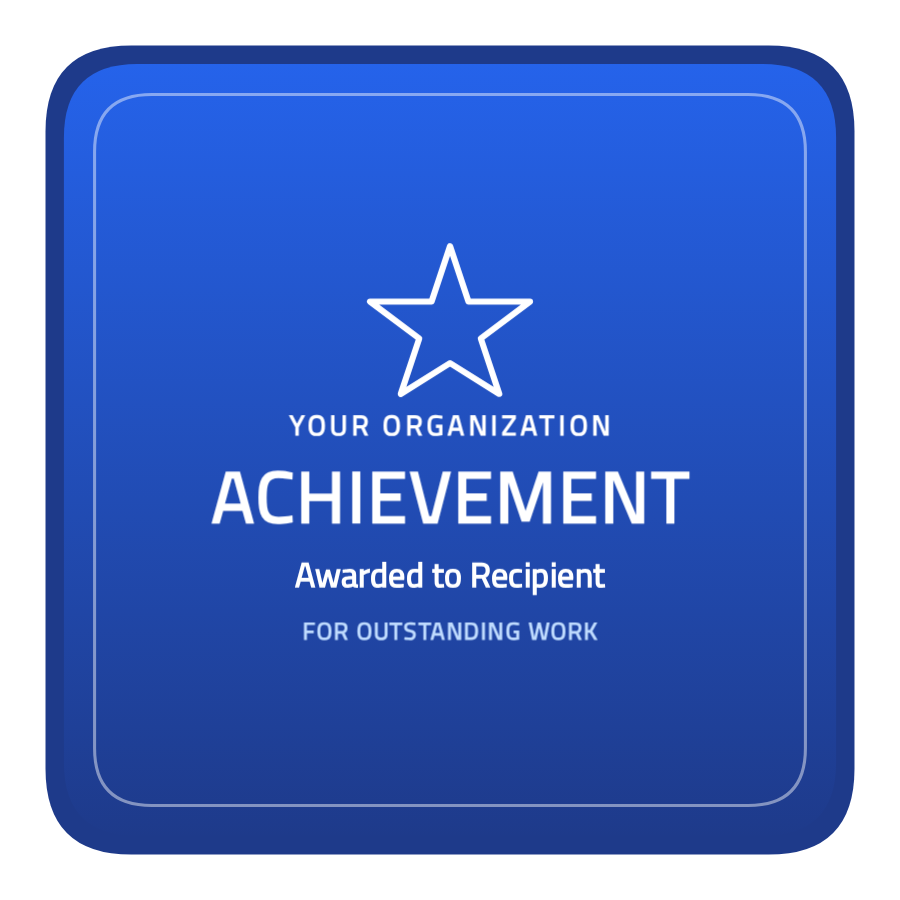
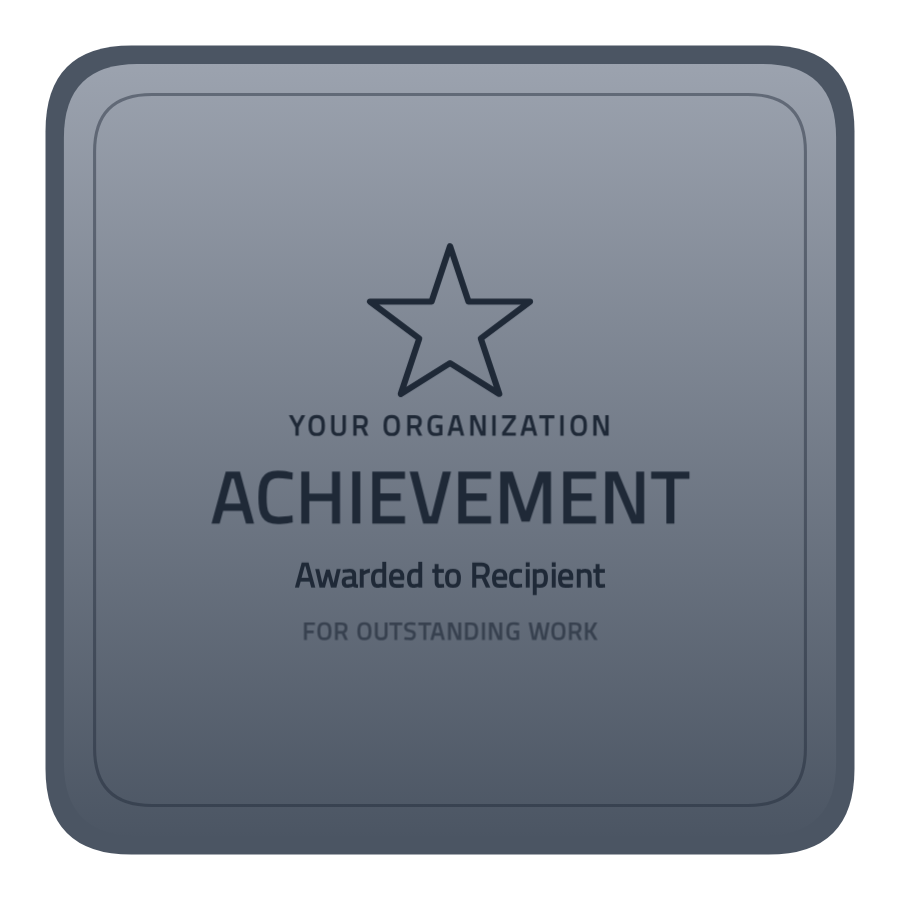
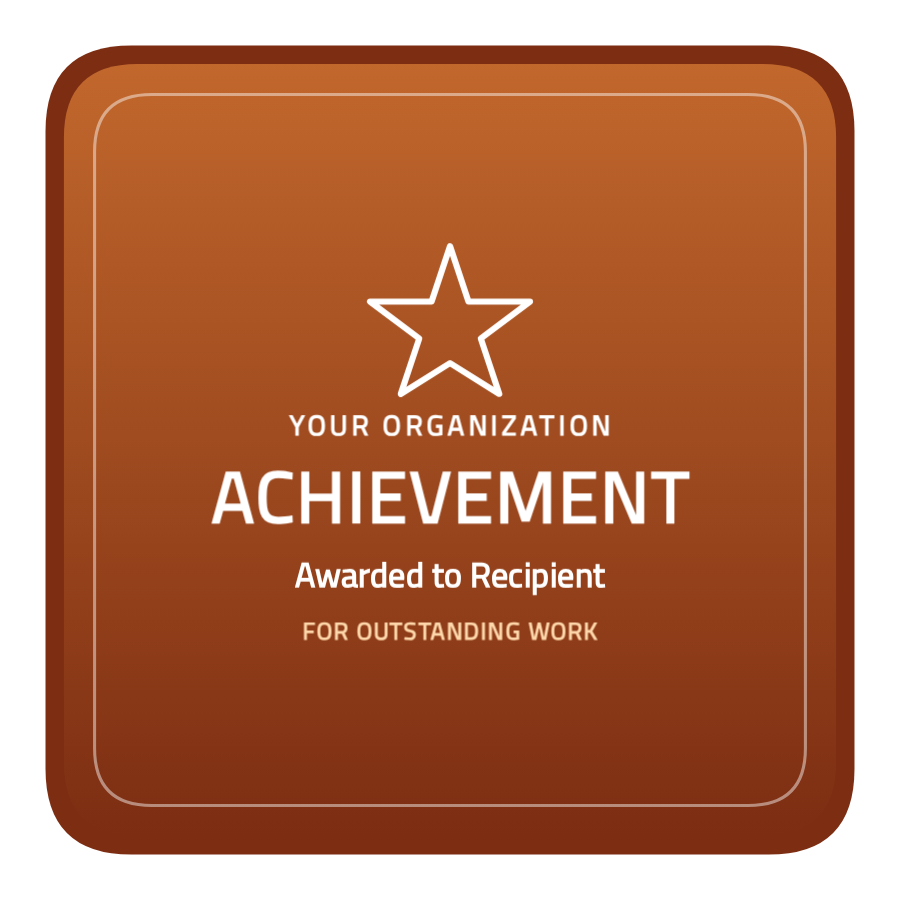
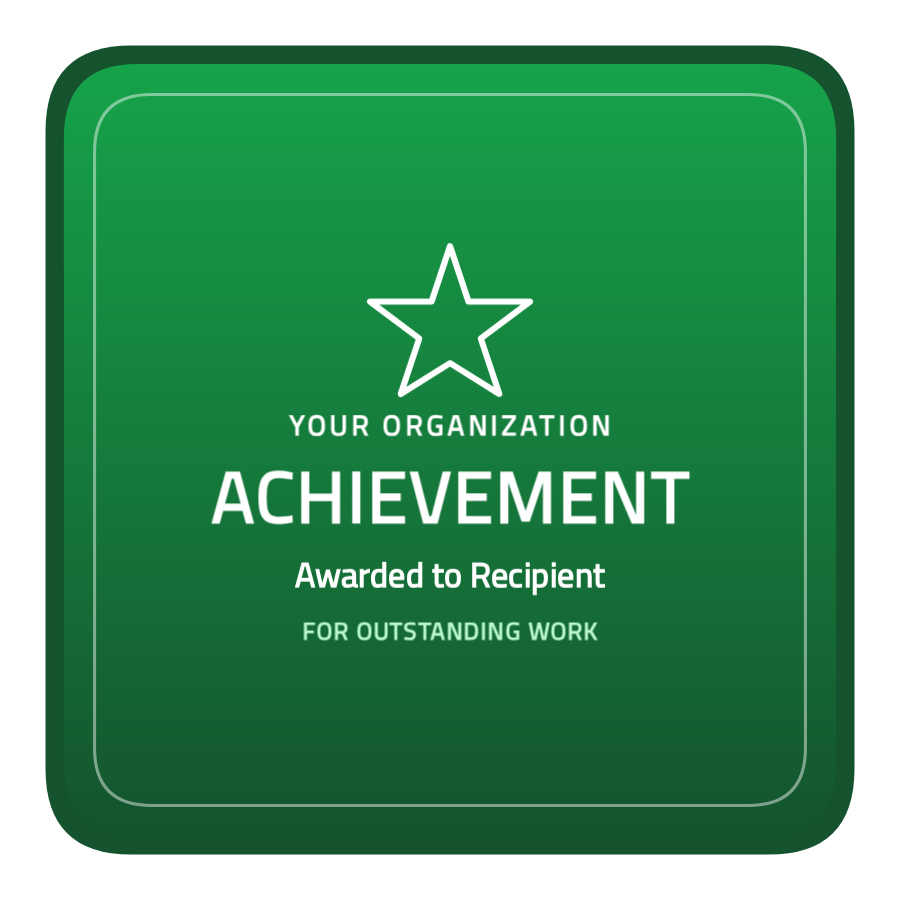
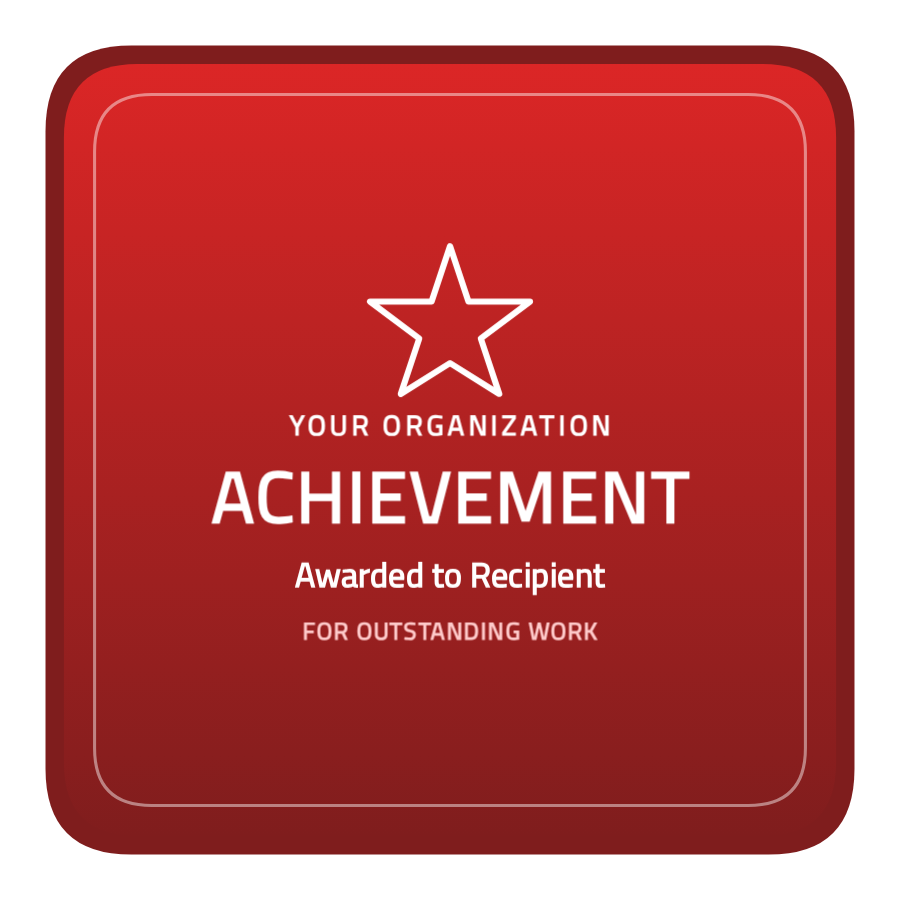
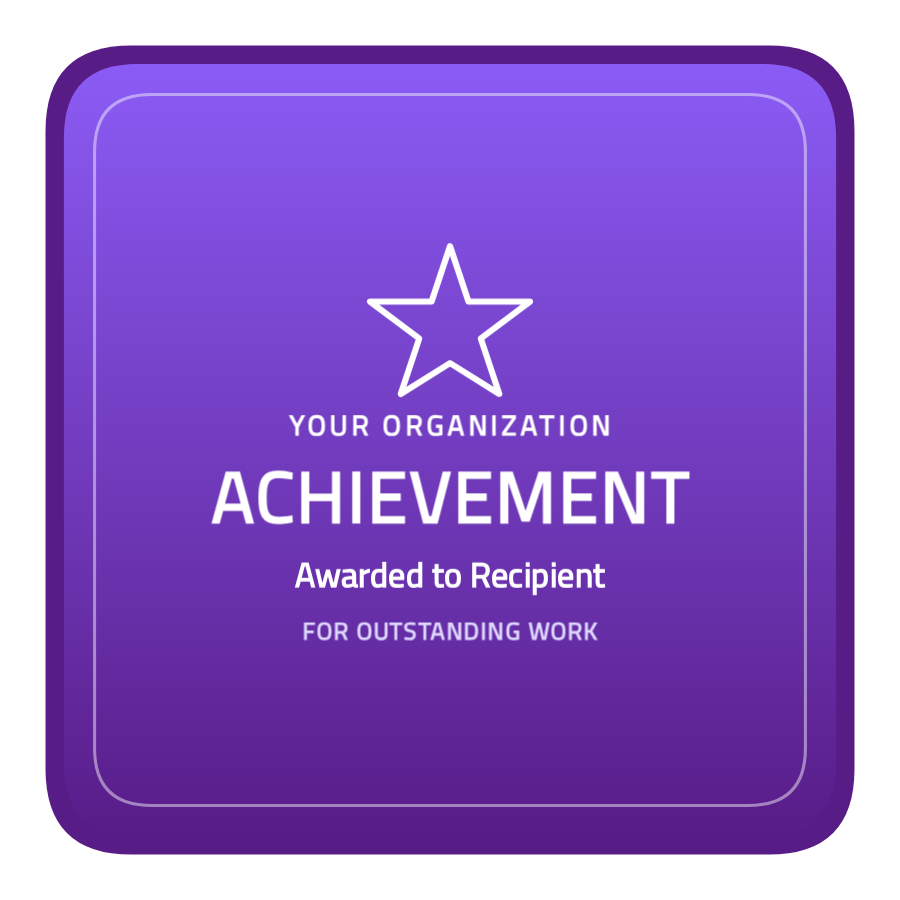
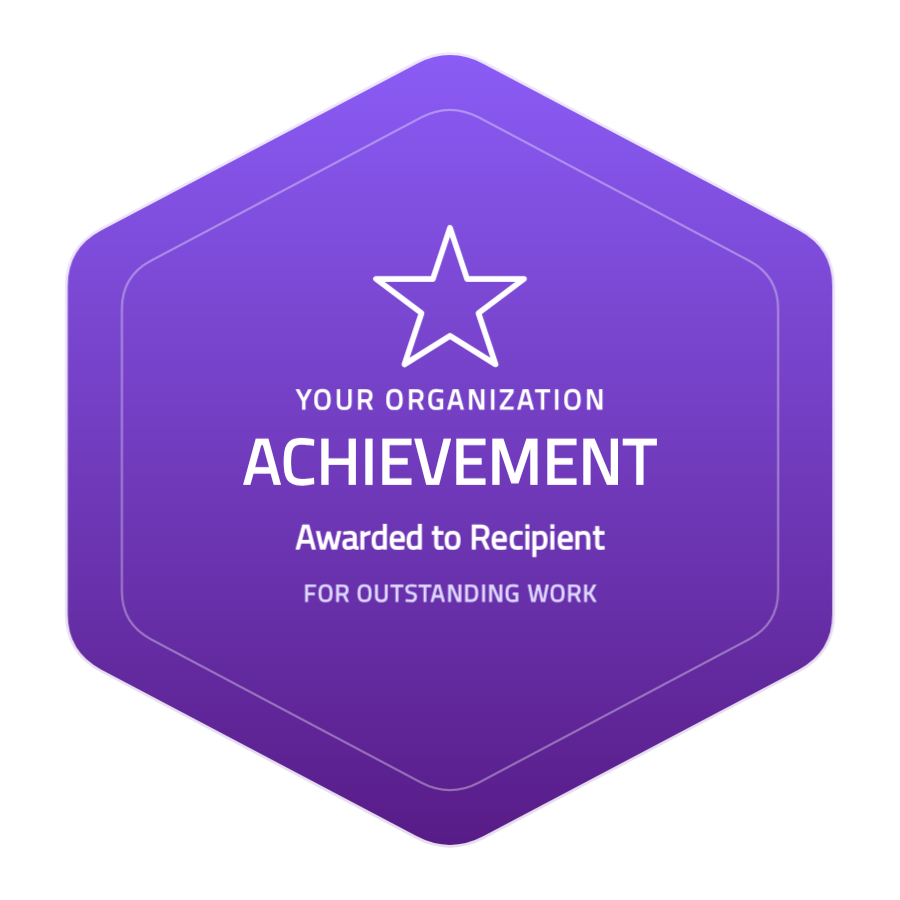
Not every achievement badge needs gilt and sunbursts. Sometimes the strongest statement is a single, bold shape. This modern and sleek achievement badge template is exactly that: a clean, flat five-point star with a trophy emblem and crisp typography — confident, contemporary, and instantly recognisable.
Pick a colour, change the words, drop in your logo, and you’re done. And every badge you create here isn’t just a picture — it’s a verifiable Open Badge v2.0 credential that recipients can add to LinkedIn, share anywhere, and prove is authentic.
What makes this achievement star work
Modern badge design is about clarity and a single strong idea, and this template leans into it:
- A bold star silhouette — the shape reads as “achievement” before a word is even read, with a subtle two-tone gradient for depth.
- A trophy emblem at the centre — an editable layer you can keep, recolour, or swap for your own logo or icon.
- A clean text stack — organisation name, a heavy “ACHIEVEMENT” headline, and a short qualifier — set for maximum legibility on the star body.
- A flat, no-clutter finish — no baked-in effects, so it looks sharp at any size, from a LinkedIn thumbnail to a printed certificate.
Every text line and the trophy are separate, editable layers. Nothing is locked into a flat image — you can retype, recolour, move, or delete what you don’t need.
Eight colours, one consistent design
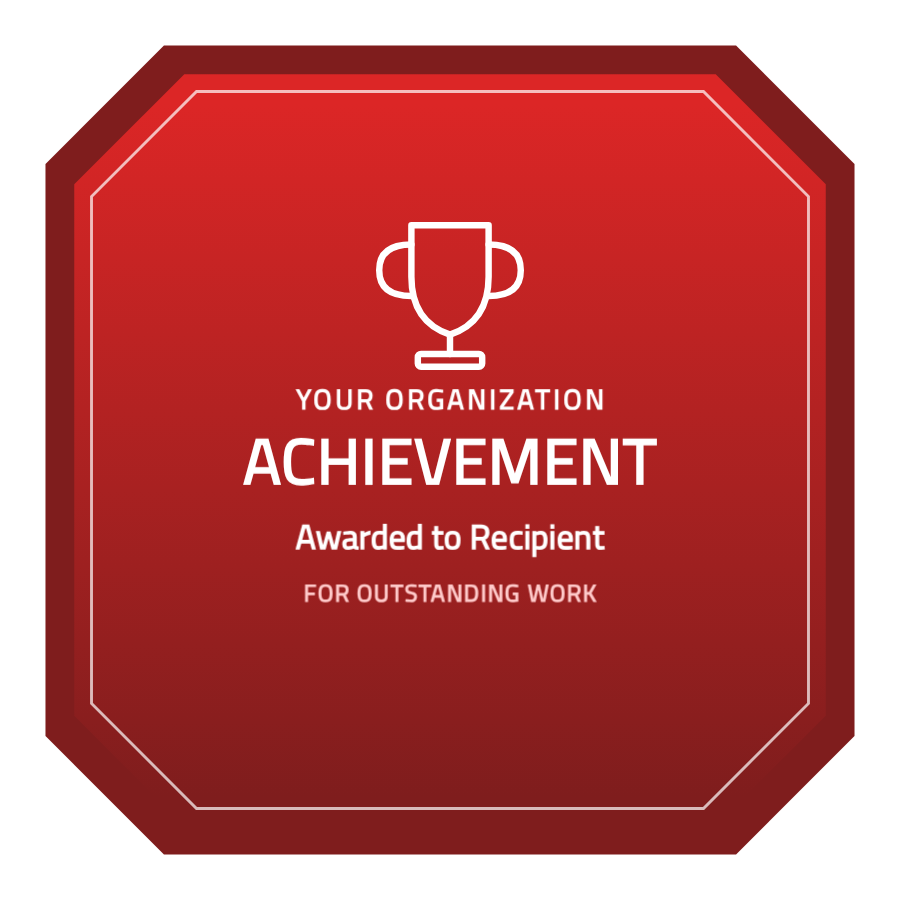
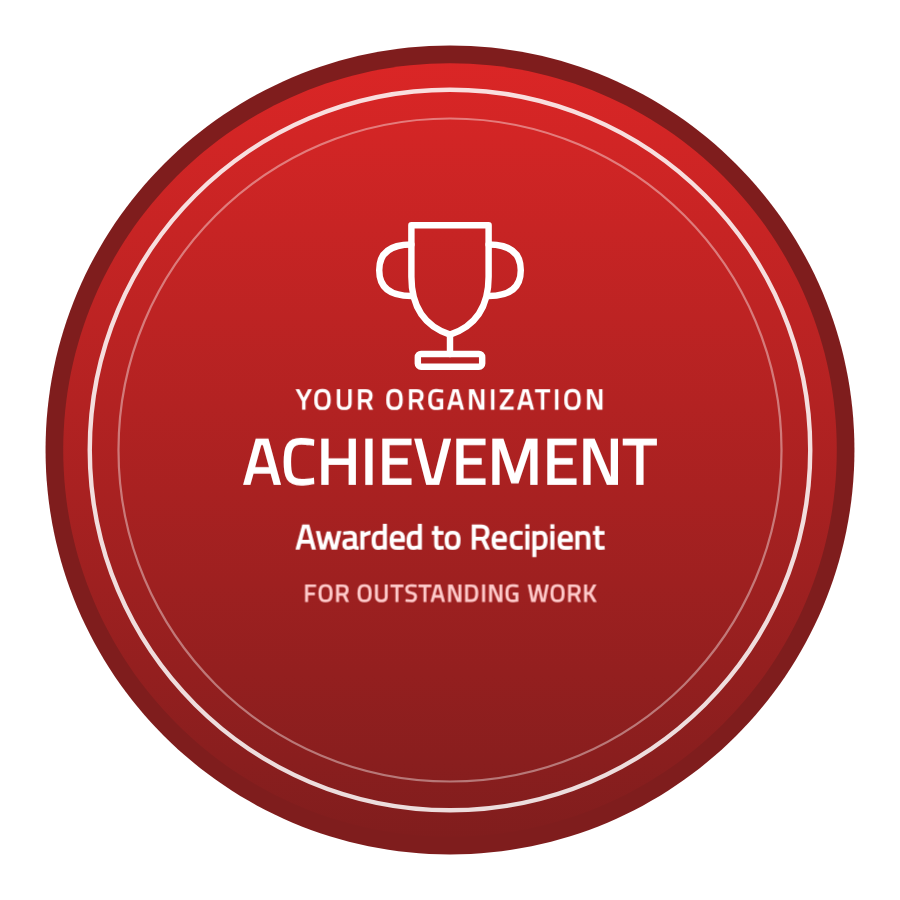
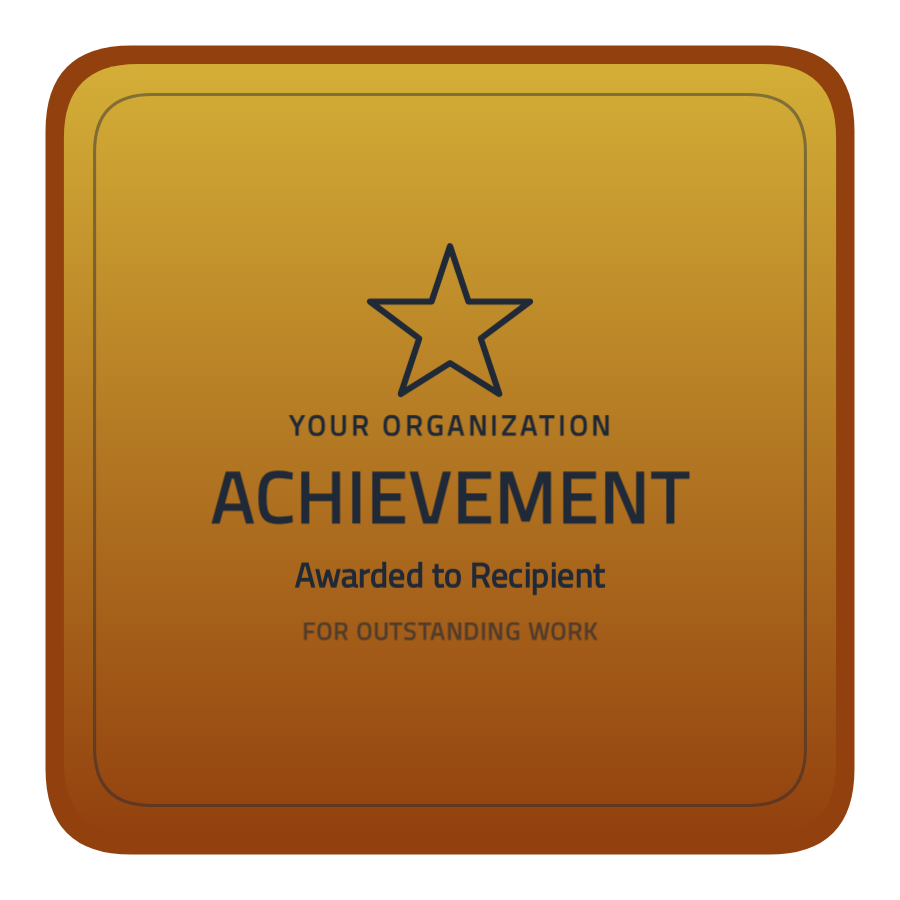
The template ships in eight ready-made colours — gold, silver, bronze, blue, green, crimson, purple, and graphite — so you can match your brand or signal a tier without redesigning anything. Typography stays perfectly legible on every colour: light palettes automatically use dark text, saturated colours use white, so contrast is never an accident.
Click any colour above to open it in the designer and start editing immediately.
How to customise and issue your badge
- Choose a colour and click Edit this template to open the free badge designer.
- Edit the layers — replace the organisation name and headline, and swap the trophy for your logo.
- Adjust colours or fonts if you like — every element is independent.
- Download a PNG or SVG instantly, or create a free account to save the design and issue it as a verifiable credential.
- Issue to recipients — one at a time or in bulk from a CSV — and each person gets a shareable, tamper-evident Open Badge.
You don’t need any design software, and you don’t need to pay to try it. The designer is free to use; an account is only required when you want to save a template and start issuing.
Why a verifiable badge beats a plain image
A downloaded image is easy to fake and impossible to verify. An Open Badge is different: it carries signed metadata about who issued it, who earned it, what it represents, and when — all checkable on a public verification page. That’s the difference between “a nice graphic” and “a credential a hiring manager can trust”. With Badges.Ninja, this achievement star becomes a real credential the moment you issue it, at no extra cost.
Frequently asked questions
Is this achievement badge template free? Yes. You can customise and download it for free. Creating a free account lets you save designs and issue verifiable badges; paid plans (from $9/mo) add higher volumes and extra features.
Can I change the colours, emblem, and text? Absolutely. Every text line and the central trophy are editable layers, and the template comes in eight colours out of the box. You can also recolour, change fonts, and add your own logo.
What file formats can I download? You can export a high-resolution PNG or a scalable SVG directly from the designer, with no account required.
Are the badges verifiable? Yes. Badges issued through Badges.Ninja are Open Badge v2.0 credentials with a public verification page, so recipients can prove authenticity and add them to LinkedIn.
Ready to make it yours? Edit this achievement template in the designer — customise it in seconds and issue verifiable badges your recipients will be proud to share.
About the author
Nacho Coll
Founder & Engineer at Badges Ninja
Nacho founded Badges Ninja to make issuing verifiable digital credentials as simple as a single API call — Open Badge v2.0 badges and certificates, minted, hosted, and verifiable without standing up your own issuer infrastructure. Writes about the Open Badges spec, credential verification, and running a credentialing platform serverless on AWS, from the operator side of the wire.