Slack Notifications for Badge Issuance: Real-Time Awards Channel
Push a Slack message every time a credential is issued, revoked, or viewed. Includes recipient, badge name, and verify URL, using signed webhooks and a small relay.
 By Nacho Coll
 Nacho founded Badges Ninja to make issuing verifiable digital credentials as simple as a single API call — Open Badge v2.0 badges and certificates, minted, hosted, and verifiable without standing up your own issuer infrastructure.
If you run a training program, a certification body, or a community, there is a moment you probably want your whole team to see: the second a credential goes out. A support lead wants to know a cohort finished. A sales team wants a celebration channel when a customer’s staff get certified. An operations person wants a quiet, searchable log of everything that was issued today, without opening a dashboard.
Slack is where those people already are. This guide shows how to wire your credential events into a Slack channel so that every issued credential posts a short message with the recipient, the badge name, and a link to the public verification page.
You do not need to poll anything. https://badges.ninja can call your endpoint the moment an event happens, signed so you can prove the request is genuine. We will start with the simplest route (a no-code catch hook), then show a small relay you can run yourself when you want signature checking and full control.
What you will build
By the end you will have a channel, say #credentials, that receives messages like this:
- Credential issued: Jane Smith received “Advanced Certification” with a link to the verification page.
- Credential revoked: an award was revoked, with the reason you entered.
- Credential viewed: the recipient opened their public credential page for the first time.
Each of these maps to a real event. You pick which ones you care about when you register the endpoint.
Which events can you subscribe to?
Webhooks on https://badges.ninja send a signed POST for each event you subscribe to. The event types are:
| Event | Fires when |
|---|---|
credential.issued | A credential is issued to a recipient |
credential.updated | An existing credential is edited |
credential.delivered | The notification email is sent to the recipient (single or bulk) |
credential.revoked | A credential is revoked |
credential.viewed | A recipient’s public credential page is opened for the first time |
You can subscribe to specific events or to everything. If you omit the list, the endpoint receives all events. For a Slack channel, most teams start with credential.issued and credential.revoked only. A busy program that also subscribes to credential.viewed can end up with a noisy channel, so think about whether that signal is worth a message each time.
Every delivery has the same envelope:
{
  "id": "b1c2d3e4-5f6a-4b7c-8d9e-0a1b2c3d4e5f",
  "type": "credential.issued",
  "createdAt": 1787685415083,
  "data": {
    "awardId": "https://api.badges.ninja/certify-badge/award/<award-guid>",
    "badgeId": "https://api.badges.ninja/certify-badge/badge/<badge-guid>",
    "badgeName": "Advanced Certification",
    "recipient": { "email": "jane@example.com", "name": "Jane Smith" },
    "issuedOn": "2026-10-22",
    "expires": null
  }
}
Two details matter for the Slack message. First, data.awardId is the Open Badge v2.0 JSON-LD address of the award, and the last path segment is the award’s GUID. The human-friendly page lives at https://badges.ninja/awards/<guid>, so you take that last segment and build the link yourself. Second, id is a unique delivery id, which you can use to avoid posting the same message twice if your endpoint ever sees a retry.
Step 1: Create a Slack incoming webhook
In Slack, create an app for your workspace (or reuse an existing one), turn on Incoming Webhooks, and add a new webhook to the channel you want. Slack gives you a URL that starts with https://hooks.slack.com/services/. Treat it like a password: anyone who has it can post to your channel.
Keep that URL handy. In the next step you will either paste it into a no-code tool or store it as a secret in your own relay.
Step 2: Pick your route
There are two sensible ways to connect the events to Slack. Which one you choose depends on how much control you want.
Route A, no code. Zapier, Make, and n8n all offer a “catch hook” trigger: a URL that accepts a POST and hands the JSON to the next step. You register that URL as your webhook endpoint, then add a Slack “send channel message” step that formats the fields. This takes about ten minutes and nothing needs hosting. If you want the broader picture of no-code recipes, our guide to Zapier, Make, and n8n automations walks through the same pattern for other triggers.
The trade-off is that catch-hook URLs are typically unauthenticated, so you are trusting that nobody else discovers the URL. You also cannot easily verify the signature inside a no-code step.
Route B, a small relay. You host a tiny HTTPS function that receives the event, checks the signature, formats a Slack message, and forwards it. This is about thirty lines and it gives you real verification. It is also the better home for any logic you might want later, such as only notifying for certain badges.
The rest of this guide covers Route B in detail, because the extra safety is cheap.
Step 3: Register your endpoint
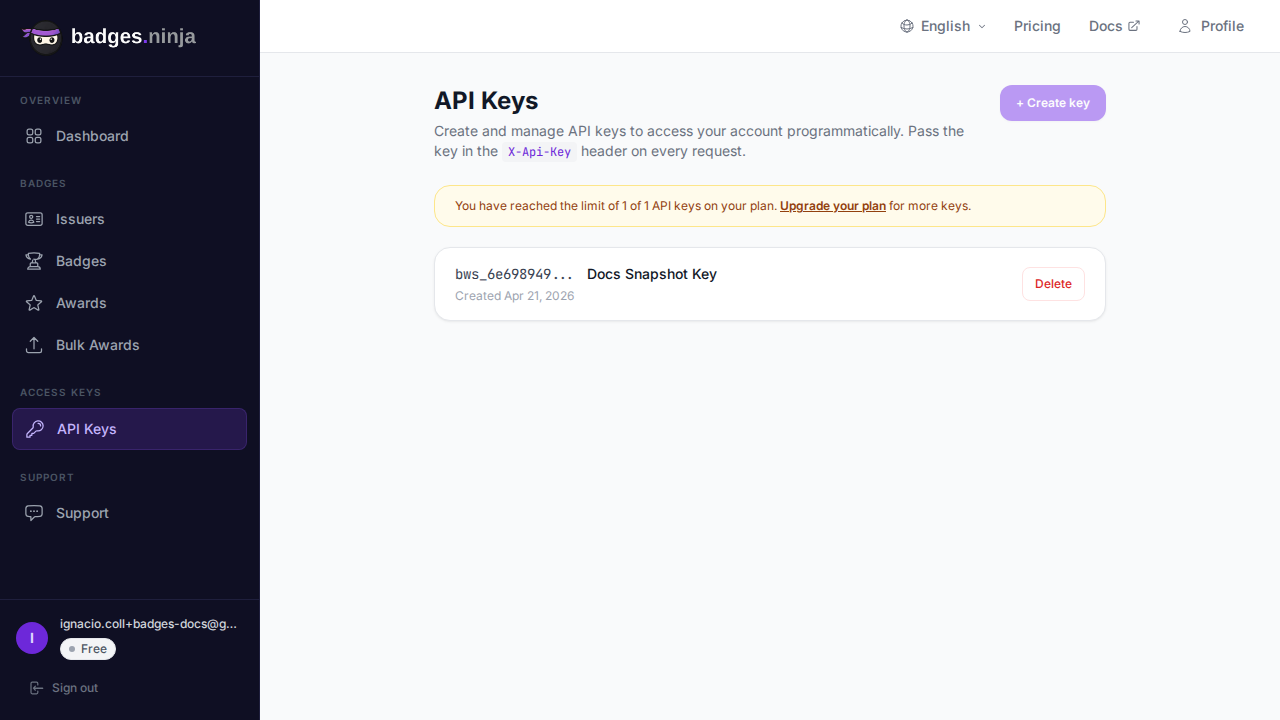
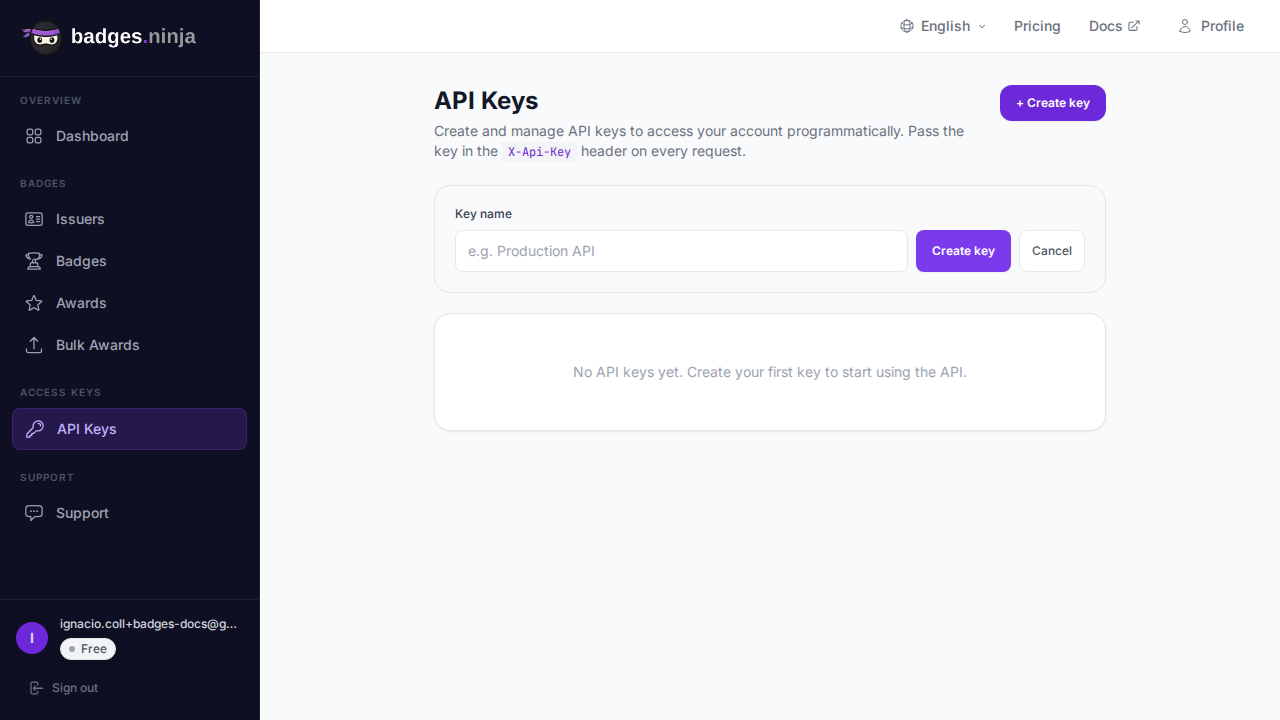
You can register an endpoint from the API with one request. Use an API key with write scope (you can create one in the dashboard under API keys).
Your endpoint must be an https:// URL. Here it is in curl, subscribing to issued and revoked events only:
curl -X POST https://api.badges.ninja/webhooks \
  -H "X-Api-Key: bws_YOUR_KEY_HERE" \
  -H "Content-Type: application/json" \
  -d '{"url":"https://relay.example.com/badges-to-slack","events":["credential.issued","credential.revoked"]}'
The endpoint is created and the response includes a signing secret:
{
  "id": "e4b19ff5-063d-4799-bd75-d03641be624f",
  "url": "https://relay.example.com/badges-to-slack",
  "events": ["credential.issued", "credential.revoked"],
  "secret": "YOUR_SIGNING_SECRET"
}
Save the secret now. Like an API key, it is shown only once at creation and cannot be retrieved later. If you lose it, delete the endpoint and register a new one.
You can list your endpoints later with GET /webhooks (secrets are never included) and remove one with DELETE /webhooks/<id>. Our API quickstart covers authentication and the other endpoints in more depth, and the full reference lives in the webhooks API docs.
Step 4: Verify the signature
Every delivery includes these headers:
x-bws-event: the event type, such ascredential.issuedx-bws-delivery: the unique delivery idx-bws-signature:sha256=<hex>, an HMAC-SHA256 of the raw request body keyed with your endpoint secret
The important word is raw. Compute the HMAC over the exact bytes you received, before any JSON parsing and re-serializing, or the signatures will not match. Compare using a constant-time function.
Step 5: The relay (Node.js)
This function works as an AWS Lambda behind a function URL, a Cloudflare Worker with minor changes, or any small Node server. It reads the raw body, verifies the signature, builds a message, and posts to Slack.
import { createHmac, timingSafeEqual } from "node:crypto";
const SECRET = process.env.BADGES_WEBHOOK_SECRET;
const SLACK_URL = process.env.SLACK_WEBHOOK_URL;
// —— signature check over the raw body
function isValid(rawBody, header) {
  const expected = "sha256=" + createHmac("sha256", SECRET).update(rawBody, "utf8").digest("hex");
  const a = Buffer.from(expected);
  const b = Buffer.from(header ?? "");
  return a.length === b.length && timingSafeEqual(a, b);
}
// —— build the Slack text for each event type
function toText(evt) {
  const d = evt.data;
  const guid = String(d.awardId ?? "").split("/").pop();
  const verifyUrl = `https://badges.ninja/awards/${guid}`;
  if (evt.type === "credential.issued") {
    return `Credential issued: ${d.recipient.name} received "${d.badgeName}". Verify: ${verifyUrl}`;
  }
  if (evt.type === "credential.revoked") {
    return `Credential revoked: ${verifyUrl} (reason: ${d.reason ?? "none given"})`;
  }
  return `${evt.type}: ${verifyUrl}`;
}
export async function handler(event) {
  const rawBody = event.isBase64Encoded
    ? Buffer.from(event.body, "base64").toString("utf8")
    : event.body;
  const signature = event.headers["x-bws-signature"];
  if (!isValid(rawBody, signature)) {
    return { statusCode: 401, body: "bad signature" };
  }
  const evt = JSON.parse(rawBody);
  const res = await fetch(SLACK_URL, {
    method: "POST",
    headers: { "Content-Type": "application/json" },
    body: JSON.stringify({ text: toText(evt) }),
  });
  return { statusCode: res.ok ? 200 : 502, body: "ok" };
}
Two environment variables hold the secrets: BADGES_WEBHOOK_SECRET (the signing secret from Step 3) and SLACK_WEBHOOK_URL (from Step 1). Neither should ever be committed to a repository.
Slack’s incoming webhook accepts a simple JSON object with a text field, which is all we use here. When you want richer layouts later, Slack’s Block Kit lets you add a button that links to the verification page, but plain text is a perfectly good start.
The same relay in Python
If your team prefers Python, here is an equivalent Flask handler:
import hmac, hashlib, os, requests
from flask import Flask, request
app = Flask(__name__)
SECRET = os.environ["BADGES_WEBHOOK_SECRET"].encode()
SLACK_URL = os.environ["SLACK_WEBHOOK_URL"]
@app.post("/badges-to-slack")
def relay():
    raw = request.get_data()
    expected = "sha256=" + hmac.new(SECRET, raw, hashlib.sha256).hexdigest()
    if not hmac.compare_digest(expected, request.headers.get("x-bws-signature", "")):
        return "bad signature", 401
    evt = request.get_json()
    d = evt["data"]
    guid = d["awardId"].rsplit("/", 1)[-1]
    text = f'{evt["type"]}: {d.get("badgeName", "")} https://badges.ninja/awards/{guid}'
    requests.post(SLACK_URL, json={"text": text}, timeout=5)
    return "ok", 200
Step 6: Test before real people are involved
You do not need to issue a real credential to see the shape of an event. The API offers a sample endpoint, GET /webhooks/sample?event=credential.issued, that returns a representative delivery for any event type. It is handy for mapping fields in a no-code tool or for writing your formatting function against realistic data.
For an end-to-end test, issue one credential to yourself. Use the dashboard, or the API with the same POST /awards body shown in the quickstart:
curl -X POST https://api.badges.ninja/awards \
  -H "X-Api-Key: bws_YOUR_KEY_HERE" \
  -H "Content-Type: application/json" \
  -d '{"badgeId":"<badge-id>","recipient":{"name":"Test Person","email":"you@example.com"},"issuedOn":"2026-10-22"}'
A successful request returns HTTP 200 with { "awardId": "<guid>" }. A few seconds later a message should appear in your channel with a link to https://badges.ninja/awards/<guid>. Notice that recipient names must be at least five characters, so “Test Person” works but “Bo” does not.
How delivery behaves
A few facts are worth knowing before you rely on this for something important.
Delivery is asynchronous. Issuing a credential never waits on your webhook. Events are queued and delivered in the background, so a slow or broken Slack relay cannot make an award fail. If a bulk upload of five hundred recipients runs, your relay will receive a burst of events, so keep the handler quick.
Respond fast with a 2xx. Your endpoint has a short window (ten seconds) to answer, and any status from 200 to 299 counts as success. A failed delivery gets one quick retry. Endpoints that keep failing are tracked, and ones that never recover can be disabled, so watch your relay’s logs if messages stop arriving. You can check the last status and failure count for each endpoint with GET /webhooks.
Expect the occasional duplicate. Use the delivery id (id in the body, or the x-bws-delivery header) to de-duplicate if posting twice would bother your team. For a Slack channel most people simply tolerate it.
Do not log secrets. The signing secret and your Slack URL should live in your platform’s secret store, not in code.
Ideas for a more useful channel
Once the basics work, small tweaks make the channel something people genuinely read.
- Filter by badge. In your relay, only post for the badges that matter to a given team, for example the advanced certification but not the introductory course.
- Route to different channels. Keep a map from badge name to Slack webhook URL, so sales sees customer certifications while the academy team sees cohort completions.
- Daily digest instead of live posts. If volume is high, collect events in a small table and post one summary each morning. The live feed suits low volume, the digest suits large cohorts.
- Alert on revocations separately. Revocations are rare and important. Send them to a restricted channel so the right people notice.
- Celebrate the first view. A
credential.viewedevent means a recipient actually opened their credential. A gentle “someone just looked at their new badge” feed is a nice morale signal, and it tells you which emails land.
If you want to compare how other platforms handle outbound events, our roundup of Open Badges platforms lists which ones expose an API at all, which is a surprisingly short list on free tiers.
When Zapier or Make is the better choice
A relay is not always the right answer. If nobody on your team writes code, if you have no place to host a function, or if you only need a basic message, a no-code catch hook gets you there faster, and the lack of signature verification may be an acceptable trade. You can always start with Route A and graduate to Route B when the channel becomes important.
Webhooks and API keys are available per account. On the Free plan you get one API key, enough to register webhooks and run a relay. Starter ($9/month) and Pro ($29/month) raise the key limit if you want separate keys for separate integrations. See the pricing page for the full comparison.
Summary
- Register an HTTPS endpoint with
POST /webhooksand choose the events you want. - Save the signing secret when it is shown, because you will not see it again.
- Verify
x-bws-signatureover the raw request body before trusting a delivery. - Turn
data.awardIdinto ahttps://badges.ninja/awards/<guid>link for the Slack message. - Reply with a 2xx quickly, and use the delivery id to de-duplicate.
A live awards channel costs almost nothing to run, and it turns credentialing from a back-office chore into something your team can see and enjoy.
Ready to issue your first verifiable credential? Start free at badges.ninja — visual designer, public verification page, PDF certificate, Open Badge v2.0 output. No credit card required.
About the author
Nacho Coll
Founder & Engineer at Badges Ninja
Nacho founded Badges Ninja to make issuing verifiable digital credentials as simple as a single API call — Open Badge v2.0 badges and certificates, minted, hosted, and verifiable without standing up your own issuer infrastructure. Writes about the Open Badges spec, credential verification, and running a credentialing platform serverless on AWS, from the operator side of the wire.