
Designing Your First Verifiable Digital Certificate (No Designer Needed)
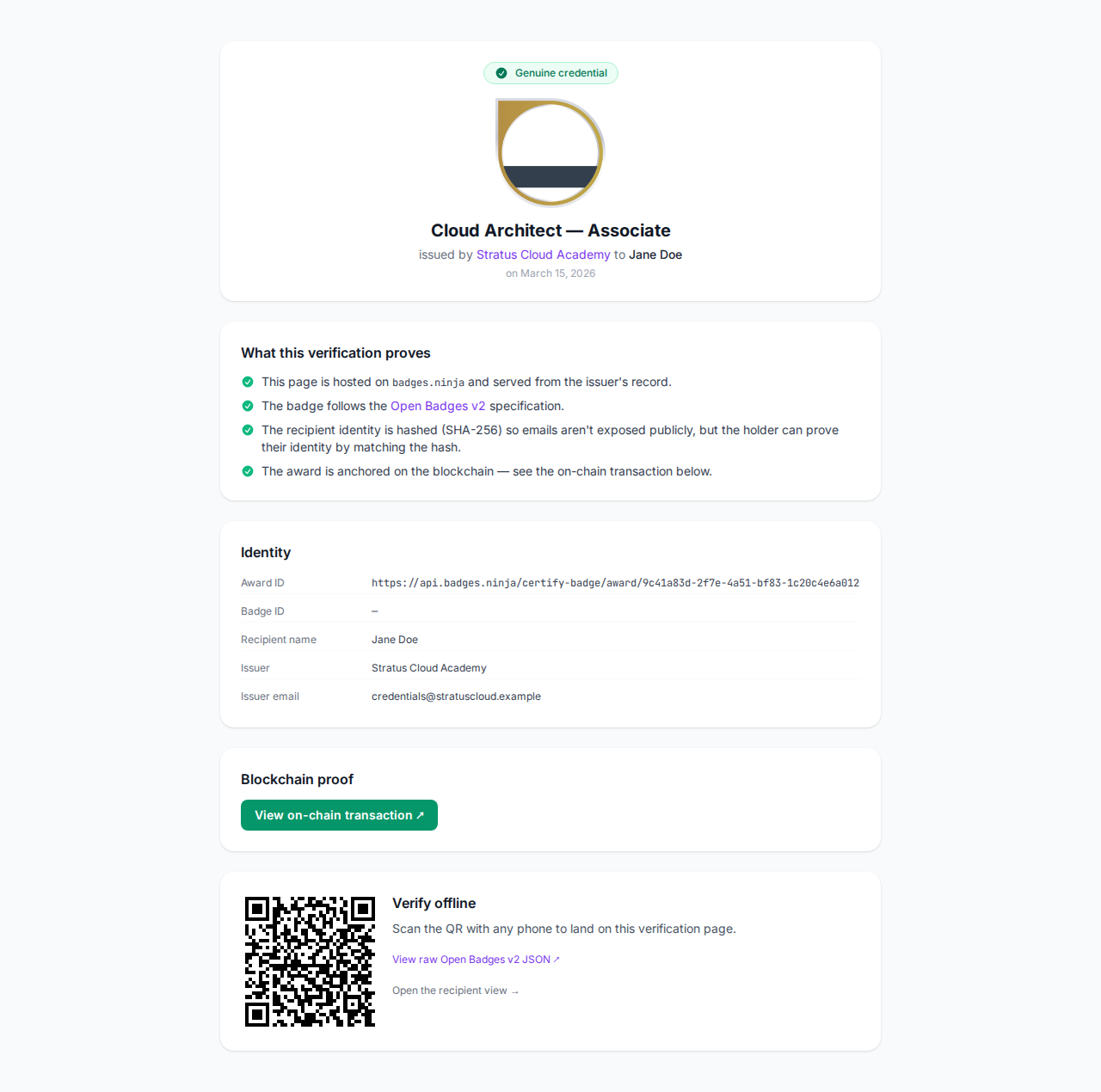
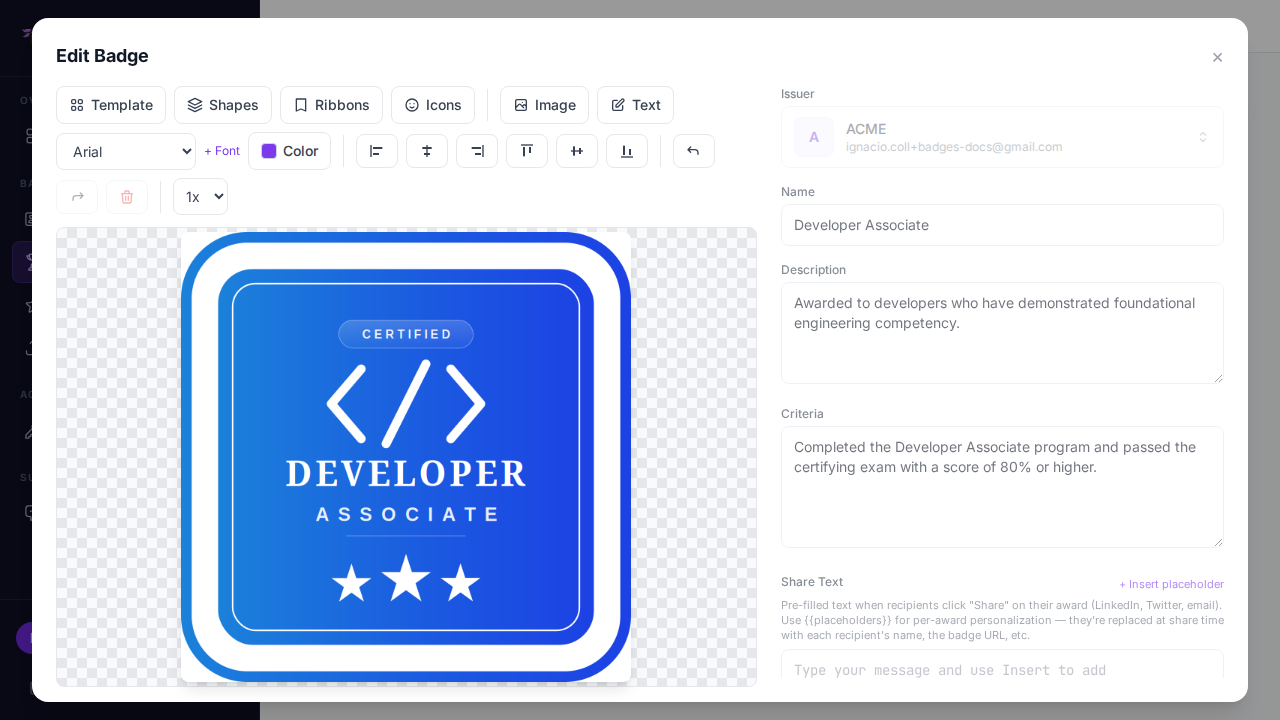
Walkthrough of the Badges Ninja visual designer: pick a shape template, recolor, add issuer logo, drop in a ribbon. End with a verifiable, shareable digital certificate.
Moodle ships native Open Badges but the designer is limited and the recipient experience is locked inside Moodle. Issue Badges Ninja credentials from Moodle completions instead.
Trigger badge issuance from Typeform completion, Stripe purchase, or Mailchimp tag — three working no-code recipes that take under 10 minutes each.
Issue Open Badges from any WordPress course/LMS plugin (LearnDash, LifterLMS, Tutor) by calling the Badges Ninja API on completion — no separate badge plugin to install.
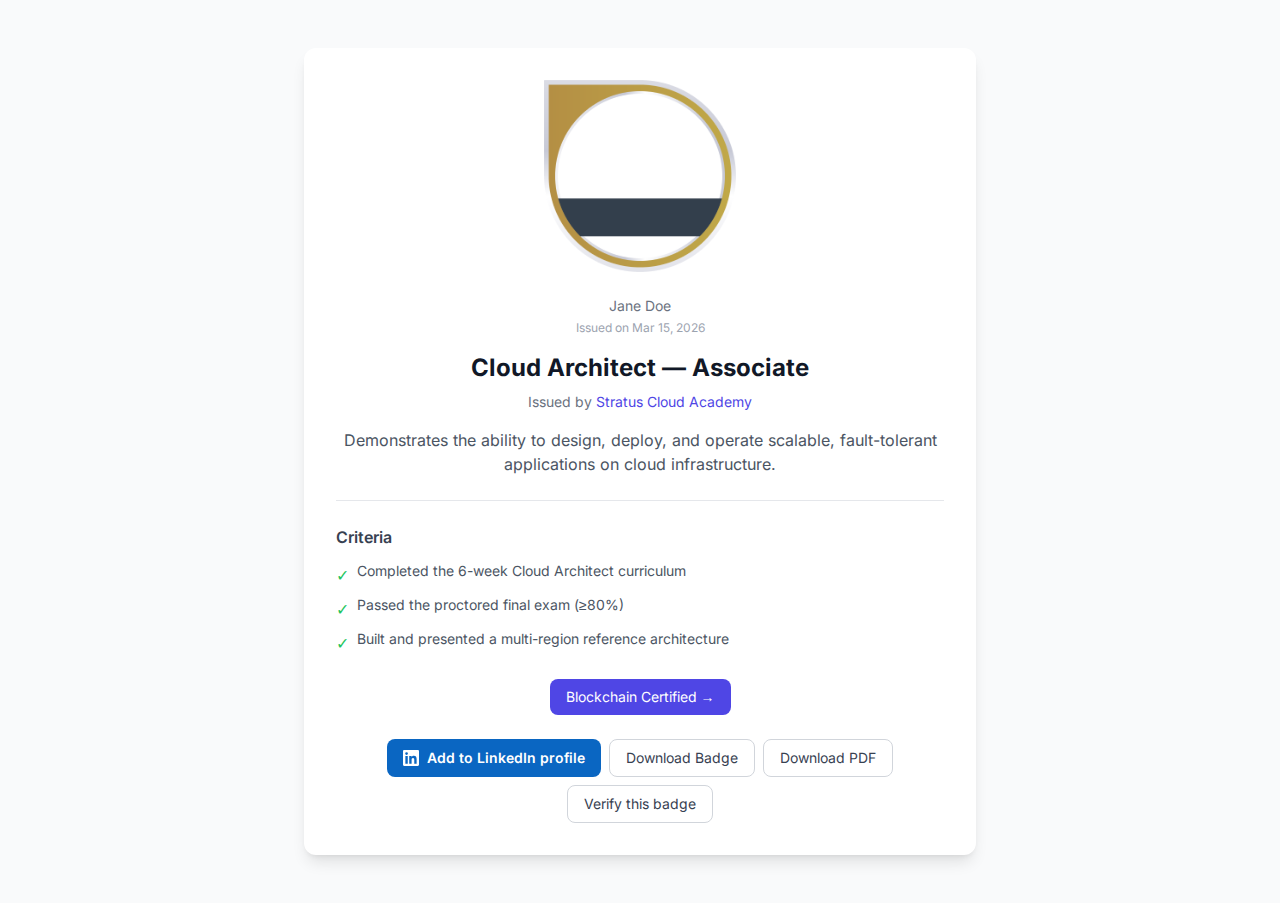
Set your LinkedIn organization ID once on your issuer profile and every award page renders an Add-to-LinkedIn-Profile button. Recipients click once and the credential lands in their Licenses & Certifications.
Invite teammates by email to share one account's issuers, badges, and credentials — with Owner, Admin, Editor, and Viewer roles. Seats are included on every plan, even Free.
Step-by-step: upload a CSV of recipients, pick your badge, hit Award. Pause and resume mid-batch, retry failures, export results. Works for cohorts of 10 or 10,000.