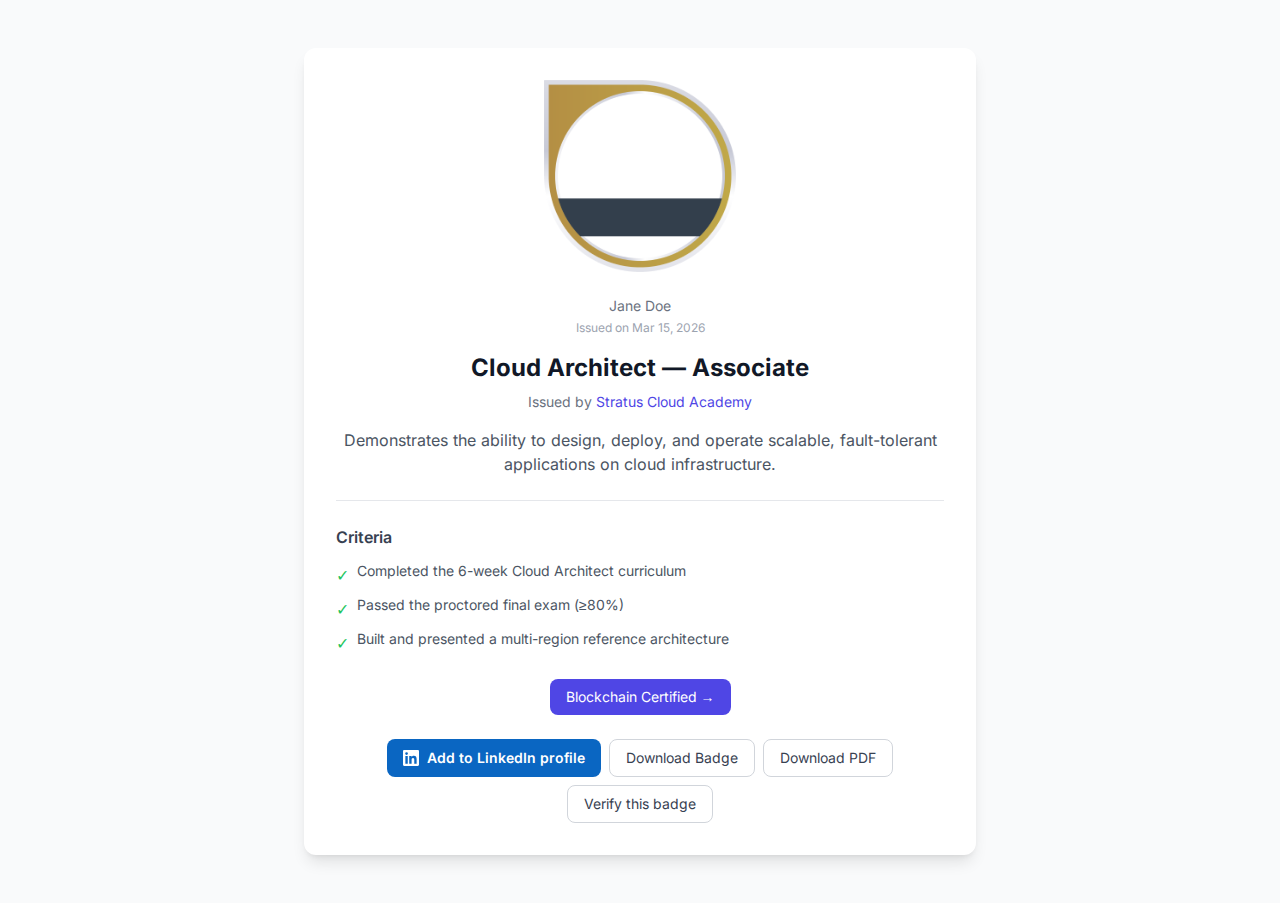

Salesforce Open Badges: Issuing Verifiable Credentials from CRM Triggers
Trigger Open Badge issuance from any Salesforce object event — Lead won, Account upgraded, training milestone — with an Apex callout to the Badges Ninja API.
 By Nacho Coll
 Nacho founded Badges Ninja to make issuing verifiable digital credentials as simple as a single API call — Open Badge v2.0 badges and certificates, minted, hosted, and verifiable without standing up your own issuer infrastructure.
Most training teams already record who finished what inside Salesforce. A course enrollment moves to “Completed”, a partner account hits a certification tier, a customer finishes onboarding. The record changes, and then someone exports a list and emails certificates by hand a week later.
This guide shows how to close that gap: when a record reaches the status you care about, Salesforce calls the https://badges.ninja API, an Open Badge v2.0 credential is issued, and the verification link is stored back on the record. You can then drop that link into an email template, a report, or an Experience Cloud page.
You will need a Salesforce admin (or a developer sandbox), a badge already designed on https://badges.ninja, and an API key. If you have never called the API before, read the API quickstart first; it takes ten minutes.
When a CRM trigger is the right tool
Before writing Apex, check whether you need it. If you issue credentials in batches once a term or once a quarter, the dashboard’s CSV upload is faster and needs no code at all. The Salesforce route earns its keep when:
- Issuance should happen the moment a record changes, with no human step.
- The “who earned it” data already lives in Salesforce and you do not want a second source of truth.
- You want the credential link stored on the Contact, Lead, or custom training record for reporting.
If your workflow tool is Zapier rather than Apex, the same API call works there too; see Zapier Open Badges automation.
What you are building
The flow has four pieces:
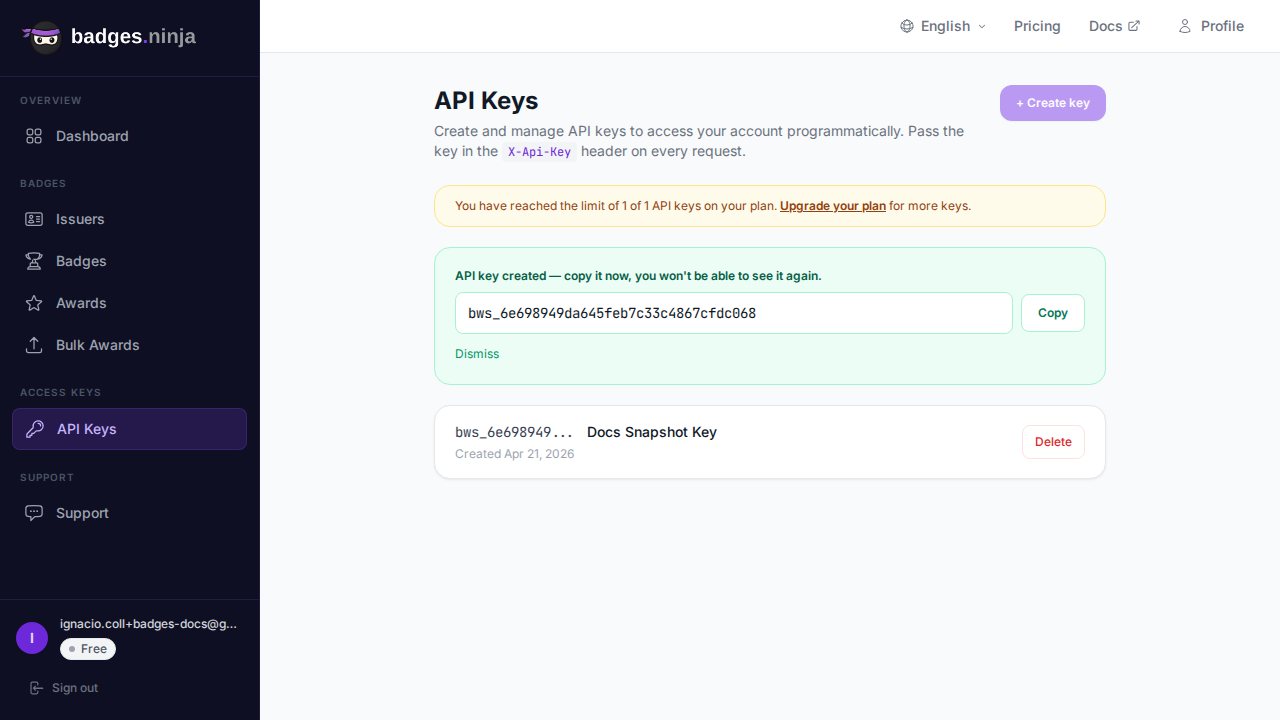
- A badge designed in the visual designer. Copy its id (the
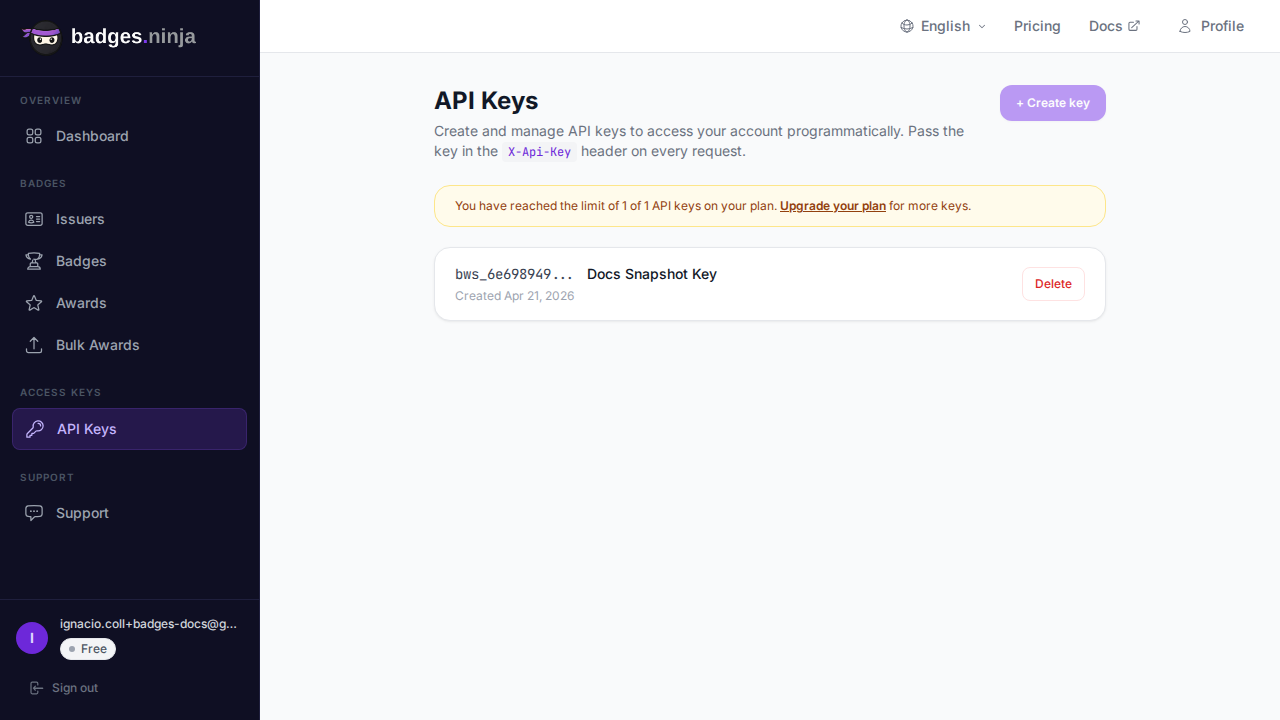
idreturned byGET /badges). - An API key created under the API Keys page of your dashboard. The key is shown once, so store it straight away.
- A Named Credential in Salesforce that holds the key, so it never appears in code.
- An Apex trigger plus a Queueable class that issues the award and writes the award link back to the record.
Step 1: Store the key in a Named Credential
Hard-coding an API key in Apex is the mistake to avoid. In Setup, create an External Credential with a custom header, then a Named Credential that points at the API host:
- URL:
https://api.badges.ninja - Custom header name:
X-Api-Key - Custom header value: your key, in the form
bws_YOUR_KEY_HERE - Named Credential name:
BadgesNinja
Grant the permission set that runs your automation access to the External Credential’s principal. With a Named Credential in place you do not need a separate Remote Site Setting; Salesforce authorizes the callout through the credential. If your org still uses legacy Named Credentials or a plain endpoint, add https://api.badges.ninja as a Remote Site Setting and send the header from code instead.
Step 2: Add fields to the record
On the object that represents the achievement (we will use a custom object called Training_Enrollment__c), add:
Badge_Id__c(Text): the badge to issue. Storing it per course lets one trigger serve many badges.Badge_Award_Id__c(Text, unique): the award id returned by the API.Badge_Url__c(URL): the public verification page.Badge_Error__c(Long Text): the last error, so admins can see failures without opening debug logs.
The Badge_Award_Id__c field does double duty. It is your duplicate guard: the trigger only issues when it is empty.
Step 3: The Apex callout
A trigger cannot make a callout directly, because callouts are not allowed in the same transaction as uncommitted DML. Hand the work to a Queueable that implements Database.AllowsCallouts.
The API contract for POST /awards is short. The body carries badgeId, a nested recipient object with name and email, and a required issuedOn. A successful call returns HTTP 200 with { "awardId": "..." }. The recipient name must be at least five characters, so a Contact called “Al Li” would be rejected; validate before you call.
public class BadgeIssueJob implements Queueable, Database.AllowsCallouts {
    private Id enrollmentId;
    public BadgeIssueJob(Id enrollmentId) { this.enrollmentId = enrollmentId; }

    public void execute(QueueableContext ctx) {
        Training_Enrollment__c e = [
            SELECT Id, Badge_Id__c, Badge_Award_Id__c, Contact__r.Name, Contact__r.Email
            FROM Training_Enrollment__c WHERE Id = :enrollmentId LIMIT 1
        ];
        if (e.Badge_Award_Id__c != null) { return; }   // already issued

        Map<String, Object> recipient = new Map<String, Object>{
            'name' => e.Contact__r.Name,
            'email' => e.Contact__r.Email
        };
        Map<String, Object> body = new Map<String, Object>{
            'badgeId' => e.Badge_Id__c,
            'recipient' => recipient,
            'issuedOn' => Datetime.now().getTime()
        };

        HttpRequest req = new HttpRequest();
        req.setEndpoint('callout:BadgesNinja/awards');
        req.setMethod('POST');
        req.setHeader('Content-Type', 'application/json');
        req.setBody(JSON.serialize(body));

        HttpResponse res = new Http().send(req);
        if (res.getStatusCode() == 200) {
            Map<String, Object> out = (Map<String, Object>) JSON.deserializeUntyped(res.getBody());
            String awardId = (String) out.get('awardId');
            e.Badge_Award_Id__c = awardId;
            e.Badge_Url__c = 'https://badges.ninja/awards/' + awardId;
            e.Badge_Error__c = null;
        } else {
            e.Badge_Error__c = res.getStatusCode() + ': ' + res.getBody();
        }
        update e;
    }
}
Two details worth noticing. First, issuedOn is epoch milliseconds, which is exactly what Datetime.getTime() returns. Second, the response does not include the verification URL, so the code builds it from the award id: https://badges.ninja/awards/<awardId>.
Step 4: The trigger
Keep the trigger thin. It only decides which records qualify and enqueues one job per record.
trigger TrainingEnrollmentBadge on Training_Enrollment__c (after insert, after update) {
    for (Training_Enrollment__c e : Trigger.new) {
        Boolean completed = e.Status__c == 'Completed';
        Boolean wasCompleted = Trigger.isUpdate && Trigger.oldMap.get(e.Id).Status__c == 'Completed';
        if (completed && !wasCompleted && e.Badge_Award_Id__c == null && e.Badge_Id__c != null) {
            System.enqueueJob(new BadgeIssueJob(e.Id));
        }
    }
}
The wasCompleted check matters. Without it, any later edit to a completed record would re-fire the logic. Combined with the empty-award-id guard inside the job, a record can only ever produce one credential.
One limit to respect: Salesforce allows a small number of Queueable jobs to be enqueued from a single transaction (50 in synchronous context). If you load completions in bulk, say a data import of 2,000 rows, the trigger above will hit that ceiling. For bulk loads, either upload the list through the dashboard’s CSV bulk awards instead, or switch to a Batchable class with Database.AllowsCallouts that processes a few records per scope.
Error handling and retries
The API returns standard status codes, and each one calls for a different response from your code:
| Status | Meaning | What to do |
|---|---|---|
| 400 | A field was missing or invalid, including a recipient name under five characters | Do not retry. Fix the data and write the message to Badge_Error__c. |
| 401 | Bad or missing API key | Check the Named Credential. Retrying will not help until it is fixed. |
| 402 | Out of credentials or quota for your plan | Stop issuing and alert an admin; retry after upgrading or after the quota resets. |
| 404 | The badgeId does not exist | Correct Badge_Id__c on the record or course. |
| 5xx or timeout | Transient failure | Safe to retry later. |
Because the job writes the error to the record and leaves Badge_Award_Id__c empty, a retry is as simple as flipping a checkbox or re-saving the record. A small scheduled Apex class that looks for completed enrollments with no award id and a transient error, then re-enqueues them, gives you an automatic retry queue without any extra infrastructure. Cap the attempts with a counter field so a permanently bad record does not loop forever.
Check your plan before you wire this to production. The Free plan covers 1,200 credentials a year; Starter is $9 a month and Pro is $29 a month. A trigger that fires on every Lead would burn through a small plan quickly, so scope the criteria to real achievements.
Making the credential visible in Salesforce
Once Badge_Url__c is filled, you can use it anywhere:
- Email alerts and templates: merge the field into a “Congratulations, here is your credential” email.
- Reports: a report on
Badge_Award_Id__c != nullgives you issuance counts by course, region, or account owner. - Experience Cloud: show the link on a partner’s certification page so buyers can verify it themselves.
- Page layouts: add the URL field so support staff can answer “did she get her badge?” in one glance.
The verification page is public and needs no signup, which is the whole point. A recipient, a hiring manager, or a customer’s procurement team can open the link and confirm who issued the credential, what it certifies, and when. For machine-readable checks, the Open Badge v2.0 JSON-LD for any award is available at https://api.badges.ninja/certify-badge/award/<awardId>.
Recipients also get the usual extras: a unique verification URL, a QR code, an A4 PDF certificate, and an Add to LinkedIn option from the recipient portal, which signs in with a magic link rather than a password.
Why this beats an AppExchange badge plugin
Badge plugins on AppExchange tend to be priced per Salesforce seat or per managed-package license. That cost scales with the size of your Salesforce team, not with the number of credentials you issue, so a ten-person training team and a ten-thousand-learner program pay very differently for the same output.
An API integration flips that model. You pay by credential volume on a flat plan, the trigger code is yours to read and change, and the output is standard Open Badge v2.0, so recipients are not locked into a proprietary viewer. You also keep your design freedom: the visual designer offers 80+ templates, shapes, icons, and custom uploads, rather than a fixed layout inside a package.
The honest trade-off: a plugin is click-to-install and needs no Apex. If nobody on your team can maintain a few dozen lines of code, a plugin or a no-code connector may be the better fit. If you are comparing platforms in general rather than integrations, the Credly alternative breakdown covers pricing and feature differences side by side.
Testing before you go live
Run the whole flow in a sandbox first.
- Create a test badge and a test recipient with an email address you control.
- In Apex tests, implement
HttpCalloutMockreturning status 200 and{"awardId":"test-award-id"}; Salesforce will not allow real callouts in test context, and you need that coverage to deploy. - In the sandbox, set one enrollment to Completed and check that
Badge_Award_Id__candBadge_Url__cfill in within a minute. - Open the URL in a private browser window to confirm the public verification page renders without signing in.
- Force a failure (blank the badge id, or use a recipient name under five characters) and confirm the error lands in
Badge_Error__c.
Rotate the API key if it ever leaks into a debug log or a screenshot. Revocation is immediate from the API Keys page, and you only need to update the External Credential, not your code.
Wrapping up
The pattern is small: a thin trigger decides when, a Queueable does the callout, a Named Credential holds the key, and three fields on the record store the outcome. It works for training milestones, partner tiers, event attendance, or any state change you can express in Salesforce.
Start with one object and one badge, watch it for a week, and expand once the retry behavior suits your data.
Ready to issue your first verifiable credential? Start free at badges.ninja — visual designer, public verification page, PDF certificate, Open Badge v2.0 output. No credit card required.
Related reading: Free digital badge & certificate maker → · Badges Ninja plans & pricing · Credly alternative · Certifier alternative · Cheapest Open Badges platform · Best Open Badges platforms (ranked)
About the author
Nacho Coll
Founder & Engineer at Badges Ninja
Nacho founded Badges Ninja to make issuing verifiable digital credentials as simple as a single API call — Open Badge v2.0 badges and certificates, minted, hosted, and verifiable without standing up your own issuer infrastructure. Writes about the Open Badges spec, credential verification, and running a credentialing platform serverless on AWS, from the operator side of the wire.