Replacing Moodle Native Open Badges with Badges Ninja (Better Designer, Same API)
Moodle ships native Open Badges but the designer is limited and the recipient experience is locked inside Moodle. Issue Badges Ninja credentials from Moodle completions instead.
 By Nacho Coll
 Nacho founded Badges Ninja to make issuing verifiable digital credentials as simple as a single API call — Open Badge v2.0 badges and certificates, minted, hosted, and verifiable without standing up your own issuer infrastructure.
Moodle has issued Open Badges natively since version 2.5, and for a lot of course administrators that’s reason enough to never look elsewhere. It’s built in, it’s free, and it technically produces a standards-compliant credential. So why do so many Moodle admins end up frustrated by the time they’ve issued their fiftieth badge?
The honest answer: Moodle’s badge system was designed to check a compliance box, not to be a credentialing product. It works, but it works the way a feature bolted onto an LMS works — functional, dated, and boxed in by the constraints of the platform it lives inside. If you’ve ever tried to make a Moodle badge look like something other than a circular clip-art icon, or watched a graduate ask “wait, where do I actually see this thing again?”, you already know the gap.
This isn’t a takedown of Moodle — it’s an excellent LMS and its badge criteria engine (course completion, activity completion, manual award, cohort membership) is genuinely well thought out for triggering a credential. The problem is everything downstream of the trigger: the design tooling, the recipient experience, and the badge’s visibility outside your Moodle instance. That’s exactly the part badges.ninja is built for, and you don’t have to give up Moodle’s completion logic to use it — you just point the trigger at a different issuing engine.
Moodle Native Badges vs Badges Ninja: Feature Comparison
| Moodle native badges | Badges Ninja | |
|---|---|---|
| Designer | Base image plus pre-set icon overlays, pixel offsets | Visual designer with shape library, palettes and fonts |
| Recipient page | Requires a Moodle login to view | Public, shareable verification page, no login |
| LinkedIn Add-to-Profile | Not built in | One-click Add to LinkedIn |
| Bulk CSV issuing | Limited to cohort completion inside Moodle | Bulk CSV upload with pause/resume, plus REST API |
| Price | Free with Moodle (hosting and admin time are yours) | Free plan with 1,200 credentials a year; $9/mo Starter |
Here is where Moodle’s native badges fall short in practice:
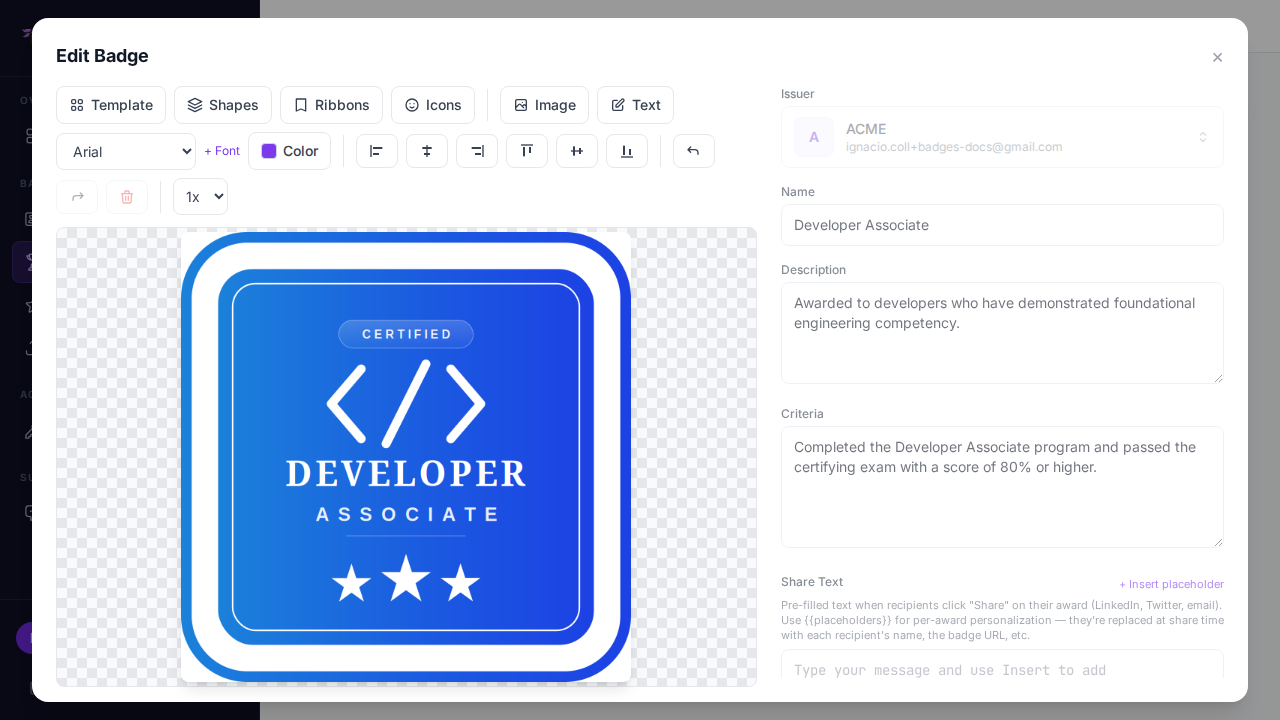
The designer is a coordinate-based image compositor, not a design tool. Moodle’s badge editor lets you pick a base image, drop on a few pre-set icon overlays, and adjust position with pixel offsets. There’s no shape library, no palette system, no font choices beyond what’s baked into the icon set. If your organization has a brand — a logo, a color palette, a specific visual language for your certifications — Moodle’s editor cannot express it. Most institutions end up designing badge art in Photoshop or Canva and uploading a flat PNG, which defeats the purpose of having an in-app designer at all.
Recipients need a Moodle login to see their own badges. A learner’s awarded badges live inside their Moodle profile page. If they’ve moved on from the course, forgotten their institutional credentials, or the institution has since deprovisioned their account, the badge is effectively gone from their side — even though the underlying assertion might still resolve on Moodle’s backpack-connector or public badge page. There’s no dedicated, branded, always-reachable place where a recipient can log in with just their email and see every credential they’ve ever earned across every course.
Sharing is an afterthought. Moodle can push badges to a Mozilla Backpack-compatible service, and it exposes a public verification URL for each badge, but there’s no built-in “Add to LinkedIn” flow, no one-click share button, and no engagement analytics on whether anyone ever looked at the badge after it was issued. For programs that want the badge to work as word-of-mouth marketing — bootcamps, CE providers, corporate training — that’s a real opportunity cost.
Bulk operations are clunky. Awarding a badge to a whole cohort works if everyone completes the triggering activity inside Moodle at the same time. But if you need to backfill badges for a past cohort, import historical completions from a spreadsheet, or issue a badge for something that happened outside the LMS entirely, you’re stuck writing SQL against Moodle’s database or fighting with CSV import tools that weren’t built for badges specifically.
The replacement pattern: keep Moodle’s triggers, change the issuer
You don’t need to migrate off Moodle to fix this. The cleanest pattern is to let Moodle keep doing what it’s good at — tracking course completion, activity completion, cohort membership — and have it call the Badges Ninja API the moment a completion condition fires, instead of (or alongside) awarding its native badge.
Moodle supports this a few ways:
-
Course completion webhook / Moodle Web Services (REST) polling. Moodle’s core_completion API exposes completion state per user per course. A lightweight scheduled task (a Moodle scheduled cron task, or an external cron job hitting Moodle’s REST API) can poll for newly completed enrollments and, for each one, call the Badges Ninja awards endpoint.
-
A local plugin hook. If you have a developer on staff, Moodle’s event system (
\core\event\course_completed) can be observed by a small local plugin that fires an HTTP request the instant completion happens — no polling delay. -
Zapier/Make/n8n as the glue, if you’d rather avoid touching Moodle’s codebase — Moodle can push completion events to a webhook receiver that a no-code automation tool turns into an award call.
Here’s the actual award call, once you have a completed user’s name and email:
curl -X POST https://api.badges.ninja/awards \
  -H "X-Api-Key: bws_3f9a1c2d4e5b6a7c8d9e0f1a2b3c4d5e" \
  -H "Content-Type: application/json" \
  -d '{
    "badgeId": "badge_moodle_course_completion",
    "recipient": { "name": "Jordan Alvarez", "email": "learner@example.edu" },
    "issuedOn": "2026-08-31"
  }'
Or in Node, inside whatever scheduled task or webhook receiver you’re running:
const response = await fetch("https://api.badges.ninja/awards", {
  method: "POST",
  headers: {
    "X-Api-Key": process.env.BADGES_NINJA_API_KEY,
    "Content-Type": "application/json",
  },
  body: JSON.stringify({
    badgeId: "badge_moodle_course_completion",
    recipient: { name: completedUser.fullname, email: completedUser.email },
    issuedOn: Date.now(),
  }),
});
const award = await response.json();
The recipient’s email is SHA-256 hashed at rest, the award gets a unique verification URL, a QR code, and an A4 PDF certificate automatically, and — critically — the recipient can claim it through a magic-link sign-in at badges.ninja/me, no separate Moodle account required. See the full request/response shape in the awards API reference and the authentication guide for how API keys work end to end.
If you’d rather batch it — say, backfilling a semester’s worth of completions in one pass instead of wiring up real-time events — export the completions from Moodle as a CSV and use the bulk award flow directly, which supports pause/resume for large files. That’s covered in detail in how to issue Open Badges from a CSV.
Designing the badge itself
Once the plumbing is in place, the actual badge design takes minutes, not a ticket to your web team. The visual designer gives you 80+ shape templates, a real color palette system, icon libraries, and custom font upload — so a badge for “Advanced Statistics — Completed” can actually look like it belongs to your institution’s brand instead of a generic Moodle achievement icon.
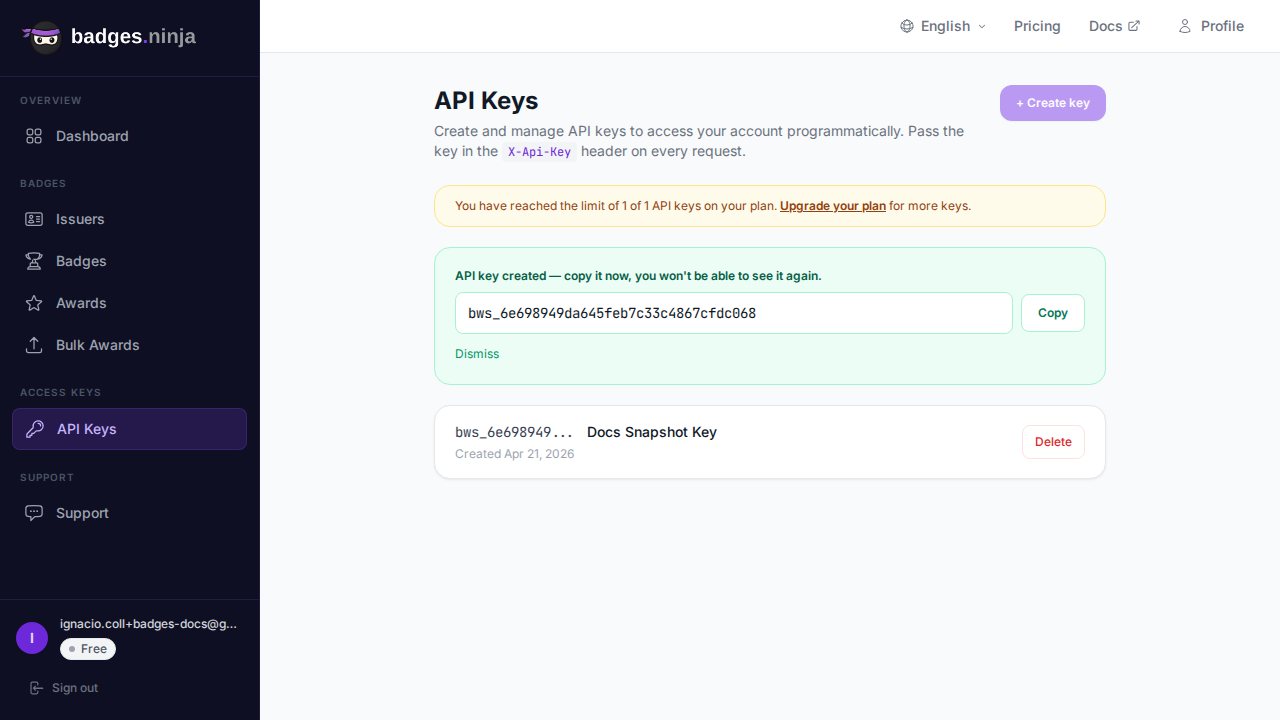
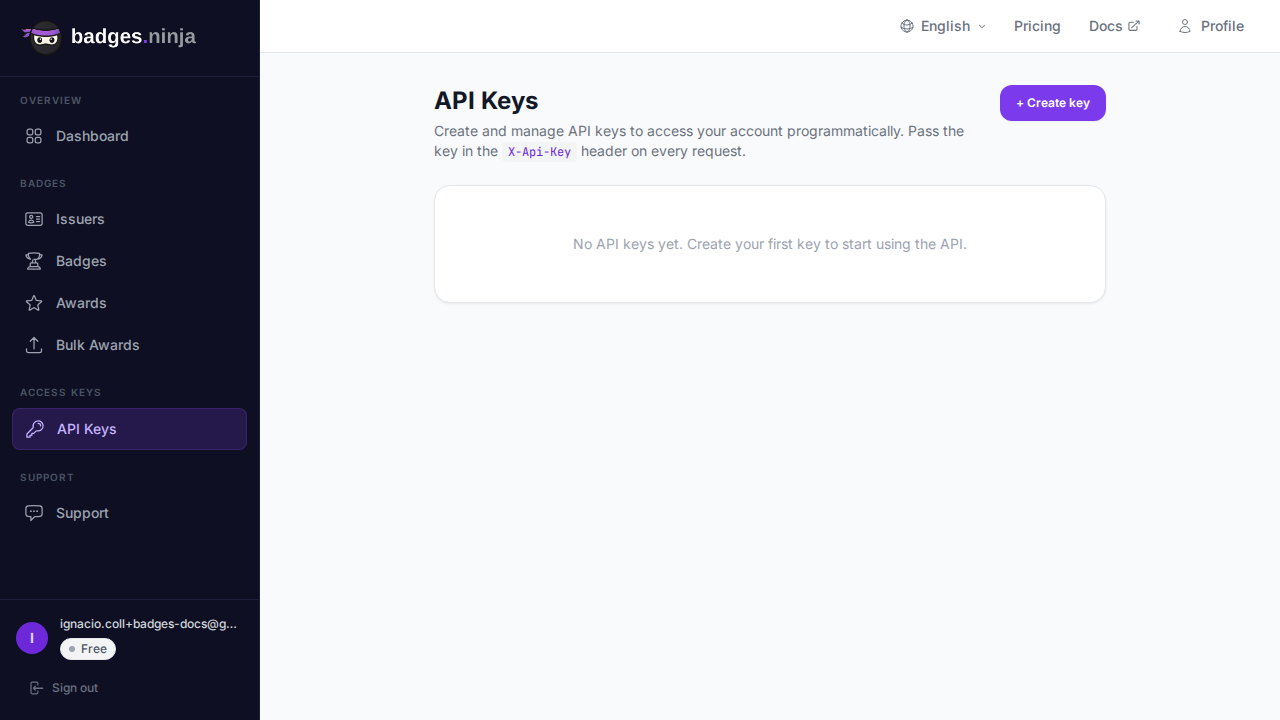
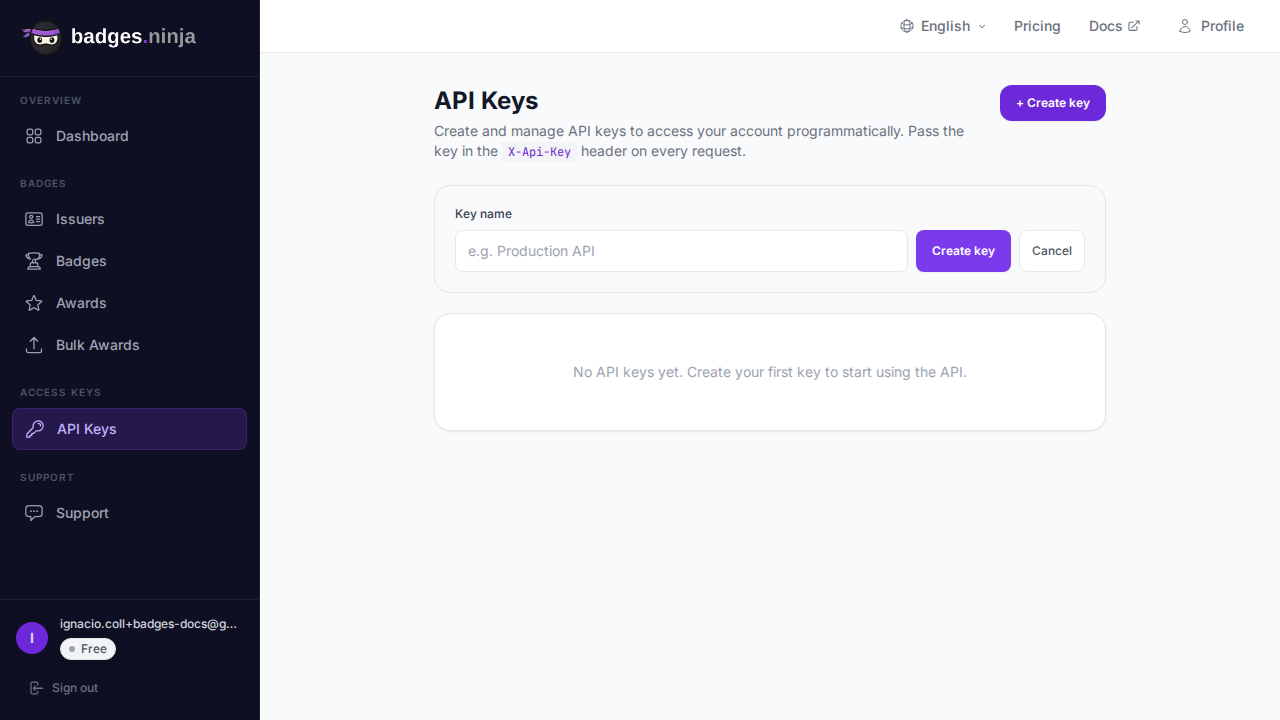
Every API key is scoped and revocable from the same dashboard where you manage badges and issuers, so handing the integration credential to a developer (or an automation tool like Zapier) doesn’t mean sharing your main account login.
Side-by-side: recipient experience
| Moodle native badge | Badges Ninja | |
|---|---|---|
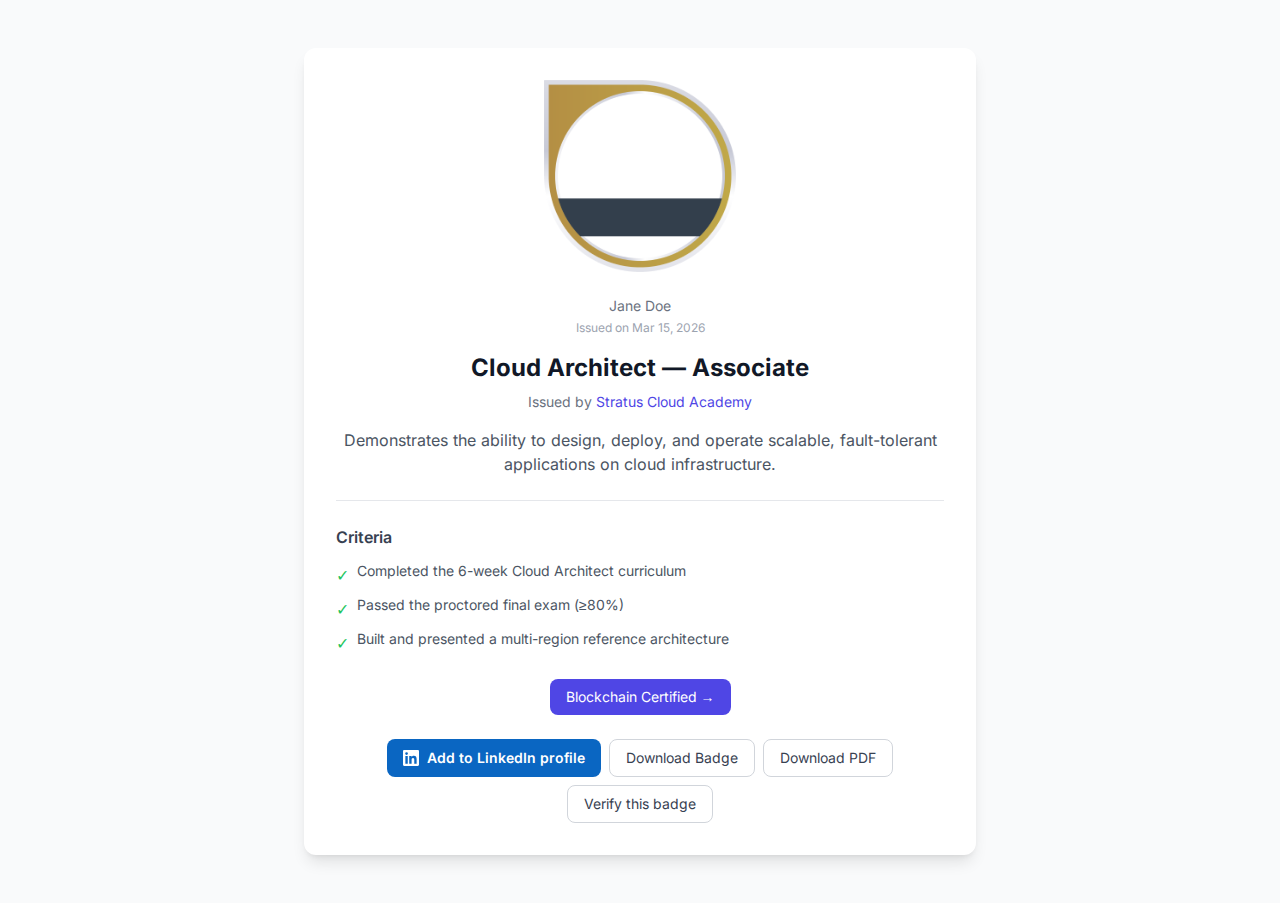
| Where recipients view it | Inside Moodle profile, requires login | badges.ninja/me, magic-link, no password |
| Public verification | Yes, per-badge public URL | Yes, Open Badge v2.0 JSON-LD endpoint |
| Design tooling | Fixed icon + position offsets | 80+ templates, palettes, custom fonts/icons |
| LinkedIn sharing | Manual, no built-in button | Native Add-to-LinkedIn-Profile flow |
| Bulk historical issuance | SQL or manual CSV workaround | Built-in bulk award with pause/resume |
| Engagement visibility | None | View/share stats per award |
| Access after leaving institution | Tied to Moodle account status | Persistent, recipient-owned |
Moodle still wins on one thing: if your only requirement is “badge exists, is technically Open Badge v2.0 compliant, and lives inside the LMS the learner is already using,” native badges cost nothing extra and require no integration work. The tradeoff shows up the moment you care about design quality, portability after the course ends, or turning issuance into a recruiting/marketing signal — which is most institutions, eventually.
For a broader look at how other Open Badges platforms compare on price and features, see the cheapest Open Badges platform comparison. And if your institution is weighing Open Badge v2.0 against the newer verifiable-credentials spec, Open Badge v2 vs v3 explained covers which one to actually ship today.
Ready to issue your first verifiable credential? Start free at badges.ninja — visual designer, public verification page, PDF certificate, Open Badge v2.0 output. No credit card required.
Related reading: Free digital badge & certificate maker → · Badges Ninja plans & pricing · Credly alternative · Certifier alternative · Cheapest Open Badges platform · Best Open Badges platforms (ranked)
About the author
Nacho Coll
Founder & Engineer at Badges Ninja
Nacho founded Badges Ninja to make issuing verifiable digital credentials as simple as a single API call — Open Badge v2.0 badges and certificates, minted, hosted, and verifiable without standing up your own issuer infrastructure. Writes about the Open Badges spec, credential verification, and running a credentialing platform serverless on AWS, from the operator side of the wire.