
Open Badge Baking Explained: How JSON Lives Inside the PNG
A "baked" Open Badge is a PNG with the assertion JSON embedded as image metadata. The badge file IS the credential. How baking works + how to verify a baked badge.
 By Nacho Coll
Nacho founded Badges Ninja to make issuing verifiable digital credentials as simple as a single API call — Open Badge v2.0 badges and certificates, minted, hosted, and verifiable without standing up your own issuer infrastructure.
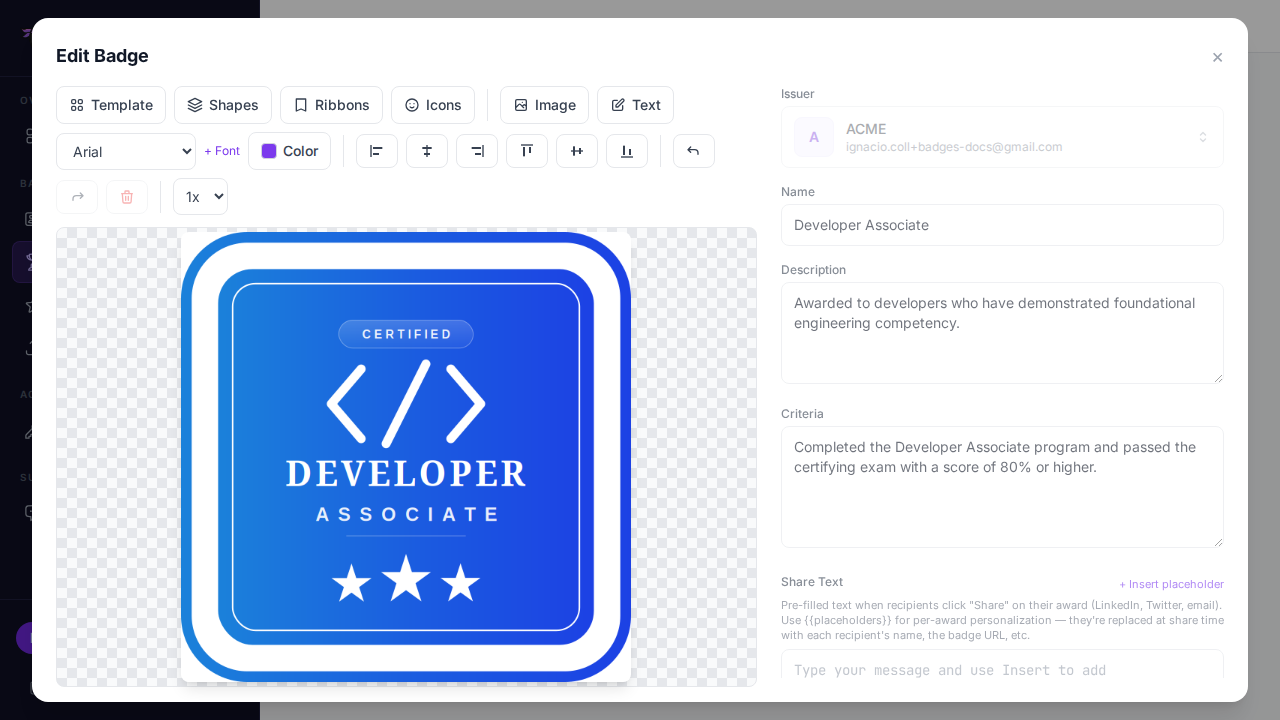
Download an Open Badge from almost any issuer and you get a normal-looking PNG. Drop it in a chat, attach it to an email, print it. It looks like any other image. But the file carries a second, invisible layer: the credential itself, written into the image as metadata. That is what the Open Badges community calls a baked badge, and it is the reason a badge can travel as a single file and still prove who issued it, to whom, and for what.
This guide explains what baking is, where the data lives inside the file, how a verifier reads it back, and what you need to decide as someone who issues credentials. You do not need to write code to use baked badges. If you issue through https://badges.ninja, baking happens for you. But understanding the mechanics helps you answer the questions recipients and employers actually ask: “Is this image real?” and “Can anyone just copy it?”
What “baking” means
An Open Badge has two parts that are easy to confuse:
- The picture. The PNG or SVG that people see on a profile, a slide, or a certificate.
- The assertion. A small JSON document that states the facts: who the recipient is (as a hashed identifier), which badge class was earned, who issued it, when, and where to verify it.
Baking is the act of writing the assertion into the picture so the two cannot be separated. The result is one file. Hand someone the PNG and you have handed them both the image and the claim behind it.
The idea comes from the Open Badges specification originally developed by Mozilla and now maintained by 1EdTech. The point of the design is portability. Early on, badges lived inside a single platform, and moving one to a new place meant re-uploading and hoping the metadata survived. A baked file carries its own metadata wherever it goes.
Where the JSON lives inside a PNG
A PNG file is a short signature followed by a sequence of chunks. Each chunk has a length, a four-letter type, some data, and a checksum. Viewers draw the pixels from the IDAT chunks and ignore chunk types they do not understand. That tolerance is what makes baking possible: you can add a chunk full of text and every image viewer on earth will still display the picture normally.
For Open Badges 2.0, the assertion goes into a text chunk with the keyword openbadges. The text chunk types that can hold it are:
| Chunk | Encoding | Notes |
|---|---|---|
tEXt | Latin-1 | Simple, but limited to Latin-1 characters. |
iTXt | UTF-8 | Preferred, because names and descriptions are often not ASCII. |
Whichever chunk is used, the layout is the same idea: the keyword openbadges, a separator, then the payload. The payload is one of two things, depending on how the issuer chose to bake:
- The assertion JSON itself. The file is self-describing. A verifier can read the claim without any network call.
- A URL that points to the hosted assertion. The file is smaller and the issuer can keep the live record authoritative, for example to show that a badge was later revoked or has expired.
A third variant exists for signed badges, where the payload is a signed token instead of plain JSON. If signatures matter to your use case, read how to verify an Open Badge signature.
What about SVG?
SVG badges can be baked too, since SVG is XML. The assertion is placed inside the file in an openbadges XML namespace element, and the verify attribute carries the URL of the hosted assertion. The principle is the same as with PNG: the metadata rides inside the image file. In practice most platforms bake PNG, because PNG is accepted nearly everywhere people want to upload a badge.
What the embedded assertion looks like
For the 2.0 format, a hosted assertion is JSON-LD that links the recipient, the badge class, and the verification method. A trimmed example:
{
  "@context": "https://w3id.org/openbadges/v2",
  "type": "Assertion",
  "id": "https://example.org/assertions/abc123",
  "recipient": {
    "type": "email",
    "hashed": true,
    "salt": "deadsea",
    "identity": "sha256$c7ef86405ba71b85acd8e2e95166c4b111448089f2e1599f42fe1bba46e865c5"
  },
  "badge": "https://example.org/badges/data-analysis-101",
  "issuedOn": "2026-05-14T00:00:00Z",
  "verification": { "type": "hosted" }
}
Notice the recipient. The email is not stored in the clear; it is a salted SHA-256 hash. That matters for a file designed to be passed around. Anyone who holds the PNG can read the assertion, so the assertion must not leak the recipient’s address. A verifier who already knows the email can hash it with the same salt and check that it matches. For a field-by-field tour of this document, see the Open Badge JSON-LD walkthrough.
How a verifier reads a baked badge
Verification of a baked badge is a short, mechanical process:
- Open the PNG and walk its chunks.
- Find the text chunk with the keyword
openbadges. - Read the payload. If it is JSON, parse it. If it is a URL, fetch it.
- Check that the assertion refers to the badge class and issuer you expect, and that the recipient identity matches the person presenting it.
- If the verification type is
hosted, confirm that the hosted assertion still exists at itsidURL and has not been revoked or expired.
Step 5 is the one people skip, and it is the one that makes a credential trustworthy. An embedded copy is a snapshot. The hosted record is the source of truth.
Reading it yourself in Node
You can inspect any PNG with a short script. This one walks the chunks and prints the openbadges payload, handling both tEXt and iTXt:
import { readFileSync } from "node:fs";
import { inflateSync } from "node:zlib";
const png = readFileSync(process.argv[2]);
let pos = 8; // skip the 8-byte PNG signature
while (pos < png.length) {
  const length = png.readUInt32BE(pos);
  const type = png.toString("ascii", pos + 4, pos + 8);
  const data = png.subarray(pos + 8, pos + 8 + length);
  if (type === "iTXt" || type === "tEXt") {
    const nul = data.indexOf(0);
    const keyword = data.toString("latin1", 0, nul);
    if (keyword === "openbadges") {
      let text;
      if (type === "tEXt") text = data.toString("latin1", nul + 1);
      else {
        const compressed = data[nul + 1] === 1;
        let p = nul + 3; // skip compression flag + method
        p = data.indexOf(0, p) + 1; // language tag
        p = data.indexOf(0, p) + 1; // translated keyword
        const body = data.subarray(p);
        text = (compressed ? inflateSync(body) : body).toString("utf8");
      }
      console.log(text);
      process.exit(0);
    }
  }
  pos += 12 + length; // length + type + data + CRC
}
console.error("No openbadges chunk found: this PNG is not baked.");
process.exit(1);
Run it with node extract-badge.mjs my-badge.png. If the file is baked you will see JSON or a URL. If not, you get a plain “not baked” message. This is a teaching tool, not a full validator: it does not check chunk checksums, parse signed payloads, or fetch the hosted record.
If you would rather not write code, an online badge validator or a PNG metadata viewer will show the same chunk. The format is the standard, so any compliant tool reads any compliant badge.
Why baking matters
Portability. A credential that is just a PNG can be emailed, uploaded to a learning platform, or stored in a personal archive. No account is needed to carry it.
A verification path that survives the issuer’s marketing site. The embedded assertion names the issuer and points to the hosted record, so a verifier can start from the file alone.
Offline and low-tech workflows. When the payload is the full JSON, a reader can check the claim on a machine with no network, then verify the hosted record later.
Evidence that is hard to fake casually. Anyone can screenshot a badge. A screenshot has no metadata, so it cannot be verified as a badge file. That alone separates a real credential from a copied image. It does not stop someone from baking a forged assertion into a stolen picture, which is why the hosted verification step exists.
The limits of baking
Be honest with your recipients about these, because they affect how you describe your credentials.
- Metadata gets stripped. Many social networks, image optimizers, and messaging apps re-encode uploads and drop non-pixel chunks. A baked badge posted to a social feed is usually no longer baked. That is expected, and it is why a public verification link matters alongside the file.
- Baking is not proof by itself. Embedded JSON can be written by anyone. Trust comes from the hosted assertion on the issuer’s domain, or from a valid signature.
- Image edits break the link. Resizing or re-saving in an editor can lose the chunk.
- PNG and SVG only. JPEG has no equivalent chunk convention in the spec, so a photo-style badge exported as JPEG cannot be baked the standard way.
The practical conclusion: treat the baked file as a convenient carrier, and treat the verification page as the authority. If you are weighing formats for your program, Open Badges vs PDF certificates covers why a machine-readable credential beats a static document.
How baking works on https://badges.ninja
When you award a badge on https://badges.ninja, the platform builds the Open Badge assertion for that recipient and bakes it into the badge image as part of issuing. You do not configure a tool or run a command. The flow:
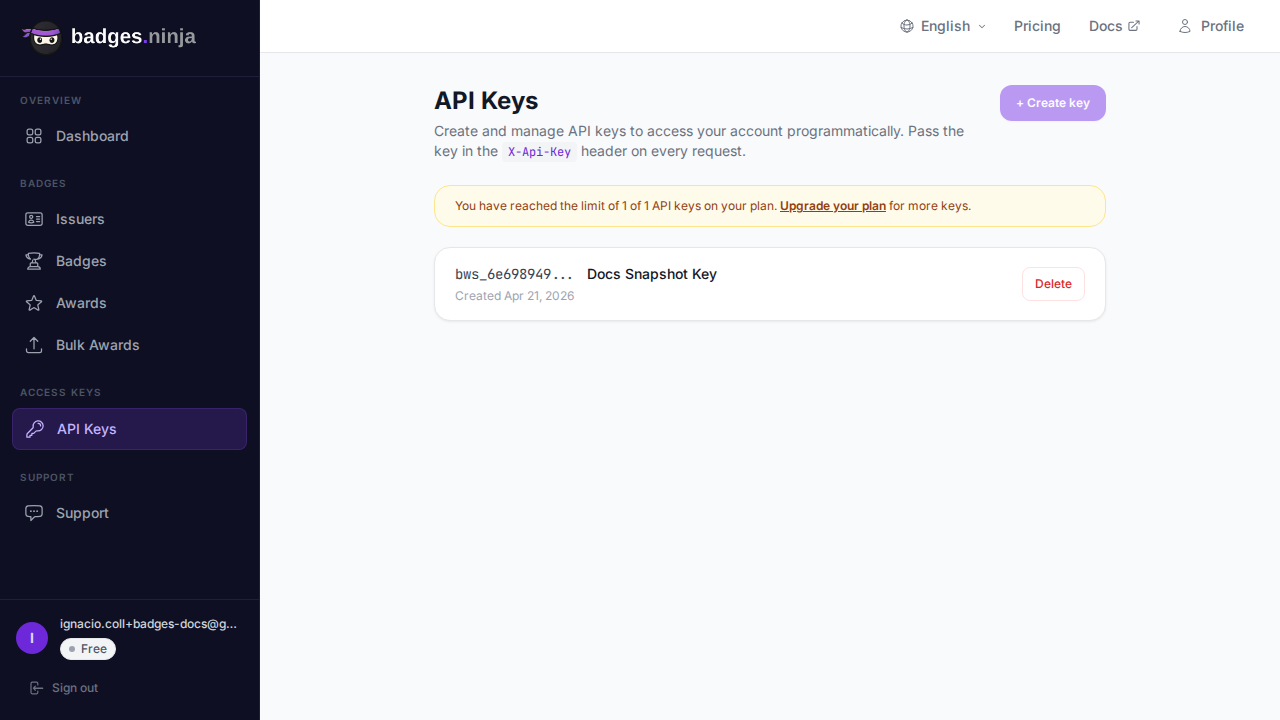
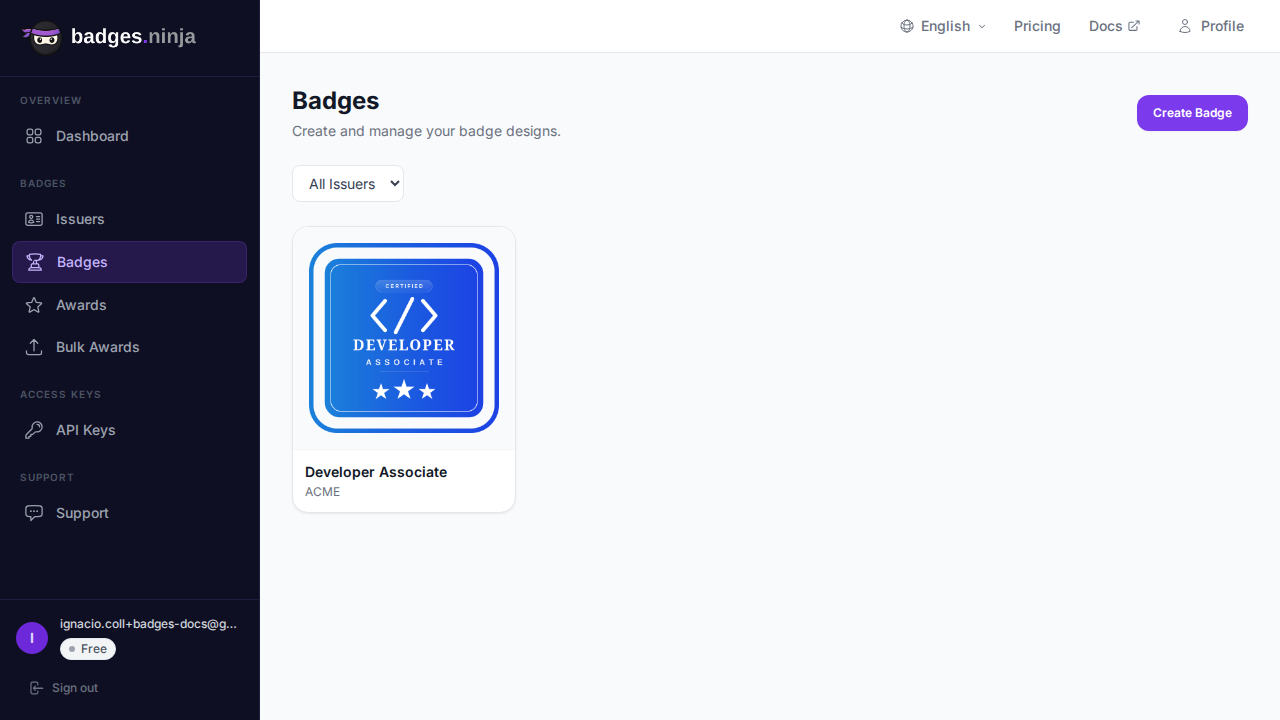
- You design the badge in the visual designer, or upload your own image.
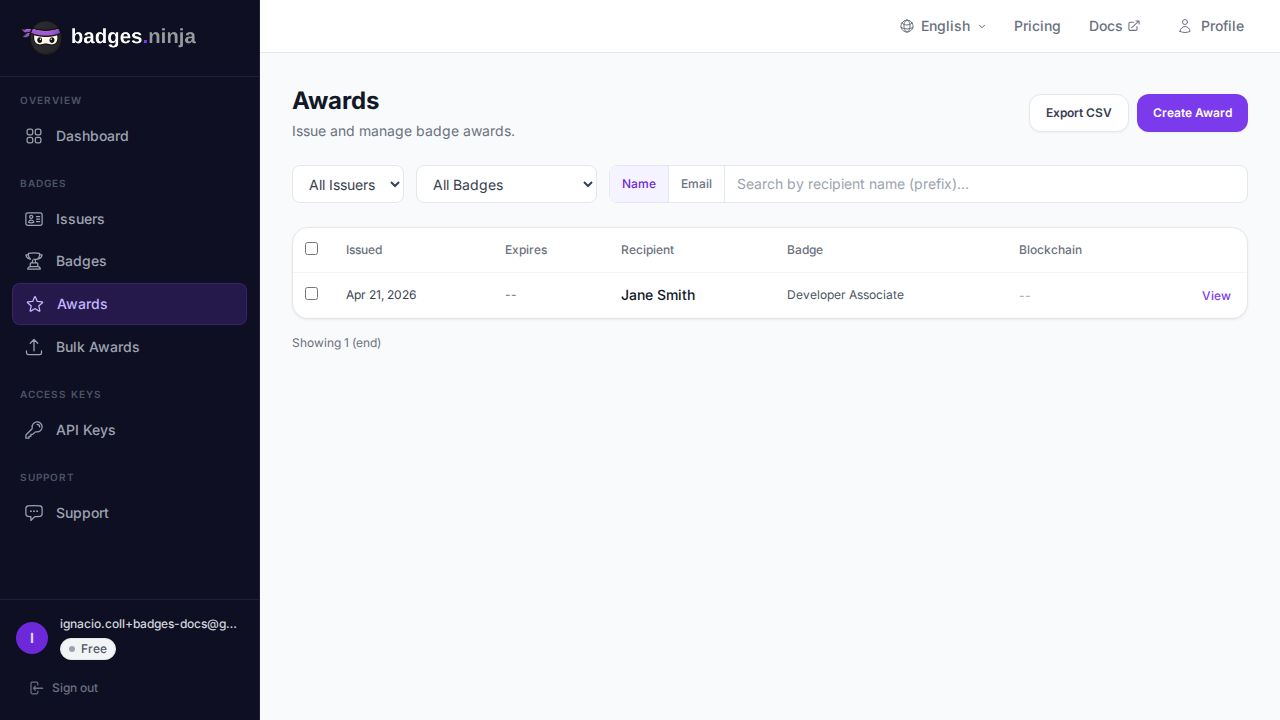
- You issue an award, from the dashboard, from a CSV upload for bulk awards, or through the API.
- The platform creates the assertion, bakes it into the PNG, and stores the result with the award.
- The recipient gets a public verification page at
https://badges.ninja/awards/<awardId>, a PDF certificate, a QR code, and an Add to LinkedIn option.
If the badge design uses merge fields such as the recipient’s name, each award gets a personalized image, and that personalized image is the one that is baked.
Baking is treated as an enhancement to issuing, not a gate: if a particular image cannot be baked (for example a degenerate placeholder image), the award is still issued using the original image, and the public verification page and Open Badge JSON-LD are unaffected. The image you upload must also clear a minimum size, so a tiny blank canvas is rejected before it reaches the bakery.
Because the public page is the authority, anyone can check an award without signing up. The machine-readable Open Badge v2.0 JSON-LD for an award is available at https://api.badges.ninja/certify-badge/award/<awardId>.
Issuing one award by API
Most readers will use the dashboard, but if you automate issuing, one request creates the award (and the baked image comes with it). Replace the key and badge id with your own:
const res = await fetch("https://api.badges.ninja/awards", {
  method: "POST",
  headers: { "X-Api-Key": "bws_YOUR_KEY_HERE", "Content-Type": "application/json" },
  body: JSON.stringify({
    badgeId: "your-badge-id",
    recipient: { name: "Jane Smith", email: "jane@example.com" },
    issuedOn: Date.now(),
  }),
});
const { awardId } = await res.json();
const verifyUrl = `https://badges.ninja/awards/${awardId}`;
The call returns HTTP 200 with { "awardId": "<guid>" }. Build the verification URL from that id. For key setup and the full request reference, see the Awards API docs and the authentication guide.
Practical advice for issuers
Always publish a verification link next to the file. Put the link in the award email, on the certificate, and on any page where the badge is displayed. Since social platforms strip metadata, the link is what keeps the credential verifiable after sharing.
Use a clean, sizeable source image. Start from a PNG with real dimensions. A designer-made badge at normal resolution bakes reliably; a 1-pixel placeholder does not.
Do not edit the delivered file. Tell recipients to share the original download or the verification link, not a cropped screenshot.
Decide what you want to say about revocation and expiry. Because the hosted record is authoritative, a baked file can outlive the status of the credential. Say so clearly in your program documentation so employers know to check the verification page rather than trust the file alone.
Test one badge end to end. Issue an award to yourself, download the PNG, run it through the script above or a public validator, and open the verification link. Five minutes of testing tells you what your recipients will experience.
Frequently asked questions
Is a baked badge the same as a digital certificate? No. A certificate is usually a PDF for reading and printing. A baked badge is an image that also carries machine-readable credential data. https://badges.ninja produces both from the same award.
Can I bake a badge without a platform? Yes. The specification is open, and libraries exist for several languages. The harder part is hosting the assertion at a stable URL, which is what makes verification meaningful. That is the part a platform handles for you.
Does baking expose the recipient’s email? Not when the identity is hashed. The assertion stores a salted hash, so the file does not reveal the address.
Will LinkedIn read the baked data? LinkedIn’s Add to Profile flow works from a credential name, issuer, date and URL rather than from the file metadata. See adding an Add to LinkedIn button.
Summary
A baked Open Badge is a PNG (or SVG) with the credential written into a text chunk named openbadges. It makes a badge portable and self-describing, but the real trust comes from the hosted assertion on the issuer’s domain. Bake for portability, publish a verification link for trust, and expect social networks to strip the metadata.
Ready to issue your first verifiable credential? Start free at badges.ninja — visual designer, public verification page, PDF certificate, Open Badge v2.0 output. No credit card required.
About the author
Nacho Coll
Founder & Engineer at Badges Ninja
Nacho founded Badges Ninja to make issuing verifiable digital credentials as simple as a single API call — Open Badge v2.0 badges and certificates, minted, hosted, and verifiable without standing up your own issuer infrastructure. Writes about the Open Badges spec, credential verification, and running a credentialing platform serverless on AWS, from the operator side of the wire.
More from Nacho Coll
- Coding Bootcamp Open Badges: Issuing Verifiable Credentials at Cohort ScaleNov 19, 2026 · 11min read
- Setting Up Webhooks for Badge Events: Real-Time Integration with Your BackendNov 16, 2026 · 9min read
- Open Badge Expiration and Renewal: Lifecycle Management for Time-Limited CredentialsNov 12, 2026 · 11min read