LinkedIn Skill Assessments vs Open Badges: Which Builds Real Credibility?
LinkedIn Skill Assessments live inside LinkedIn. Open Badges are portable, verifiable, issuer-controlled. When to use which (or both).
 By Nacho Coll
 Nacho founded Badges Ninja to make issuing verifiable digital credentials as simple as a single API call — Open Badge v2.0 badges and certificates, minted, hosted, and verifiable without standing up your own issuer infrastructure.
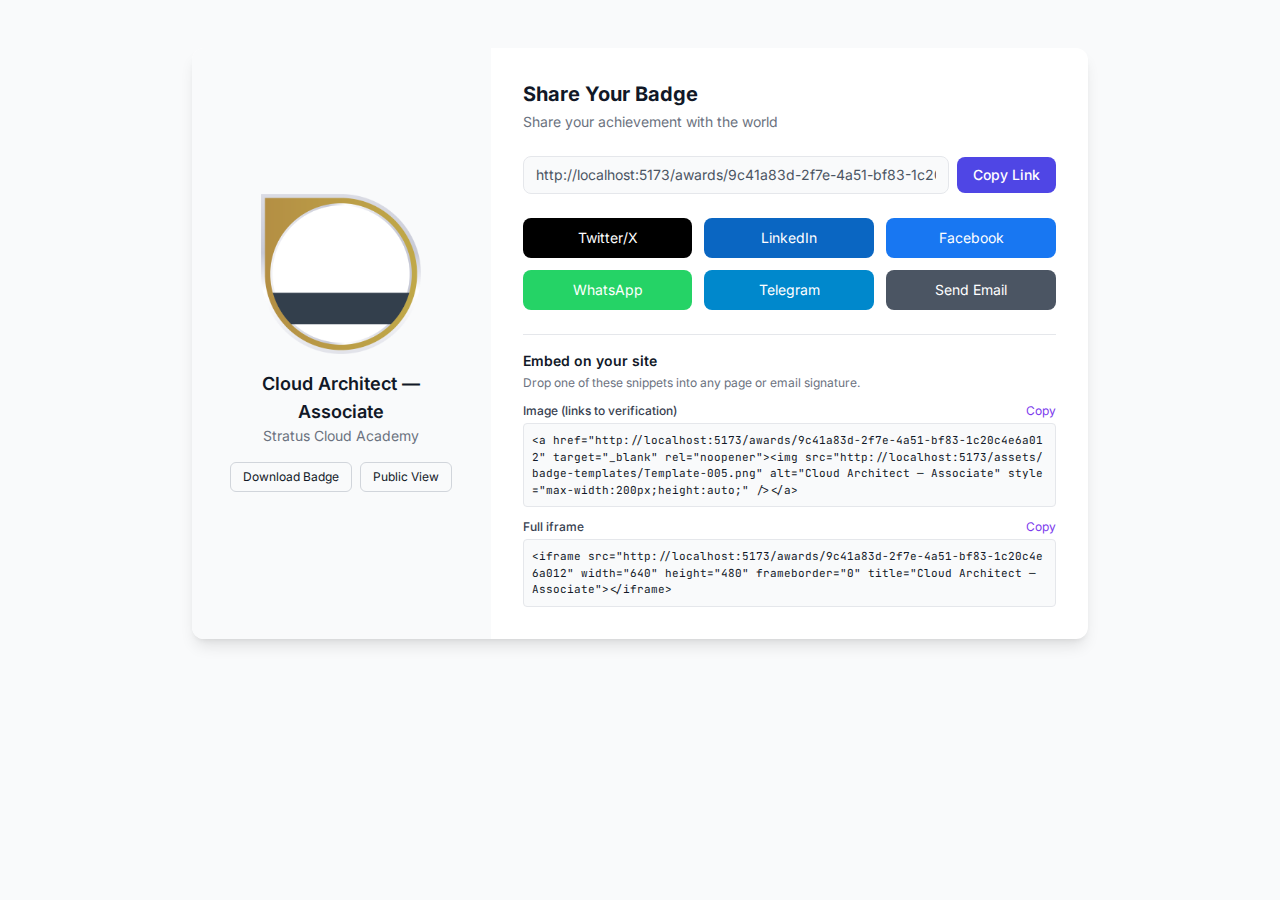
A learner finishes your course, passes the final project, and wants to tell the world. Where does that proof live? If you point them at a LinkedIn Skill Assessment, the “credential” is a small badge icon next to a skill tag, verified only by LinkedIn’s own multiple-choice quiz. If you issue an Open Badge, they get a standalone, verifiable credential with your name on it — one that still works if LinkedIn changes its product roadmap tomorrow.
Both show up on a LinkedIn profile. Both signal “this person knows something.” But they’re built on fundamentally different models of trust, and picking the wrong one — or picking only one — costs training providers and certification bodies real credibility with recruiters. Here’s an honest breakdown of what each actually verifies, who controls it, and why most issuers end up shipping both.
What a LinkedIn Skill Assessment Actually Is
LinkedIn Skill Assessments are short, timed multiple-choice quizzes (typically 15 questions, ~15 minutes) covering skills like “JavaScript,” “Project Management,” or “Excel.” Score in the top 30% and LinkedIn adds a small badge next to that skill on your profile, visible to recruiters searching by skill.
The mechanics matter:
- LinkedIn writes and owns the question bank. You can’t customize it to match your curriculum, your tools, or your specific certification criteria.
- Pass/fail is binary and opaque. There’s no partial credit, no criteria URI, no evidence trail — just a badge icon or nothing.
- The assessment is retaken from scratch. Fail, and you’re locked out for months before retrying.
- It only exists on LinkedIn. There’s no exportable credential, no JSON you can hand to an ATS, no way to embed it in an email signature or a resume PDF.
- There’s no issuer. The badge says “Excel,” not “Excel — certified by Acme Training Co.” Your organization gets zero brand visibility from a learner passing the quiz.
For an individual job-seeker padding a profile, that’s a low-friction way to add a green checkmark. For a training provider, bootcamp, or certification body trying to build a recognizable credential, it’s close to useless — you have no control over the assessment content and no way to put your name on the outcome.
What an Open Badge Actually Is
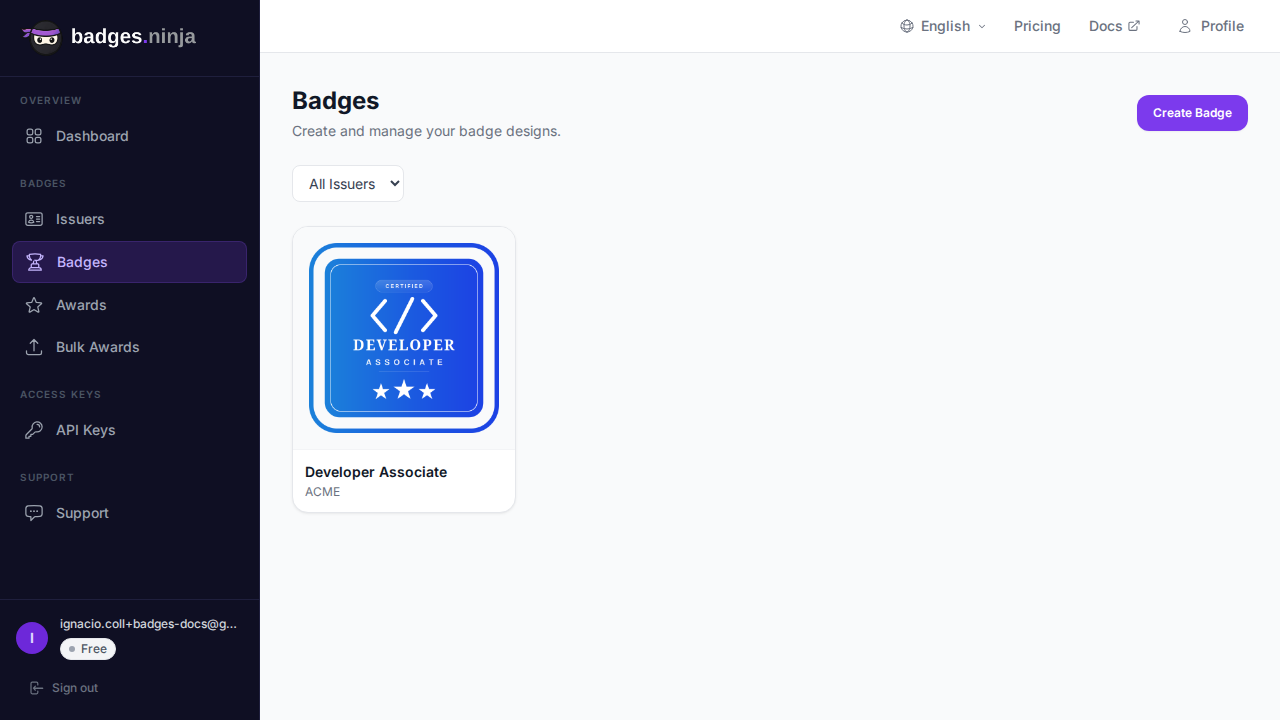
An Open Badge v2.0 credential is a structured, portable assertion: a recipient, a badge class (with your criteria and evidence), an issuer (with your identity, verified), and a cryptographically-checkable verification URL. It’s not tied to any one platform — it’s a standard, implemented by badges.ninja and dozens of other issuing tools.
Practically, that means:
- You write the criteria. The badge represents exactly what your program certifies — a specific course, a specific skill level, a specific capstone project — not a generic LinkedIn quiz topic.
- The credential is portable. It lives at a public verification URL (
https://api.badges.ninja/certify-badge/award/{guid}), downloadable as a PDF certificate, embeddable in an email signature, and shareable as a link that works whether or not the recipient is logged into anything. - Your organization is the issuer of record. Every badge carries your issuer identity — verified, with your logo, your name, and (once set up) your LinkedIn organization ID so recipients can add it straight to their Licenses & Certifications section, not just a skill tag.
- Verification is public and machine-readable. Anyone — a recruiter, an HR system, a background-check vendor — can hit the verification endpoint and get back real Open Badge JSON-LD confirming the badge is real, unrevoked, and issued by you.
That’s the core asymmetry: a LinkedIn Skill Assessment proves you passed LinkedIn’s quiz. An Open Badge proves you completed your program, on terms you defined, verifiable independent of any single platform’s continued existence.
Side-by-Side Comparison
| LinkedIn Skill Assessment | Open Badge (badges.ninja) | |
|---|---|---|
| Who writes the criteria | You, the issuer | |
| Issuer visibility | None — generic skill tag | Full issuer identity, logo, verified email |
| Portability | LinkedIn-only | Portable JSON-LD, works anywhere |
| Verification | Internal to LinkedIn | Public verification URL, QR code, PDF |
| Evidence / criteria | None | Criteria URI + optional evidence links |
| Retake policy | Fixed by LinkedIn, months-long lockout | Your policy — reissue anytime |
| Cost to issuer | Free, but zero brand control | Free tier available, full control |
| Best for | Individual profile padding | Formal course/program completion |
Neither column is “wrong.” They answer different questions. A recruiter scanning LinkedIn search results benefits from the Skill Assessment badge as a quick, low-cost filter. A hiring manager doing real diligence on a candidate’s bootcamp certificate needs something they can independently verify — that’s the Open Badge.
Where LinkedIn Skill Assessments Fall Short for Issuers
If you’re a training provider, the core problem isn’t quality — LinkedIn’s quizzes are reasonably well-built for what they are. The problem is that you’re invisible in the outcome. A learner who aces the LinkedIn “React” assessment after finishing your 12-week bootcamp gets a badge that credits LinkedIn’s question bank, not your curriculum. Recruiters searching LinkedIn skill filters see a bare “React” check mark, not “React — Acme Bootcamp, Cohort 14.”
That’s a lost marketing opportunity at scale. Every credential you issue is a chance for a recruiter, a hiring manager, or a future student to discover your organization. A generic skill checkmark converts none of that. A branded, verifiable Open Badge — especially one your alumni proudly share as a LinkedIn post, not just a profile tag — does.
There’s also a durability problem. LinkedIn can change, deprecate, or restructure Skill Assessments at any time (they’ve already scaled the feature back once). A credential your learners earned two years ago could simply vanish from their profile with no notice and no fallback. An Open Badge you issue lives at a URL you control, independent of any one platform’s product decisions.
Where Open Badges Fall Short (Be Honest About This)
Open Badges aren’t automatically discoverable the way a LinkedIn-native feature is. LinkedIn’s own algorithm surfaces Skill Assessment badges to recruiters searching by skill — an Open Badge only gets that visibility if the recipient explicitly adds it to their Licenses & Certifications section, or shares it as a post.
That’s a real gap, but it’s closable. Every badges.ninja issuer can set a LinkedIn organization ID once on their issuer profile, which enables the Add-to-LinkedIn-Profile button on every credential page — recipients click once, LinkedIn pre-fills a certification entry with your organization name attached, and the credential lands in the same Licenses & Certifications section recruiters already search. We cover the full setup in How to Add a LinkedIn “Add to Profile” Button to Your Open Badges.
The Right Answer: Ship Both
Most issuers shouldn’t treat this as an either/or decision. The two credentials serve complementary roles in the same recruiter-facing funnel:
- Open Badges are the credential. Issue them for anything that represents real completion — a course, a certification exam, a capstone project, a professional milestone. This is the artifact with your criteria, your evidence, your verification URL.
- LinkedIn distribution puts that credential in front of recruiters. Use the Add-to-LinkedIn-Profile flow so the Open Badge shows up in Licenses & Certifications, and encourage learners to also take any relevant LinkedIn Skill Assessment as a supplementary, LinkedIn-native signal.
The recipient ends up with two proof points on their profile: a generic-but-searchable LinkedIn skill tag, and a specific, verifiable, issuer-branded certification. Recruiters who dig past the skill filter find your organization’s name attached to real criteria — which is a far stronger signal than a quiz score.
A Minimal API Example
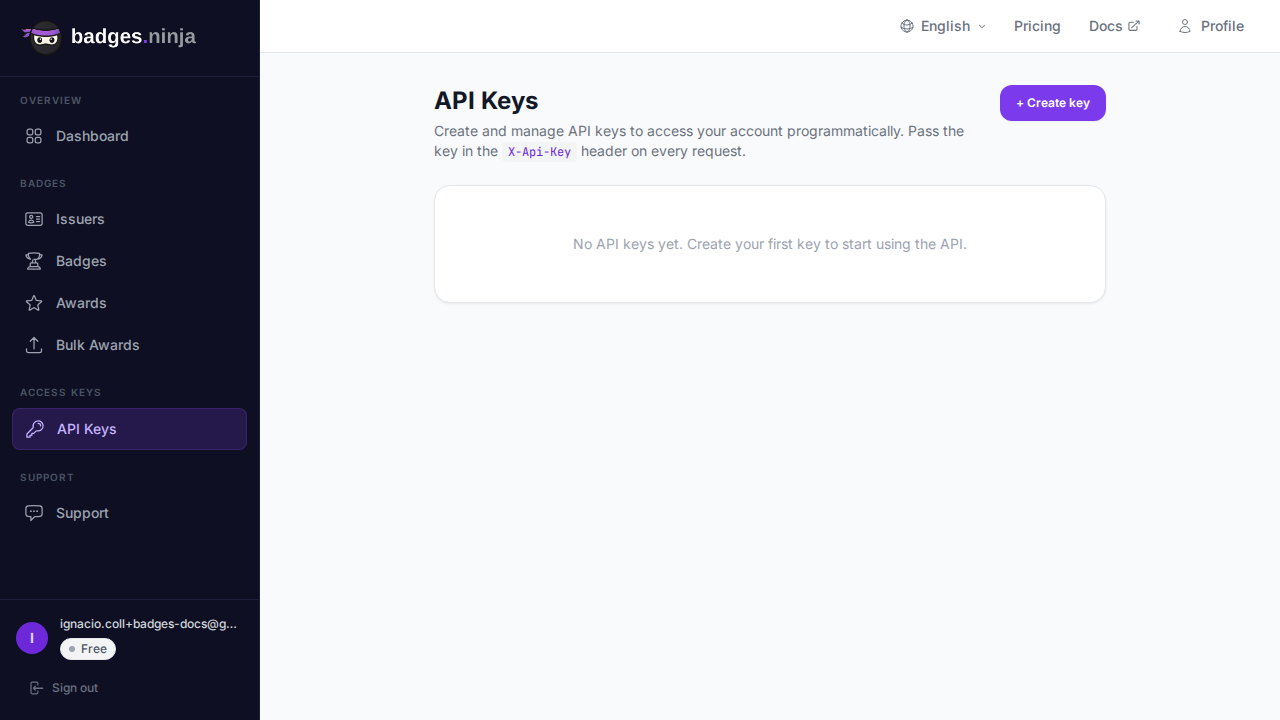
If you’re issuing badges programmatically after a course-completion event, the issuance call is a single POST once you have an issuer, a badge class, and an API key:
const response = await fetch("https://api.badges.ninja/awards", {
  method: "POST",
  headers: {
    "X-Api-Key": "bws_" + process.env.BADGES_NINJA_API_KEY,
    "Content-Type": "application/json"
  },
  body: JSON.stringify({
    badgeId: "badge_xxxxxxxx",
    recipient: { name: "Jordan Lee", email: "learner@example.com" },
    issuedOn: Date.now()
  })
});
const award = await response.json();
console.log(`https://badges.ninja/awards/${award.awardId}`);
import requests, os, time
resp = requests.post(
"https://api.badges.ninja/awards",
headers={"X-Api-Key": f"bws_{os.environ['BADGES_NINJA_API_KEY']}"},
json={
"badgeId": "badge_xxxxxxxx",
"recipient": {"name": "Jordan Lee", "email": "learner@example.com"},
"issuedOn": int(time.time() * 1000),
},
)
award = resp.json()
print(f"https://badges.ninja/awards/{award['awardId']}")That single call returns a verification URL, a QR code, and — once the recipient signs in via magic link at badges.ninja/me — an Add-to-LinkedIn-Profile button on their credential page. See the full Awards API reference for the complete request/response shape.
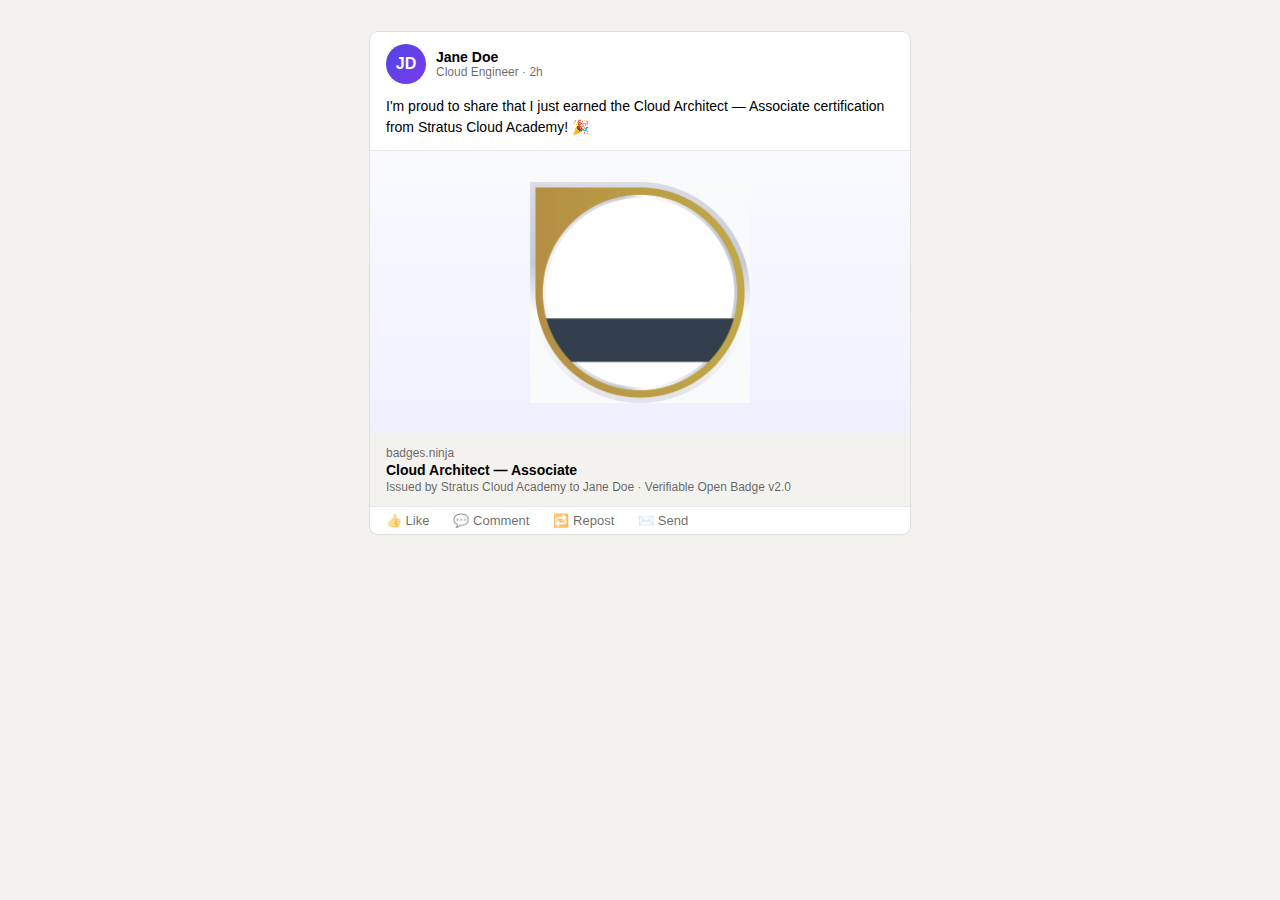
Design Choices That Affect the LinkedIn Share Rate
Whether a recipient bothers to post their Open Badge to LinkedIn — turning one credential into hundreds of recruiter impressions — depends heavily on how the badge looks and how easy the share flow is. A generic gray ribbon gets ignored; a badge with a recognizable shape, your brand color, and a clear title gets shared. We break down the concrete design patterns that move share rates in Designing Badges That Get Shared on LinkedIn.
How Recruiters and ATS Systems Actually Verify These
The gap between the two credential types gets sharper once you follow what happens after a candidate lists them on an application.
A LinkedIn Skill Assessment badge has no independent verification path. A recruiter sees the checkmark on the profile and has to take LinkedIn’s word for it — there’s no endpoint an applicant-tracking system (ATS) can call, no JSON payload to attach to a candidate record, no way to confirm the badge wasn’t quietly re-enabled after a policy change. It’s a UI element, not a credential object.
An Open Badge, by contrast, is built to be machine-verified. Every credential has a public GET endpoint at https://api.badges.ninja/certify-badge/award/{guid} that returns the full Open Badge v2.0 JSON-LD assertion — issuer, badge class, criteria, evidence, issued date, and revocation status. Background-check vendors, university registrars, and increasingly ATS platforms can call that endpoint directly and get a structured yes/no answer with supporting metadata, instead of trusting a screenshot. If your program ever needs to support bulk verification (a corporate partner checking an entire cohort, for instance), that’s a script hitting the public endpoint in a loop, not a manual audit.
This is also where badge revocation matters in a way LinkedIn Skill Assessments simply don’t support. If you discover a credential was issued in error, or a certification later gets revoked for cause, the verification endpoint reflects that immediately — anyone re-checking the badge sees the revocation. LinkedIn has no equivalent mechanism; once a Skill Assessment badge is on a profile, there’s no issuer-side lever to correct it.
None of this means LinkedIn Skill Assessments are worthless — for the specific job of “does this profile have a searchable skill tag,” they do exactly what they’re built for. But if your program’s credibility depends on someone being able to independently confirm a credential is real, current, and tied to your organization, that verification chain only exists on the Open Badge side.
Decision Guide
Use LinkedIn Skill Assessments alone if: you’re an individual building a personal profile and don’t run a formal program — there’s no issuer identity to protect, and the built-in discoverability is a real win.
Use Open Badges alone if: brand visibility and verifiable criteria matter more than LinkedIn-native search discoverability — for example, internal compliance training that never needs to appear in a public skill search.
Use both if: you’re a training provider, bootcamp, certification body, or corporate L&D team issuing credentials that represent real program completion. Issue the Open Badge as the authoritative, verifiable record; drive it into LinkedIn’s Licenses & Certifications section via Add-to-Profile; let learners supplement with whatever LinkedIn Skill Assessments overlap with your curriculum.
The combination costs nothing extra to set up and closes the one real gap Open Badges have against LinkedIn-native features: default discoverability. Everything else — issuer control, portability, verification integrity, credential durability — already favors the Open Badge.
Ready to issue your first verifiable credential? Start free at badges.ninja — visual designer, public verification page, PDF certificate, Open Badge v2.0 output. No credit card required.
About this article: This comparison was researched and drafted with AI assistance, then fact-checked and edited by the Badges Ninja team. Pricing and feature details reflect our understanding as of the publish date above — always confirm current terms directly with the vendor before making a purchasing decision.
Related reading: Free digital badge & certificate maker → · Badges Ninja plans & pricing · Credly alternative · Certifier alternative · Cheapest Open Badges platform · Best Open Badges platforms (ranked)
Frequently asked questions
What's the main difference between a LinkedIn Skill Assessment and an Open Badge?
Can a LinkedIn Skill Assessment be verified independently?
Should training providers issue LinkedIn Skill Assessments, Open Badges, or both?
How do recruiters and ATS systems verify these credentials?
About the author
Nacho Coll
Founder & Engineer at Badges Ninja
Nacho founded Badges Ninja to make issuing verifiable digital credentials as simple as a single API call — Open Badge v2.0 badges and certificates, minted, hosted, and verifiable without standing up your own issuer infrastructure. Writes about the Open Badges spec, credential verification, and running a credentialing platform serverless on AWS, from the operator side of the wire.