English
English
Appearance
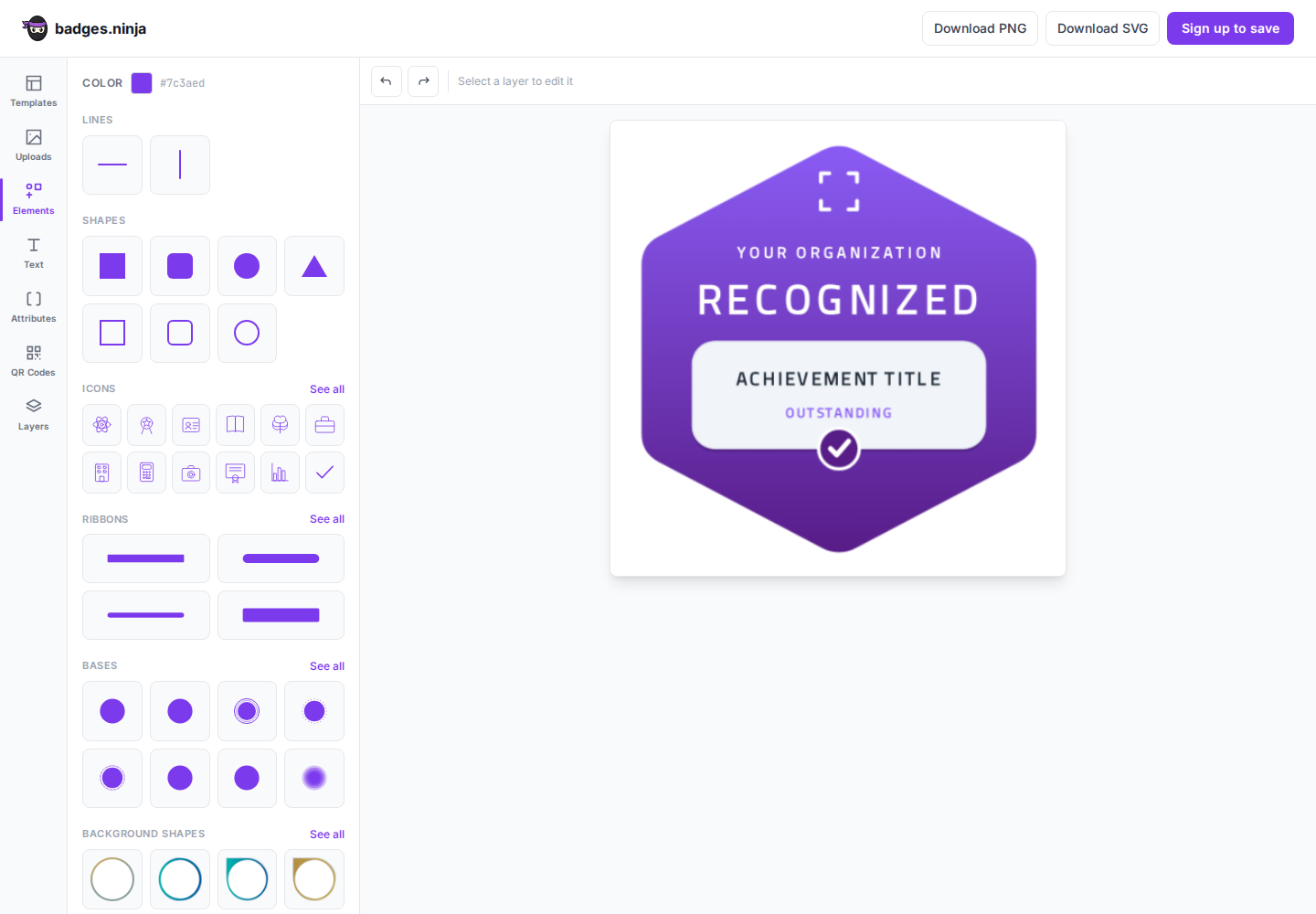
badges.ninja hosts a free, no-signup badge designer on its landing page at badges.ninja/designer. Anyone can open it and design a badge in the browser — no account required — then download the result or sign up to save and issue it.
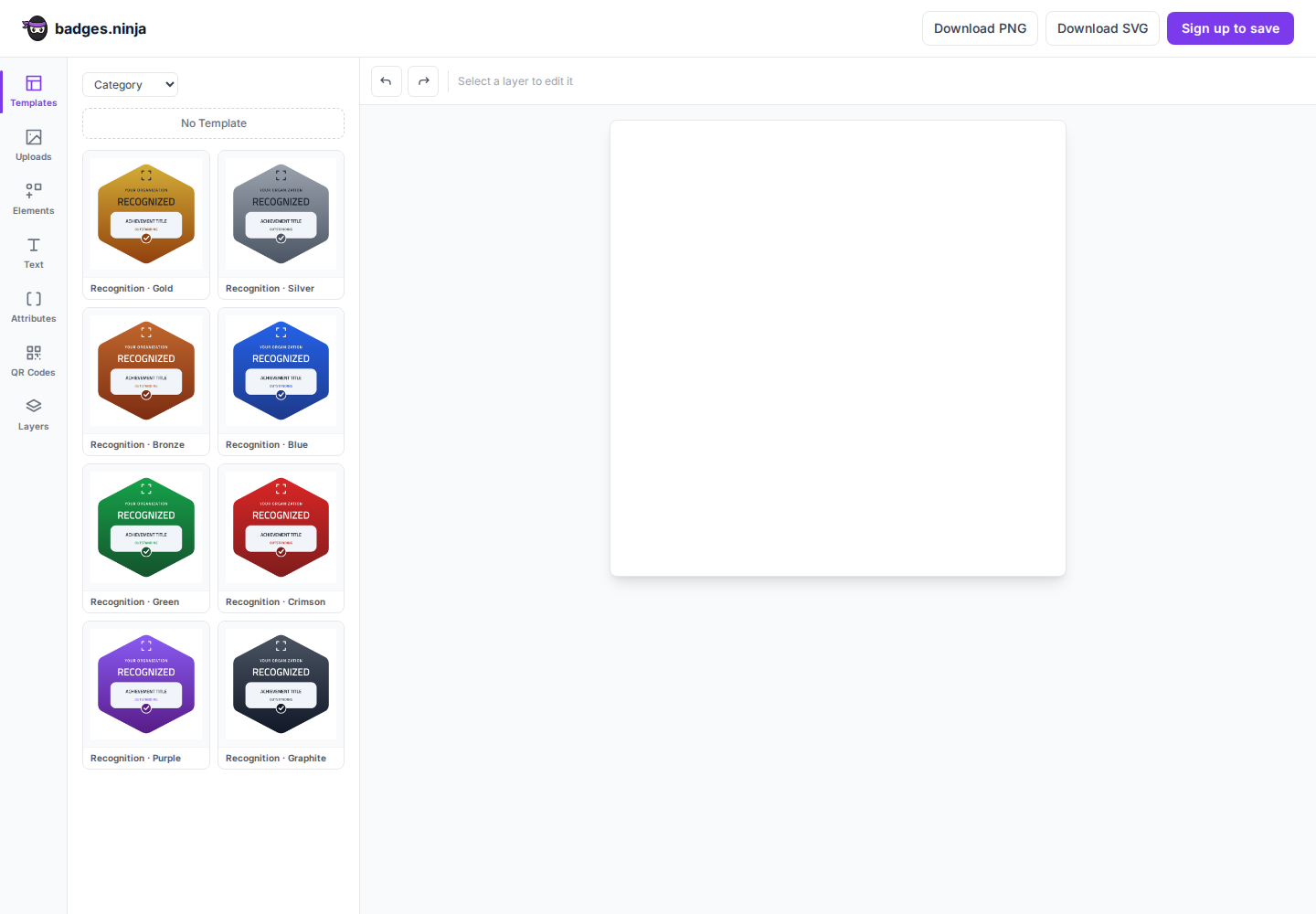
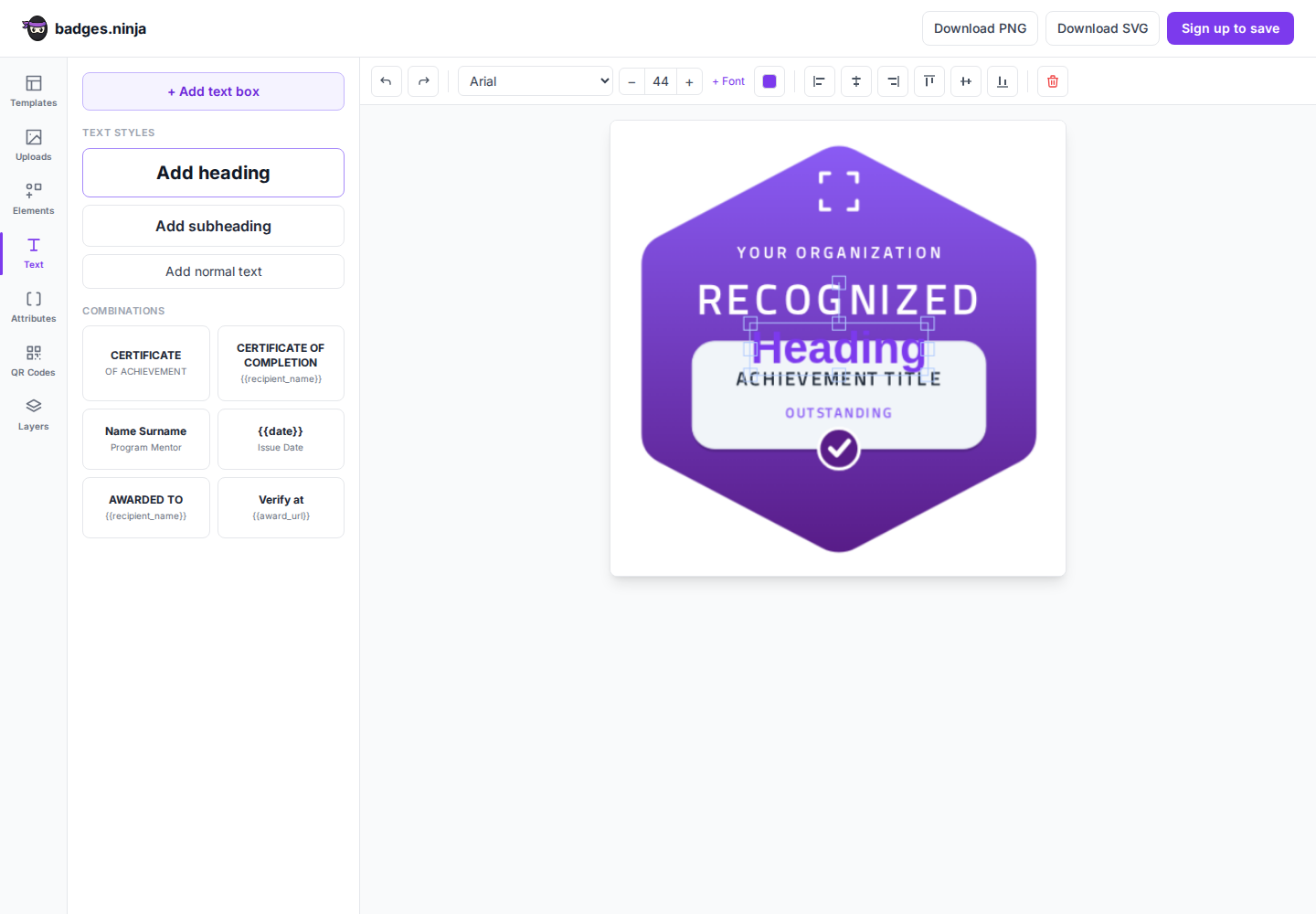
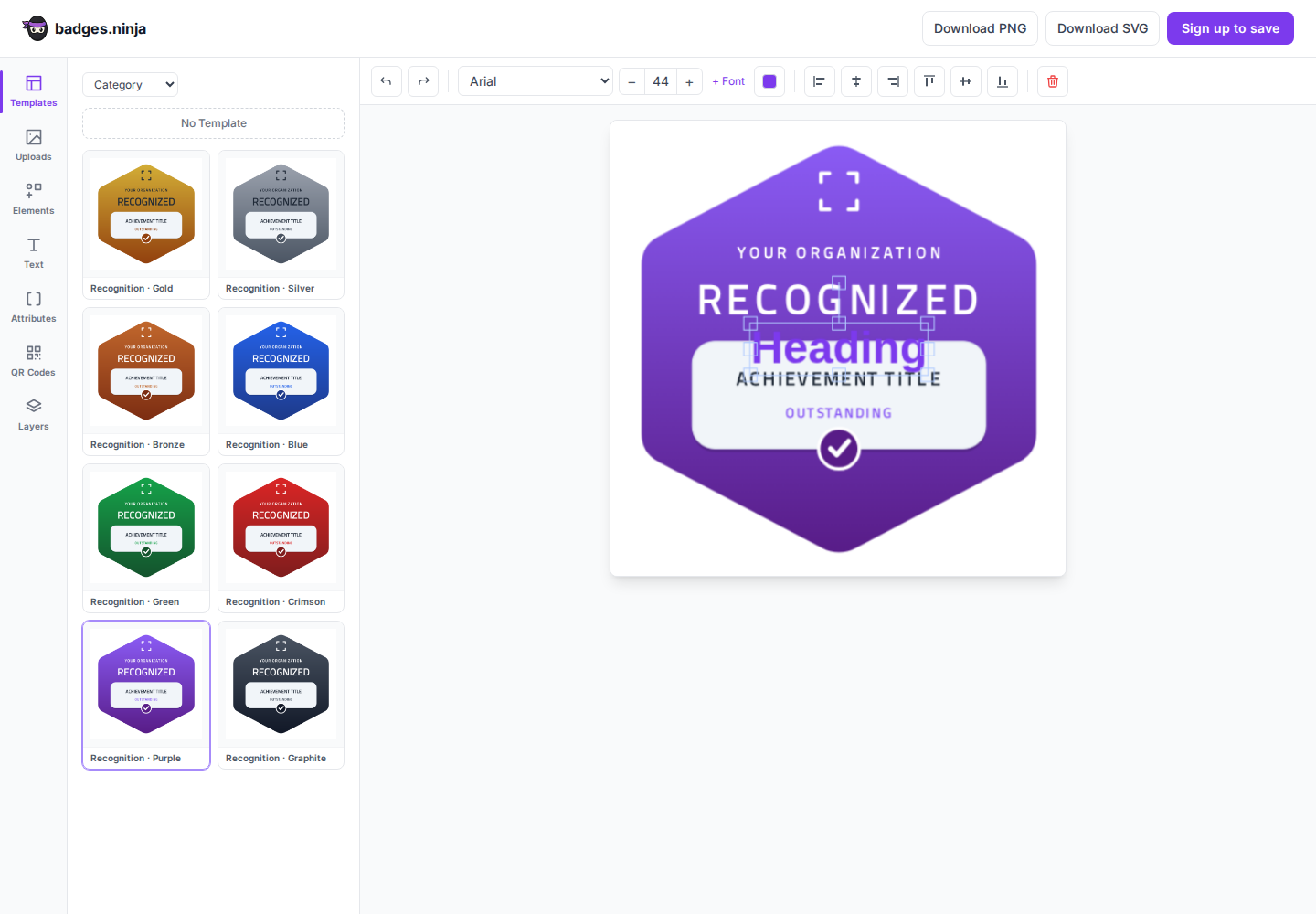
The public designer is the same three-column editor as the Badge Designer inside the app — the left rail (Templates, Uploads, Elements, Text, Attributes, QR Codes, Layers), a tools panel, and a live canvas. The only difference is that it's standalone: there's no badge-details form and no issuing — it's a design surface plus a top bar with Download PNG, Download SVG, and Sign up to save.
It's meant as a zero-friction way to try the editor and produce a badge image, and as an on-ramp: when you're happy with a design, one click takes you to sign-up, where the design carries over so you can save it and start issuing.
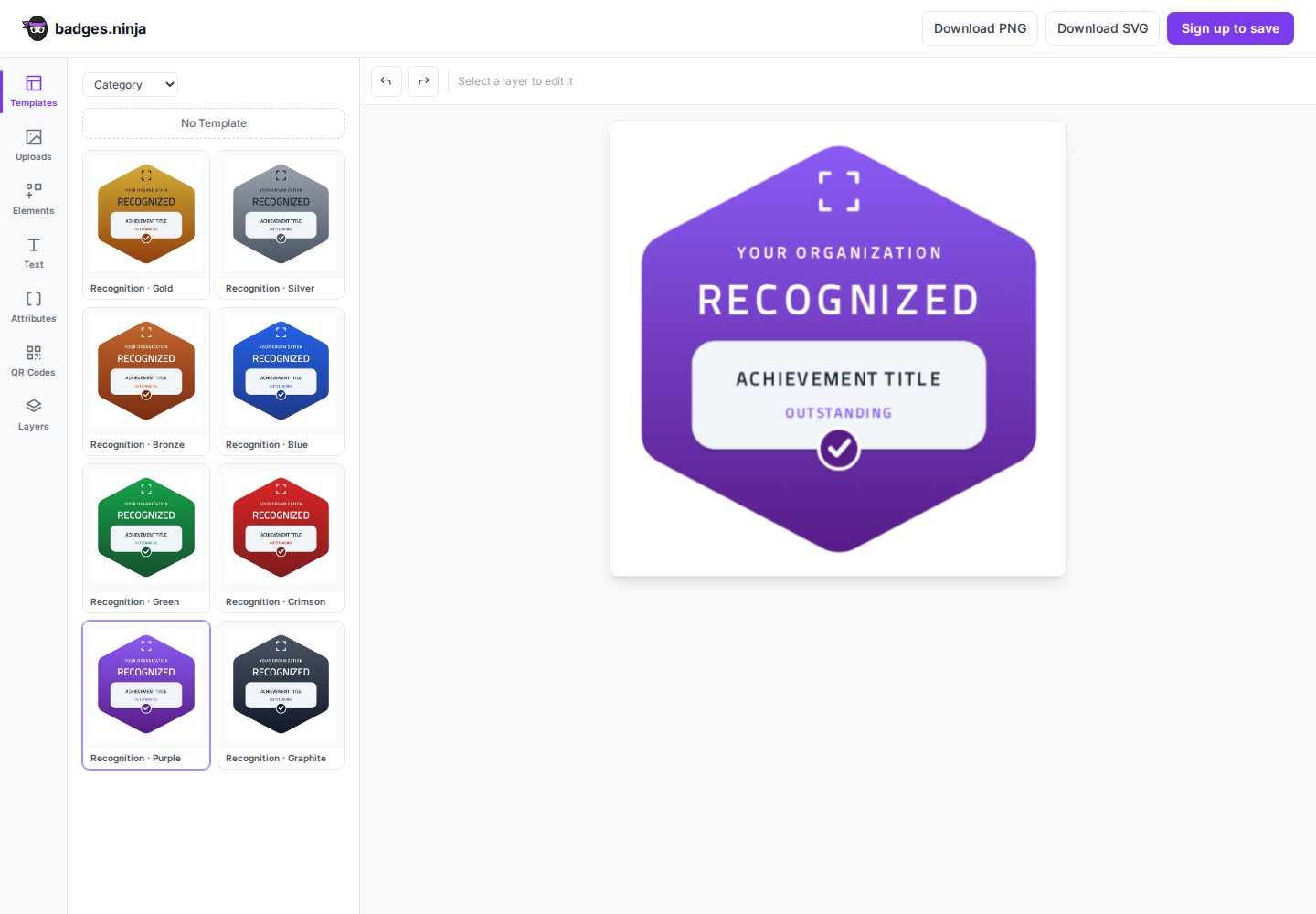
When your badge looks right:
From design to credential
The download gives you an image; signing up turns that image into a verifiable credential — a public verification page, recipient sharing, and analytics. See Creating Badges and Issuing Badges.