English
English
Appearance


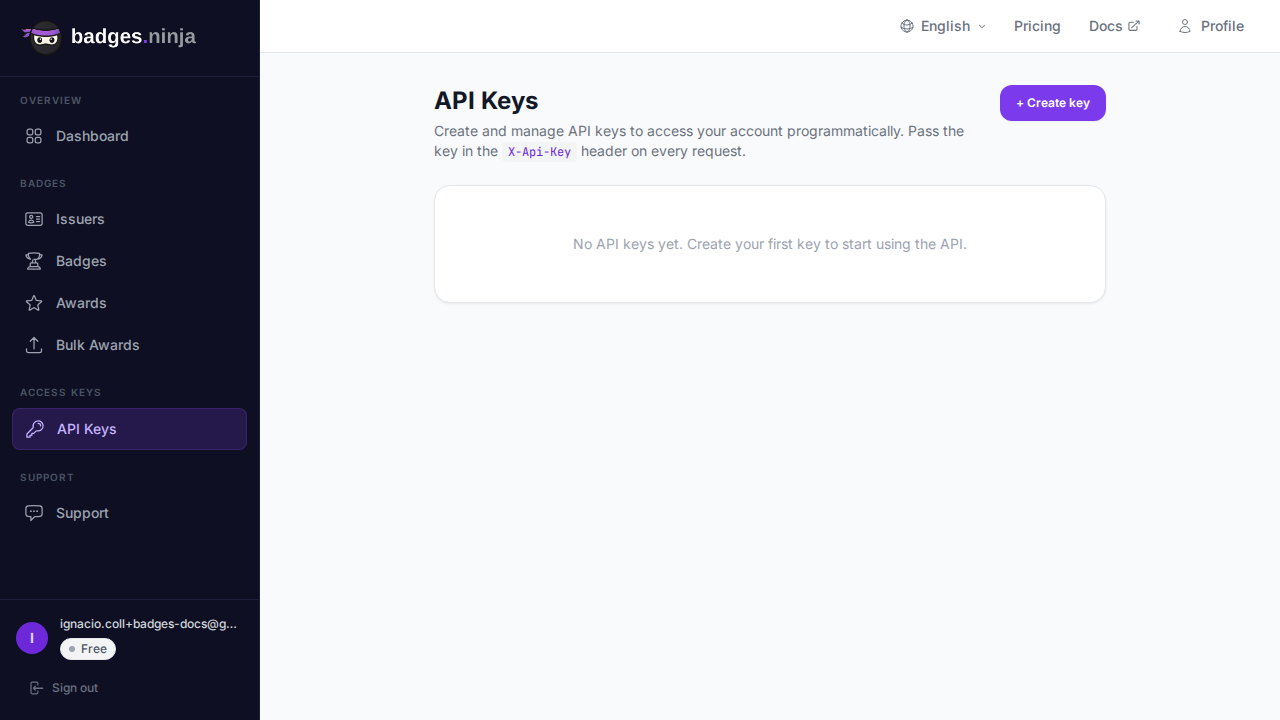
API keys let you access the badges.ninja REST API programmatically. Use them to automate badge creation, issuing, and management from your own applications.
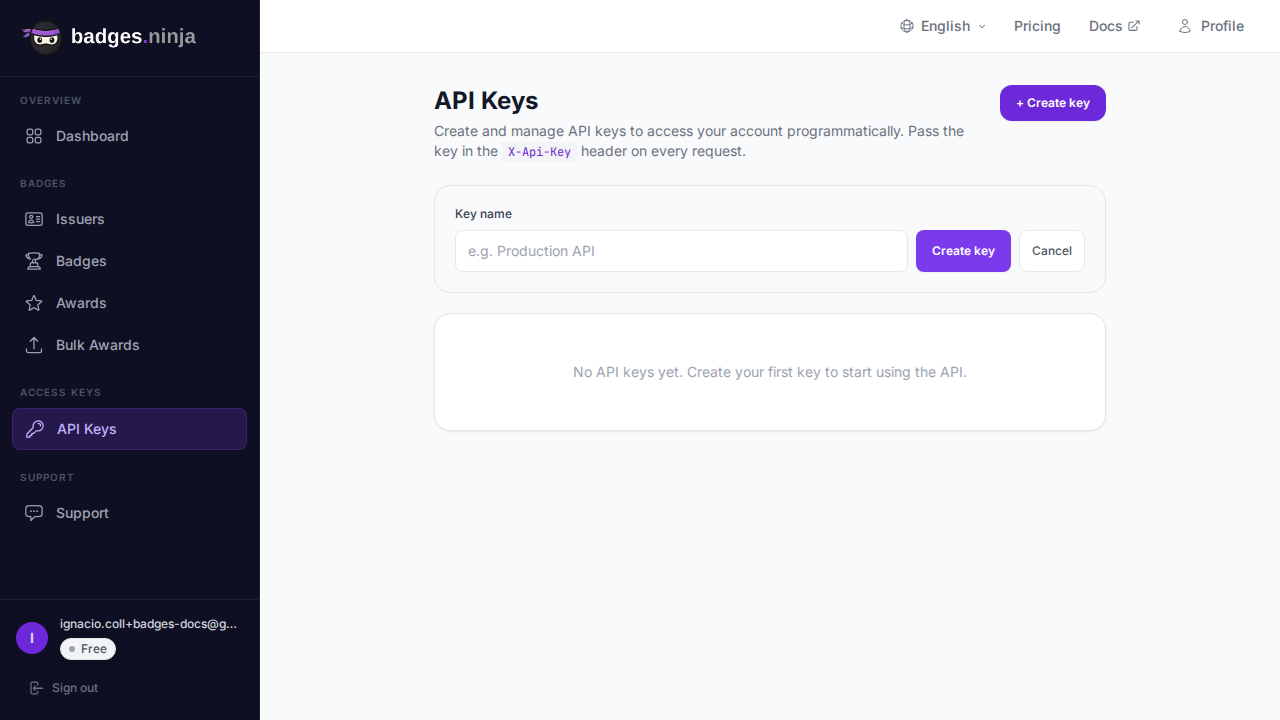
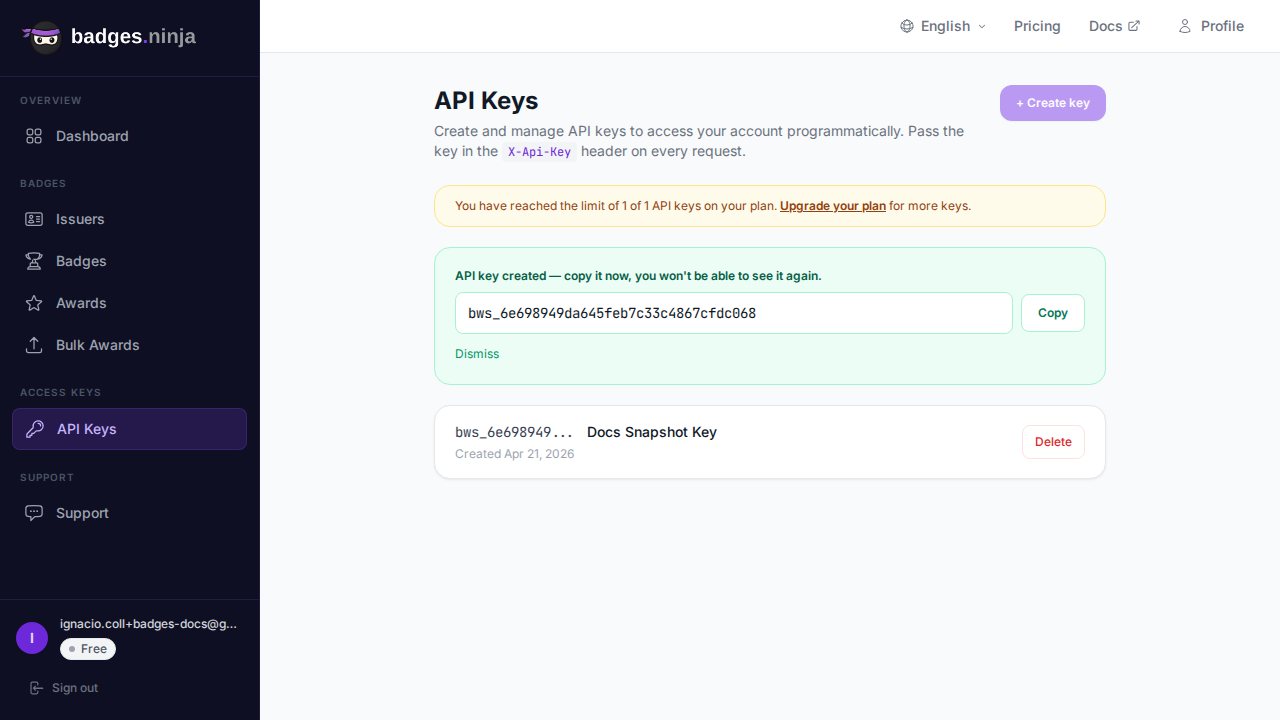
bws_a1b2c3d4...); the full key stays stored server-side to authenticate your requests: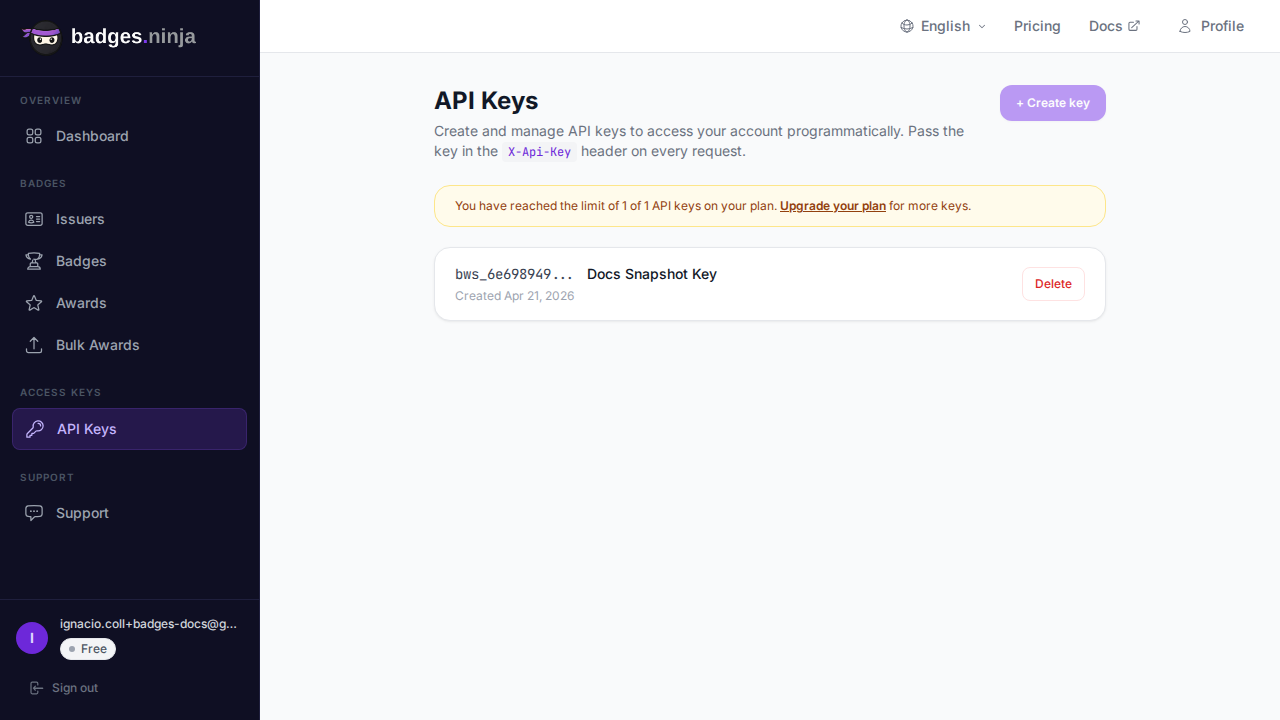
Each row also shows when the key was created and, once it has been used, a last used timestamp so you can spot stale keys.
When you create a key you can make it read-only or leave it full-access:
| Scope | Allows |
|---|---|
| Full access (default) | Read and write — list data and create, issue, update, or delete. |
| Read-only | Safe GET requests only. Any mutating request (POST, PUT, PATCH, DELETE) is rejected with 403 Forbidden. |
Use a read-only key for integrations that only need to read your data (reporting, dashboards, backups) so a leaked key can't change anything. Tick Read-only key in the create form; read-only keys show a Read-only badge in the list. Keys created before scopes existed keep full access.
API keys use the bws_ prefix followed by a 32-character hex string:
bws_a1b2c3d4e5f6a7b8c9d0e1f2a3b4c5d6Include the API key in the X-Api-Key header of every API request:
curl -X GET https://api.badges.ninja/issuers \
  -H "X-Api-Key: bws_your_api_key_here"
See the Authentication page for full details on API authentication.
The number of API keys you can create depends on your plan:
| Plan | API Key Limit |
|---|---|
| Free | 1 |
| Starter ($9/mo) | 5 |
| Pro ($29/mo) | 20 |
Every API key expires one year after it is created. Once a key expires it stops authenticating requests, exactly as if it had been deleted. Create a new key before the old one lapses to avoid interruption.
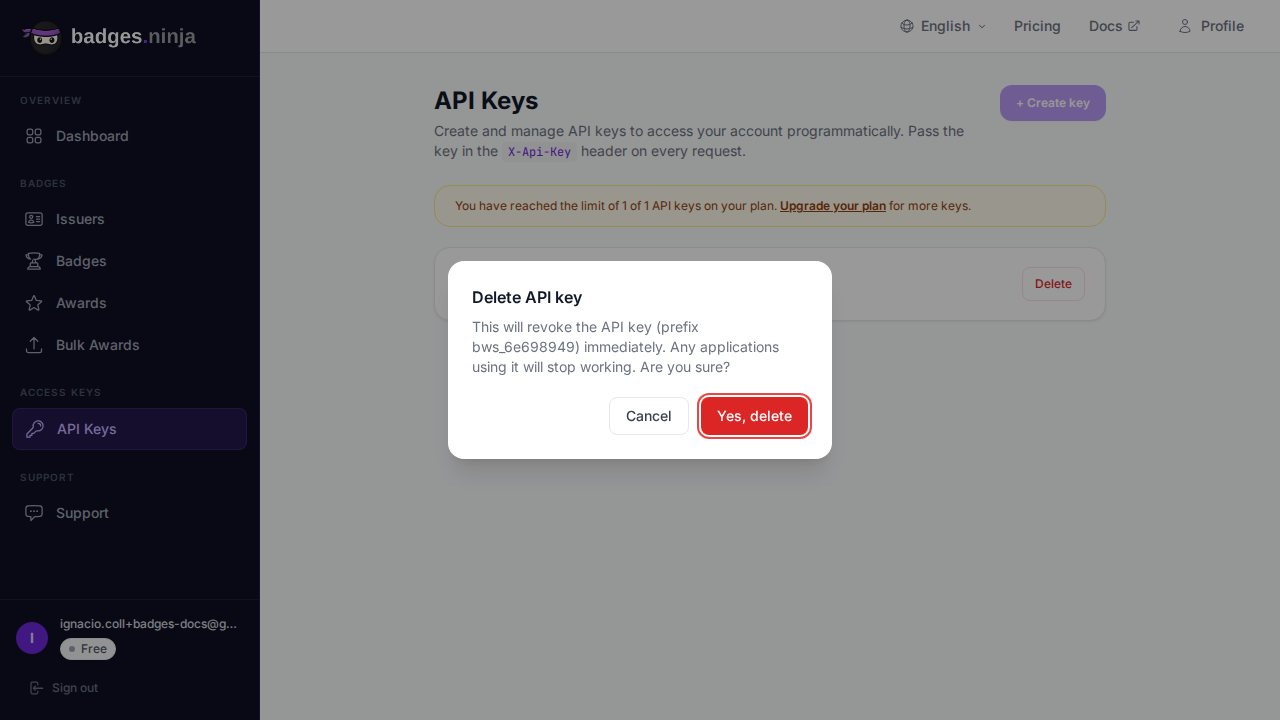
Once deleted, the key immediately stops working. Any applications using that key will receive authentication errors.