English
English
Appearance


Bulk credentials let you issue badges to hundreds or thousands of recipients at once by uploading a CSV file. The process has four steps with built-in progress tracking, pause/resume, and error handling.
The bulk credential process follows four steps:
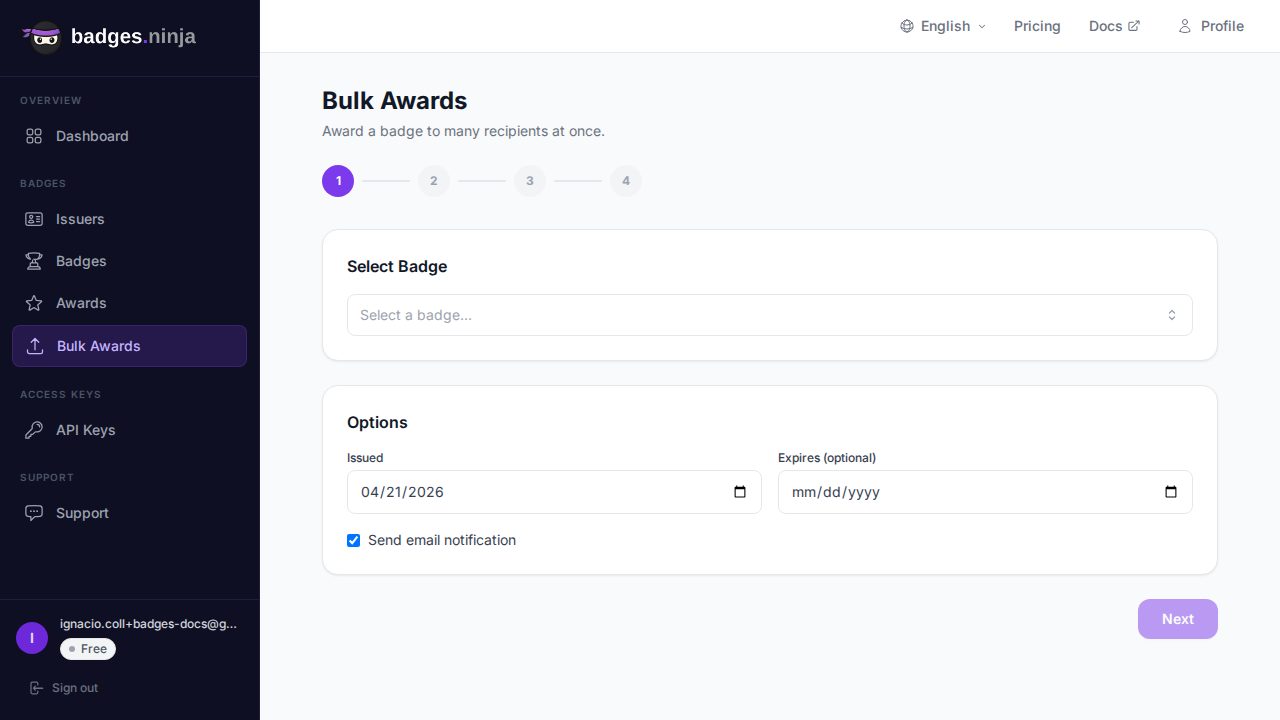
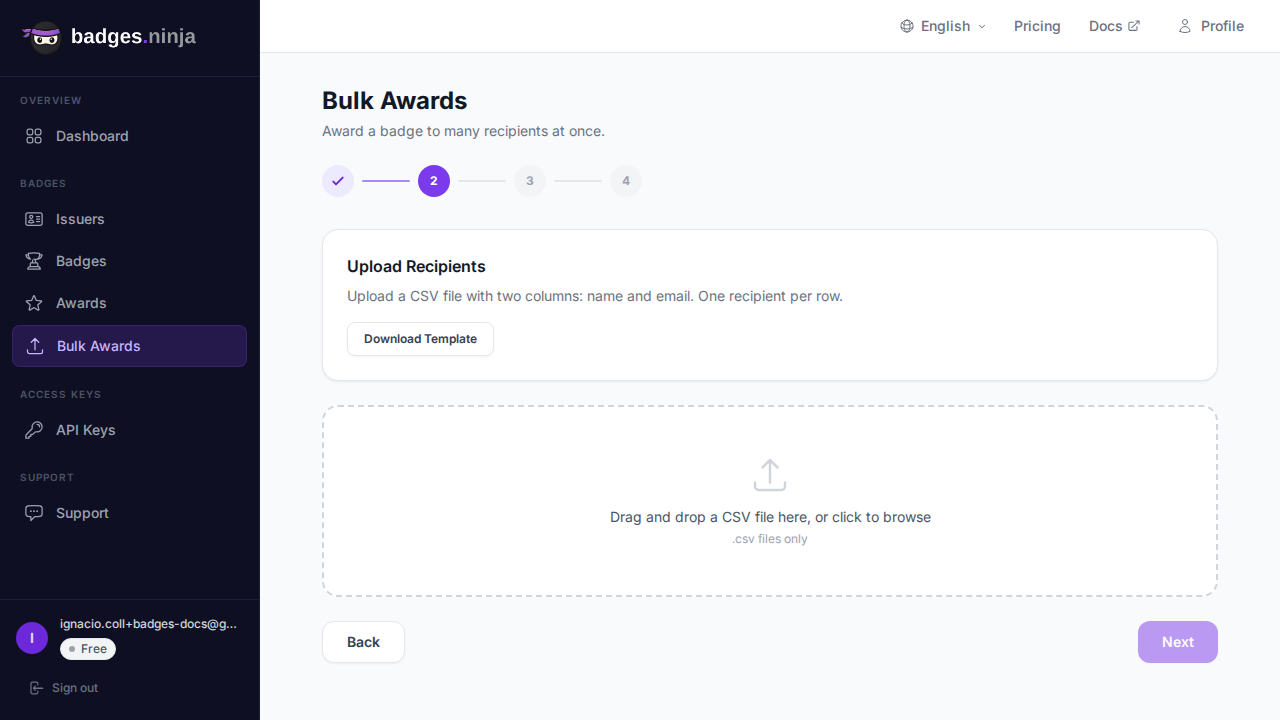
The CSV file must have a name column and an email column, with a header row. Header names are case-insensitive, and recipient_name / recipient_email are accepted as aliases for name / email.
name,email
Jane Smith,jane@example.com
John Doe,john@example.com
Maria Garcia,maria@example.comClick Download Template to get a blank CSV file with the correct headers. Fill it in with your recipients and upload it.
Each row is validated as soon as the file is parsed:
The preview table lists every row with a green check or a red reason. Invalid rows aren't a blocker — they're simply skipped, and the counter shows how many valid recipients will be processed (e.g. "18 valid recipients, 2 invalid (will be skipped)"). You can proceed as long as at least one row is valid; there's no need to fix and re-upload first.
Once processing starts, you see a progress bar and live counters:
Live Created, Failed, and Pending tables fill in beneath the bar as the batch runs.
When a row fails for a row-specific reason (e.g. an invalid value the backend rejects):
Rate-limited rows are retried automatically with a short back-off. A credits or quota error is different — rather than skipping ahead, the batch pauses so you don't burn through the rest of the file. A red "Insufficient credits" notice appears; top up or upgrade, then click Resume to continue from where it stopped.
If you accidentally close the browser or refresh the page during processing, the bulk credential session is recovered when you return. Progress resumes from where it stopped.
After processing completes (or is cancelled), the results screen shows four summary cards:
Below the cards, a Created table lists each new credential with a link to view it, and a Failed table lists the failures with their error text.
row, name, email, status, award_url (the credential URL is filled in for created rows).name, email, error.If some rows failed, click Retry Failures. This starts a fresh pass over just the failed recipients — no need to re-upload a CSV. It's handy after fixing a transient issue such as topping up credits following a paused batch.