English
English
Appearance


A credential (also called an assertion) is a badge issued to a specific person. Each credential records who earned the badge, when it was issued, and provides a unique verification URL. Credentials follow the Open Badge v2.0 Assertion specification.
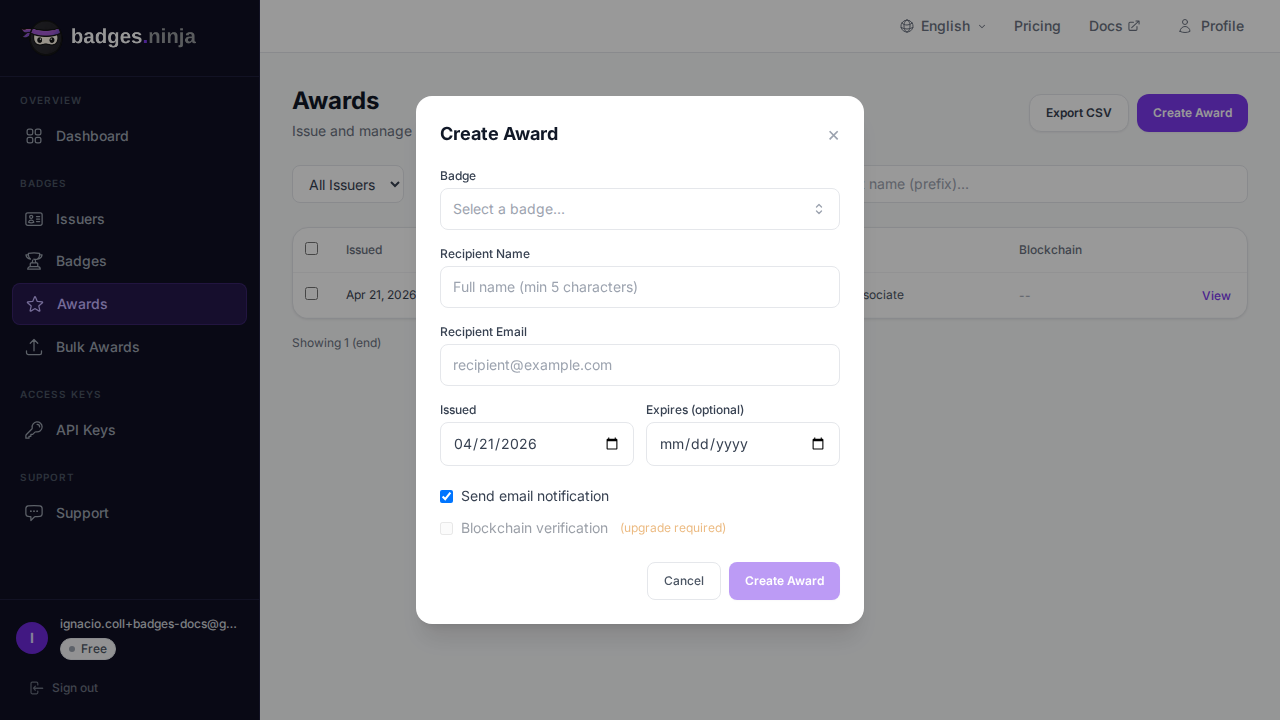
 4. Fill in the recipient details:
| Field | Required | Description |
|---|---|---|
| Name | Yes | Recipient full name (minimum 5 characters) |
| Yes | Recipient email address | |
| Issued On | Yes | The date the credential was earned |
| Expires | No | Optional expiration date |
Each successful credential counts as one against your annual credential pool (Free: 1,200/year, Starter: 12,000/year, Pro: 120,000/year). The pool resets on your account's registration anniversary; billing stays monthly. See Plans & Billing for details.
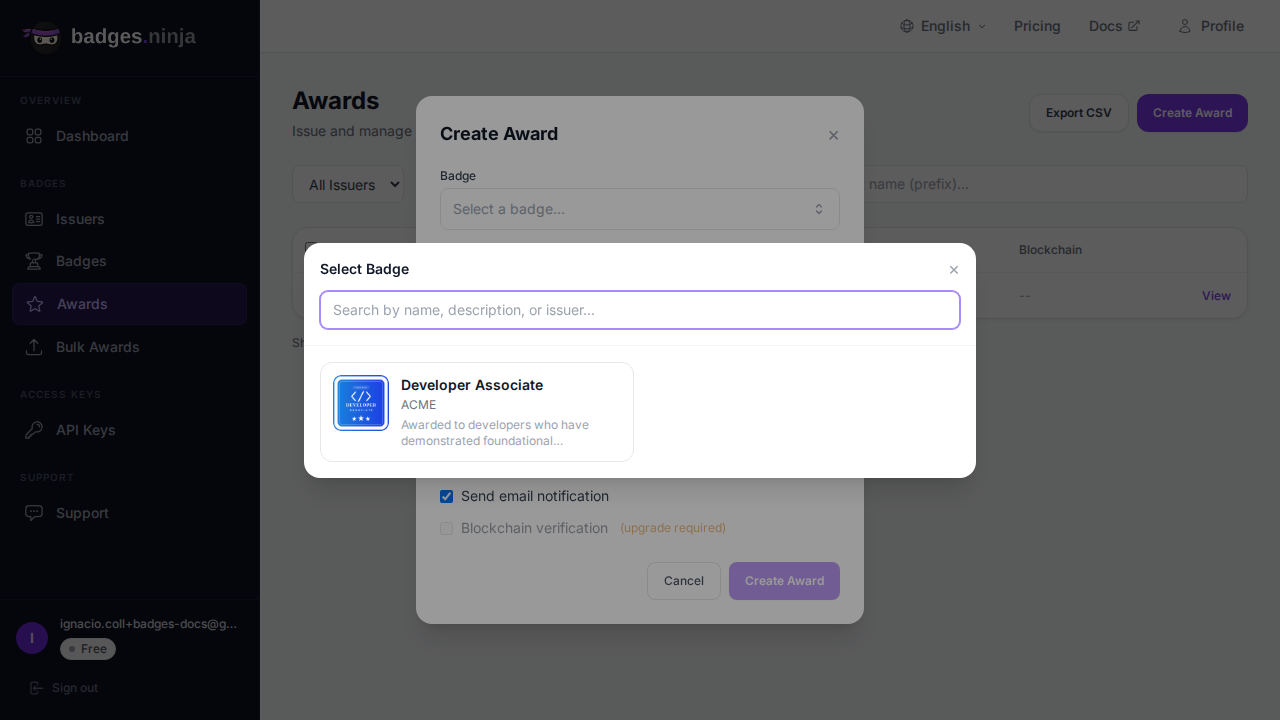
When creating a credential, you select the badge through a visual picker:
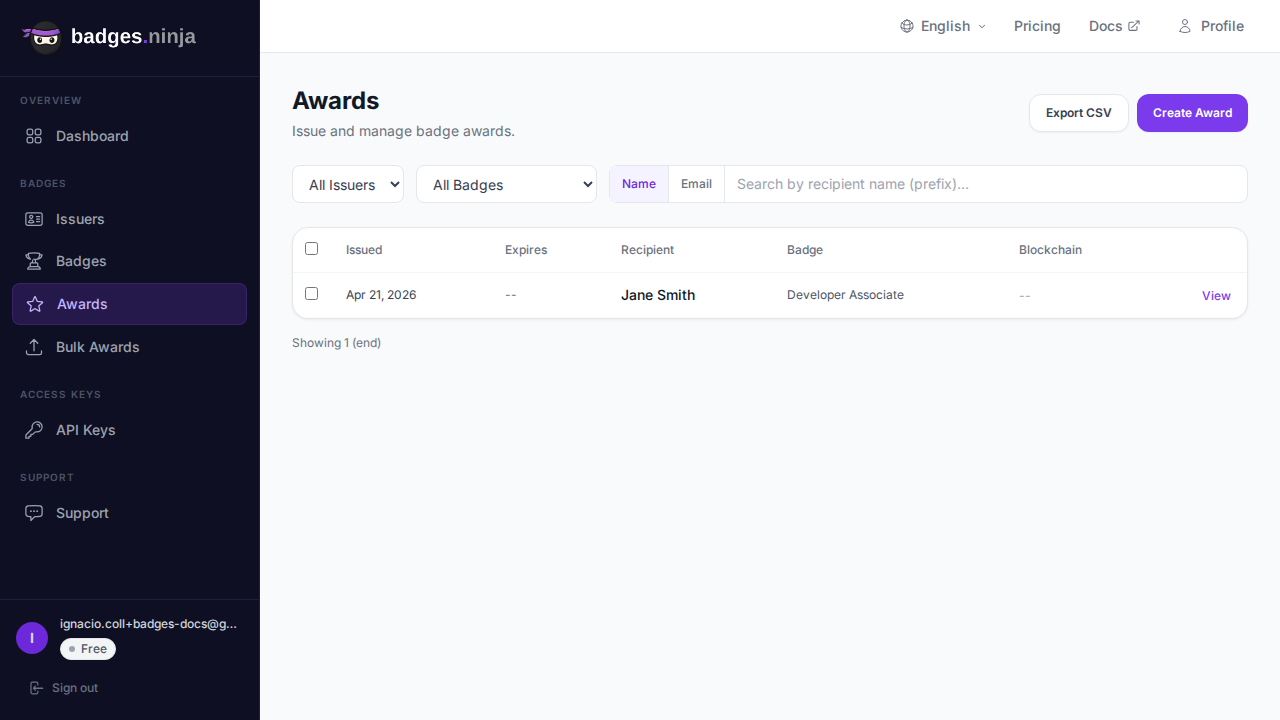
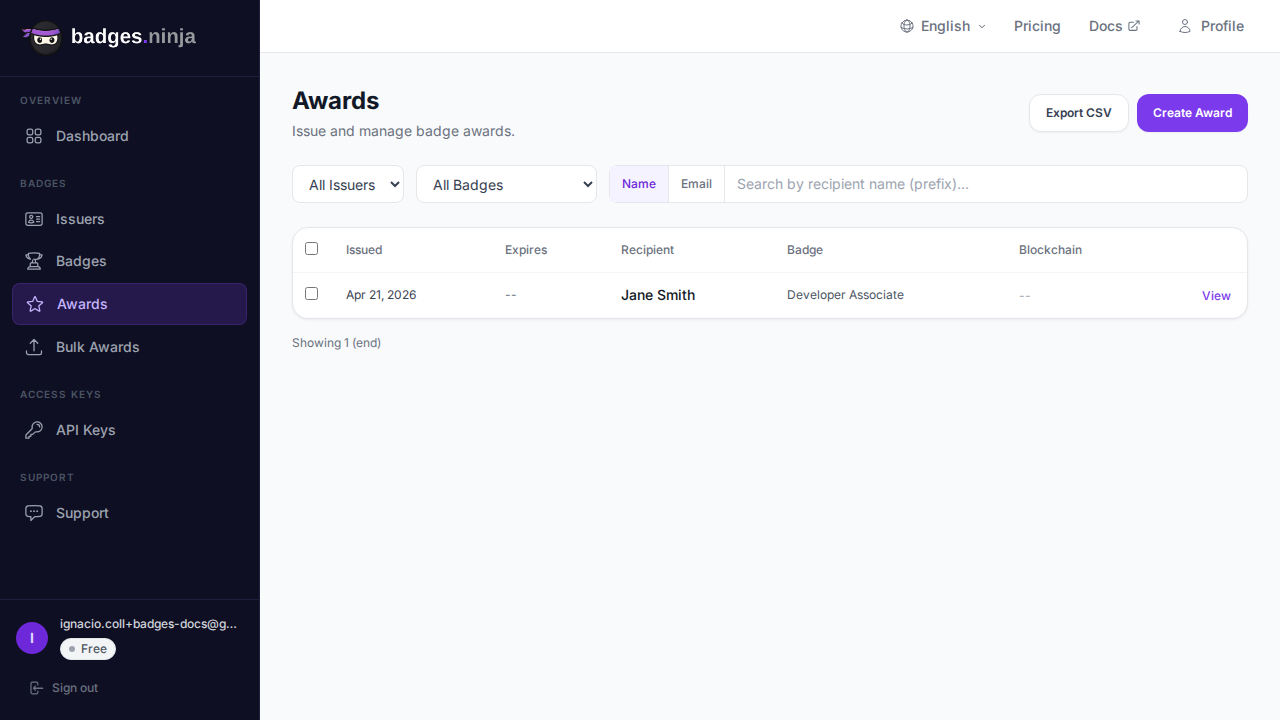
The credentials list shows all credentials you have issued. You can:
Each row shows the issue date, expiry, recipient name, and badge name, plus a checkbox for bulk selection and a View link. Revoked credentials show a red Revoked chip next to the recipient. Click a row (or View) to open the credential detail modal.
The detail modal shows a hero badge view, the description and criteria, the recipient, engagement stats (views, shares, downloads, LinkedIn adds), and a collapsible Credential identity accordion (credential ID, recipient hash, salt, raw Open Badges JSON). Its actions are:
After creating a credential you can email it to the recipient at any time:
Inside the credential detail modal, click Share via email to open the share sub-modal. Enter one or more recipient emails (comma or space separated, up to 20) and a custom message — they each receive a copy of the badge with a link back to the public verification page. The message is pre-filled from the badge's share text.
Two ways to withdraw a credential:
Revoking keeps the credential record but marks the credential invalid — the public verification page shows it as revoked and it can no longer be shared. Use this when a credential should be withdrawn but you want to preserve the audit trail.
Either way a confirmation dialog lets you add an optional reason and tick Email the recipient that their credential was revoked. Revoking does not refund the credential against your quota.
Revocation shows everywhere the credential is verified: the public verification page, the Open Badges 2.0 hosted assertion, and the Open Badges 3.0 Verifiable Credential (so VC wallets detect it too).
Deleting is a hard delete — the credential record is removed and its public page stops working. This cannot be undone and does not refund the credit. Open the credential and click Delete in the detail modal, then confirm. To keep an audit trail, prefer Revoke instead.
The Export CSV button in the Credentials toolbar downloads the currently displayed (filtered) credentials as a CSV with these columns: Valid From, Valid To, Recipient Name, Issuer Name, Badge Name.
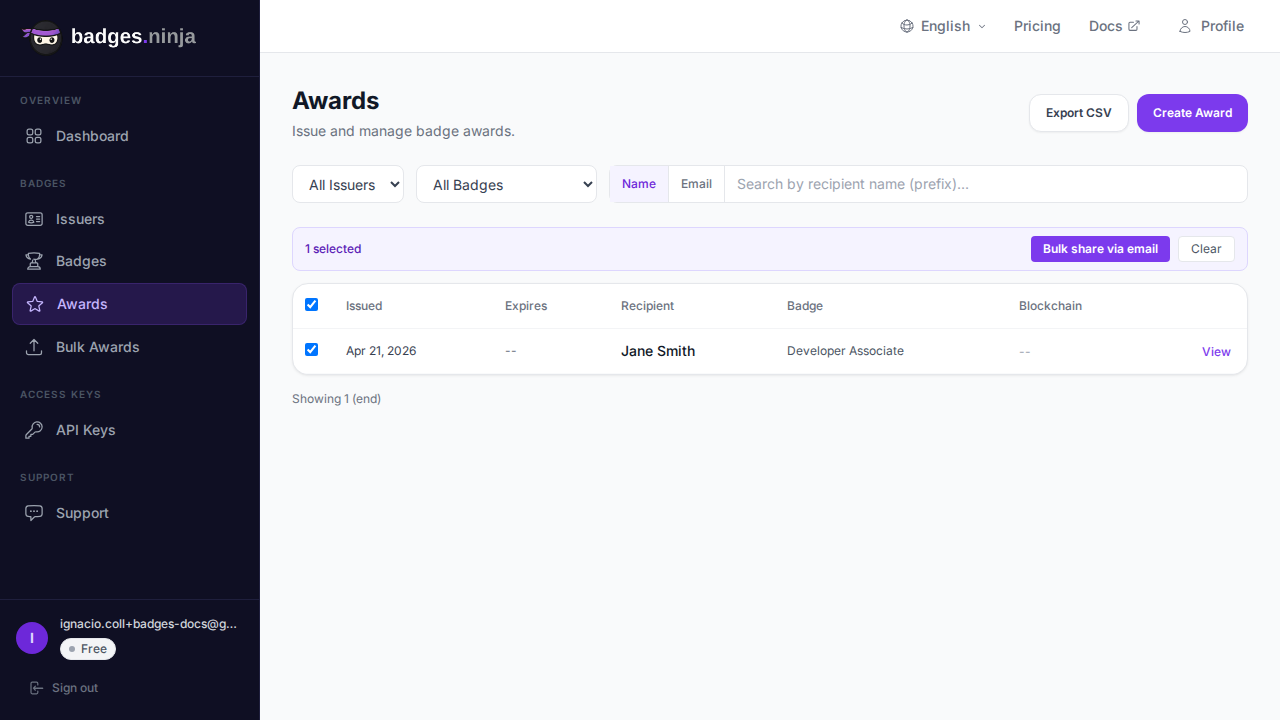
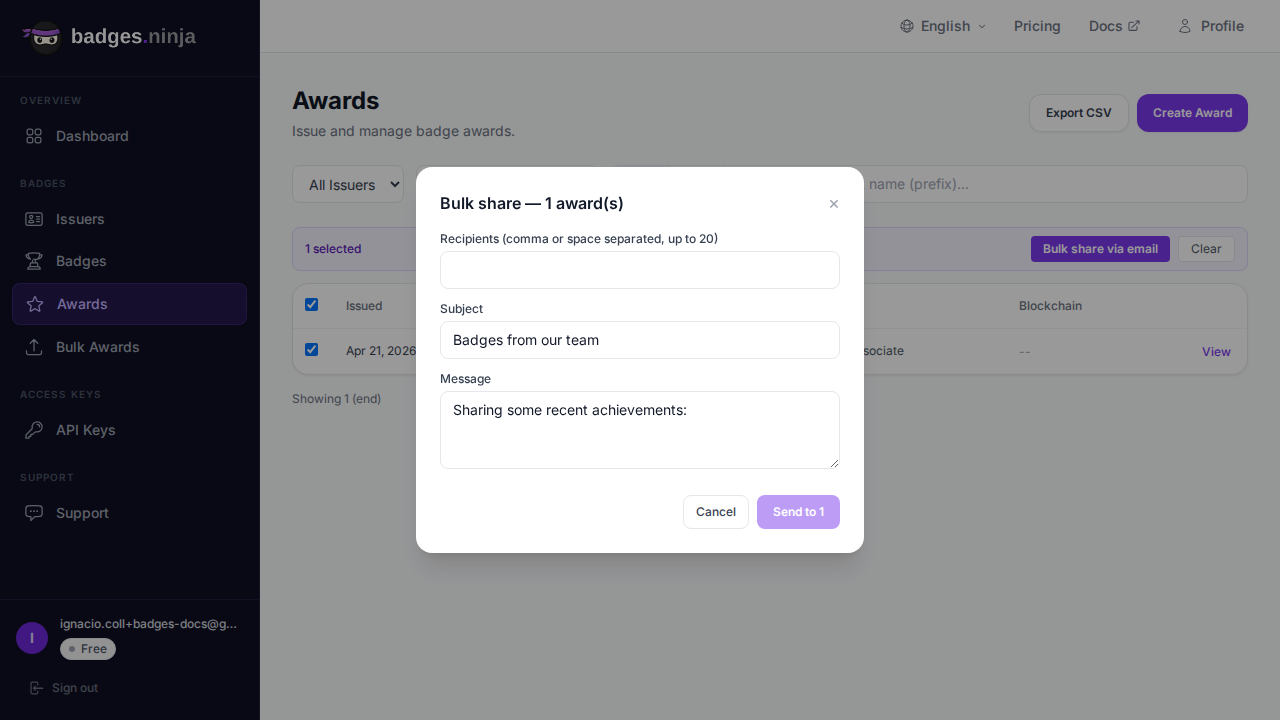
Selecting one or more rows shows a bulk-action bar above the table (the toolbar stays in place). From it you can: