English
English
Appearance


A badge is a credential template that describes an achievement, skill, or certification. Each badge belongs to a verified issuer and can be issued to multiple recipients. Badges follow the Open Badge v2.0 BadgeClass specification.
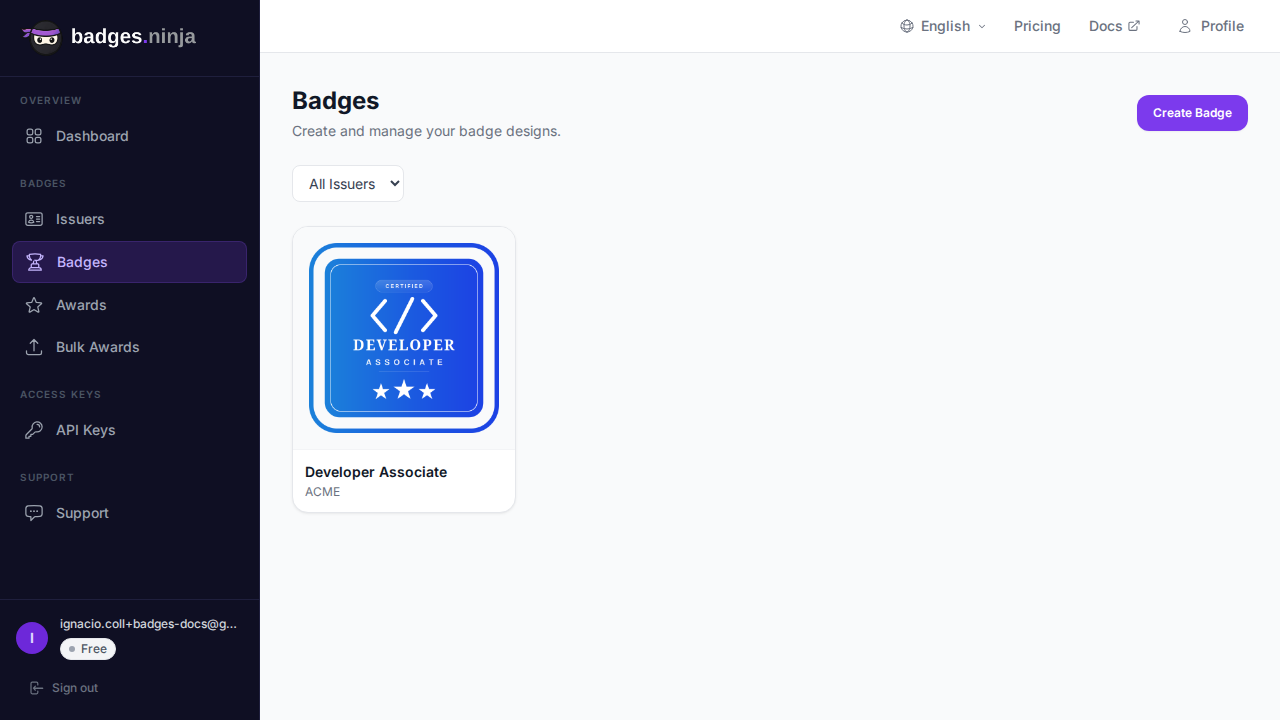
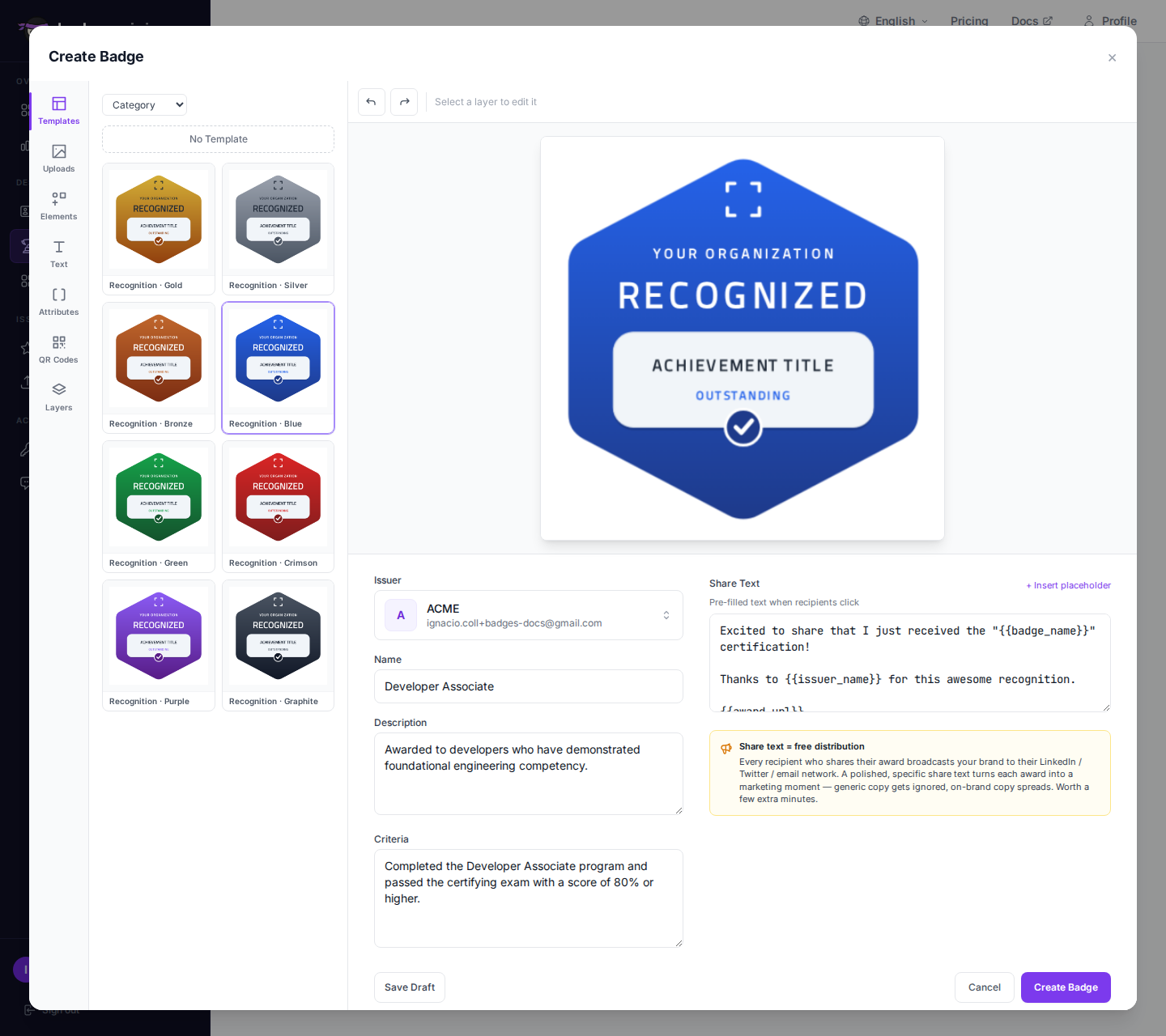 3. Select the issuer that will issue this badge. Only verified issuers are shown. 4. Fill in the required fields:
| Field | Required | Description |
|---|---|---|
| Name | Yes | Badge title (e.g. "Cloud Architecture Certified") |
| Description | Yes | What the badge represents |
| Criteria | Yes | What the recipient did to earn this badge |
| Image | Yes | Badge image — use the Badge Designer or upload your own |
The badge image is uploaded to permanent, CDN-backed hosting. The badge is now ready to be issued.
Click any badge card to open its detail view — the same popup used for editing, so you can inspect and modify in one place:
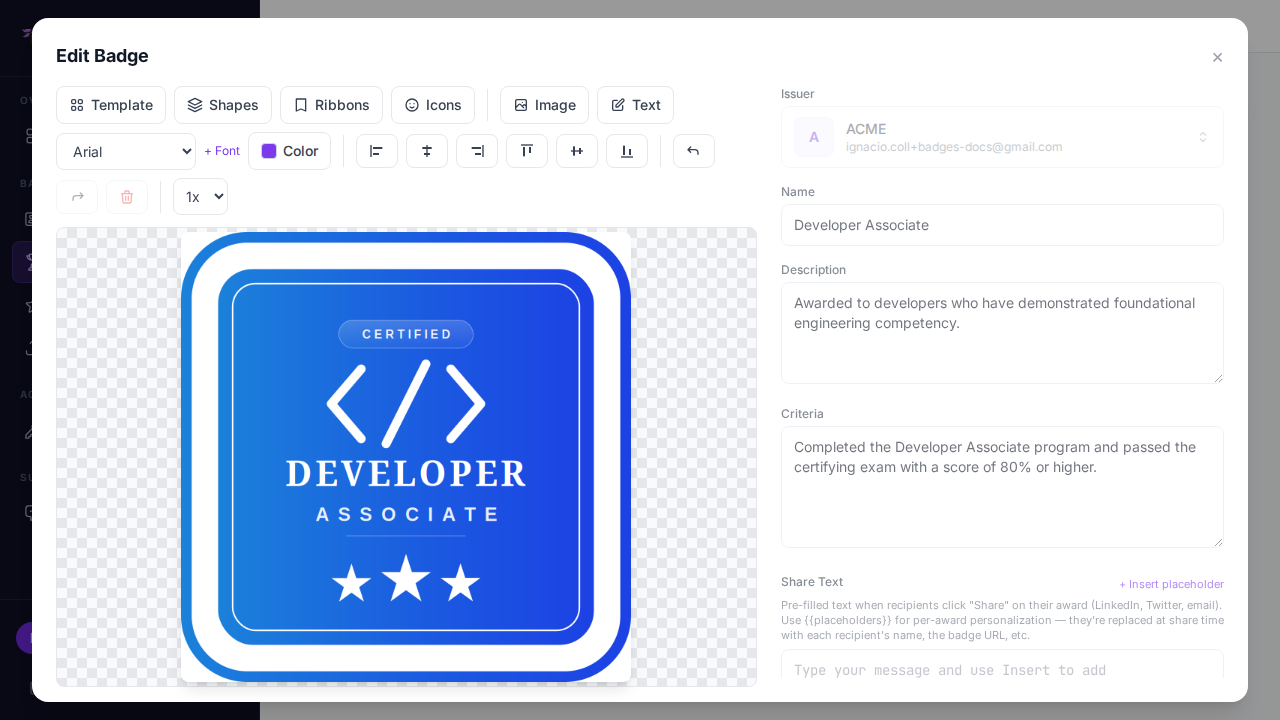
The detail view shows:
Badge create and edit use the same popup, so editing feels exactly like creating:
Badges with credentials are editable too. When a badge already has credentials, the editor opens with an amber banner explaining that your changes apply to future credentials only — every already-issued credential embeds a snapshot of the badge as it was at issue time, so recipients never see a credential change after the fact. (The issuer is locked once a badge exists.)
Every badge has a default share text shown to recipients on the public share page and used as the message pre-filled when they share their credential to LinkedIn, X, Facebook, WhatsApp, Telegram, or email. You can customize it from the same popup as the rest of the badge:
Plain text only — HTML tags are rejected.
Keep it short (around 200 characters) so it fits inside social-media post limits.
The field is seeded with this default template when you create a badge:
Excited to share that I just received the "{{badge_name}}" certification!

Thanks to {{issuer_name}} for this awesome recognition.

{{award_url}}Share text supports tokens that the backend substitutes per recipient at share time (never in the editor). Click + Insert placeholder above the field to drop a token in at the cursor:
| Token | Replaced with |
|---|---|
| The recipient's name |
| The badge name |
| The issuer name |
| The issue date |
| The public credential URL |
When creating a badge, a Reset to default template link restores the seeded text if you've edited it.
A badge can only be deleted if it has no credentials. If credentials exist, the confirmation dialog does not appear — instead an inline red error tells you the badge still has issued credentials and can't be deleted yet. To remove such a badge, first clear its credentials from the Credentials page (revoke or delete each credential), then return here to delete the badge. Or simply leave the badge in place — it costs nothing to keep.