English
English
Appearance


The dashboard is your home screen after signing in. It provides an overview of your account and quick access to all features.
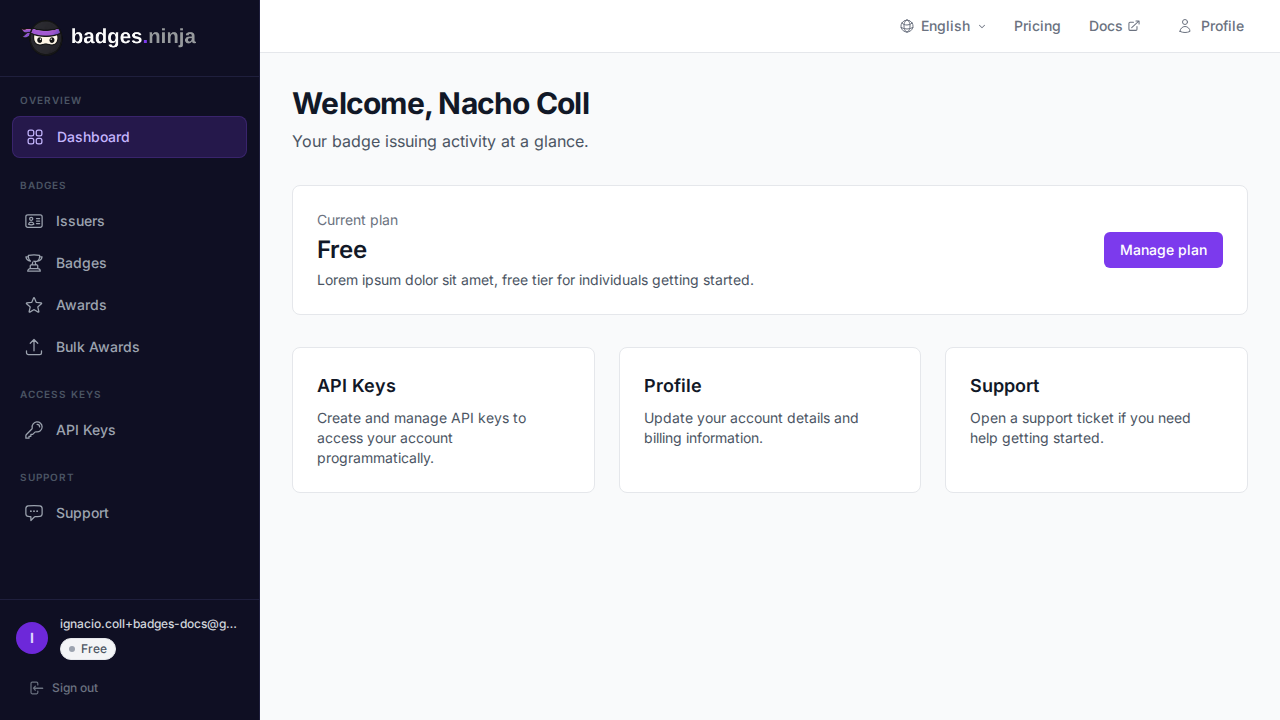
The sidebar on the left is grouped into sections and gives you access to all areas of the platform:
| Section | Menu Item | Description |
|---|---|---|
| Overview | Dashboard | Overview and quick stats |
| Badges | Issuers | Create and manage badge-issuing organizations |
| Badges | Badges | Create and manage badge templates |
| Badges | Credentials | Issue badges to recipients and manage (revoke / delete) them |
| Badges | Bulk credentials | Issue the same badge to many recipients via CSV upload |
| Access Keys | API Keys | Generate API keys for programmatic access |
| Support | Support | Contact support and view ticket history |
Your profile is reached from the account menu (Profile, at /profile), and plan upgrades are handled on the Pricing page opened from the top bar — neither lives in the left sidebar.
From the dashboard you can: